

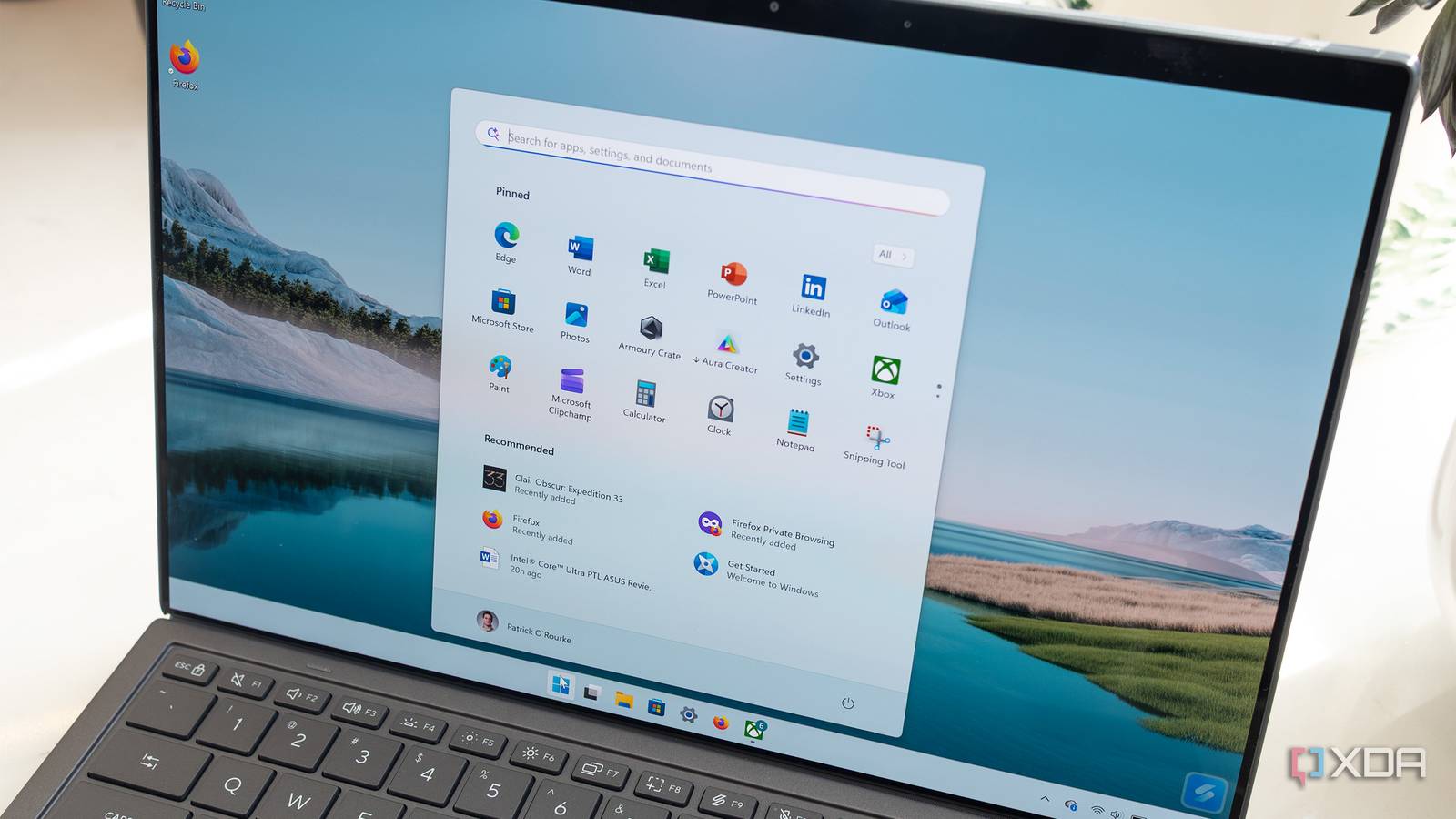
When Windows 11 was released in the preview channels, I was among the early adopters. The iteration in its early days looked promising, particularly the modern UI, though compatibility with older hardware was a concern. Frankly, I liked the centrally-aligned taskbar, the updated Settings app, and even the new File Explorer, and I made my peace with the revamped Start Menu. As for hardware limitations, I soon found out that installing Windows 11 on unsupported hardware was as easy, and there was no major downside to it, as long as the system wasn’t super old.
But as years passed, Microsoft changed too much, especially with its AI push. Recall turned out to be a disaster due to privacy-related fears. Copilot wasn’t a hit either. But that didn’t deter Microsoft from integrating Copilot into almost every part of Windows, from Notepad to File Explorer. Most of the time, these integrations didn’t really streamline workflows for users. Instead, they hampered them. Now that Microsoft has finally admitted its mistakes with Windows 11, I couldn’t have been happier. It’s still not a victory, but an acknowledgment of the fact that pushback does work, even against massive corporations like Microsoft.
Microsoft lost sight of what everyday users really wanted
AI is not the answer to everything
As an everyday Windows 11 user, I believe that changes over the past few years have turned the OS into something no one (or at least the vast majority) really relates to. Let’s start with Notepad. It was once a simple, reliable text-based editor used for quick notes or short write-ups. But with the Copilot integration and a wide array of formatting options, it doesn’t feel familiar anymore. And I wouldn’t have complained had any of it had been useful. If I wanted a ton of formatting, I would go with Word or Google Docs. Notepad’s strength lay in its simplicity, but that’s gone. And if Microsoft was actually serious about it, they should have fixed spellcheck in Notepad, a much bigger issue in my opinion.
Then there’s File Explorer. Adding Copilot to the right-click context menu for files doesn’t really solve anything for everyday users. Summarizing documents and analyzing images is great, but integrating it natively is a bad idea. While many complained about the new context menu in Windows 11, I was among the few who found it more practical. It was uncluttered and included only the basic, frequently used options. But over the last few updates, the number of options just keeps growing, and that’s exactly the opposite of what Microsoft initially planned for Windows 11.
You now see a Copilot button almost everywhere, even in apps like Photos and Paint. These were simple, built-in apps where AI integration is largely pointless. It could benefit a limited set of users, but the vast majority stand to gain nothing.
Frankly, I am not against AI. If used right, it’s great and can really help save a lot of time and effort, even for Windows users. But these features shouldn’t be natively integrated into different parts of Windows or pushed as aggressively. We already have the Copilot app. If someone wants to use it to summarize documents or work with images, they can. Adding a direct option to the context menu just makes it difficult for others. AI can’t be the answer to everything, especially not the reliability and performance concerns users have been raising for years.

8 essential features Windows 11 is still missing
Microsoft needs to do better
Updates were a real pain point on Windows 11
Far too many updates turned out to be a mess

If we look beyond the AI push, there’s very little to be optimistic about at this point. Windows 11’s reliability and performance have taken a major hit, with updates frequently breaking critical Windows functionalities. A recent update even rendered some systems unbootable.
For the last few months, I have been very careful with Windows updates. I disabled automatic updates, and when one was released, I usually waited at least a week before installing it. That gave me the time to check whether the update introduced any instability for others. Ideally, this shouldn’t have been the case, and it has eroded trust in Microsoft and Windows 11. Some who upgraded to Windows 11 after Windows 10’s end of support quickly rolled back, prioritizing reliability over security. And that’s on Microsoft.
Don’t get too excited about the changes, at least for now
Things might not turn out the way we want

As encouraging as this reevaluation of Windows 11 sounds, I am not entirely confident that it will address every pain point. While Microsoft is focusing on performance, reliability, and user experience, don’t expect Windows 11 to take a completely different direction or to give up on AI. Microsoft is spending billions on its AI infrastructure, so that’s likely not going anywhere.
What we might see is some scaling back of Copilot integration, improved performance, and a more thorough vetting of Windows updates before they are pushed to systems. One thing is clear: Microsoft is now rebuilding lost trust with people. How it approaches that remains to be seen, but it shouldn’t take long.

7 design flaws in Windows 11 Microsoft still hasn’t fixed
What are we waiting for?
Microsoft should prioritize user experience over the AI push
Because alternatives exist and users don’t mind switching at this point
Windows 11 hitting a billion users made more news than all the complaints surrounding the OS, and that’s where, I believe, Microsoft went wrong. An OS could be problematic, yet see adoption because users are forced to upgrade. But that doesn’t mean that the trend will sustain in the long run. People are now aware of the options, with many exploring macOS or even Linux as alternatives to Windows. So, the course correction by Microsoft should take into account the issues that triggered this switch and what other operating systems are doing right. Because in the end, Windows is about users and should remain user-centric. If not, people will look elsewhere.
