

I’m not a huge fan of a Pro Max-sized phone because of how uncomfortable it feels in my hands. I don’t think there are any other major downsides to those phones.
If anyone can make amends with it, a bigger screen size has plenty of benefits. The biggest of them all is a better reading experience, provided the display and the software offer all the other necessary features.
None of my phones has a display bigger than 6.3 inches, which is what you get on “regular” models. Despite that, I enjoy reading articles, including the long-form ones, on my phone.
I didn’t force myself to enjoy it. Instead, I started using a well-known feature that you would find easily on almost all Android web browsers.
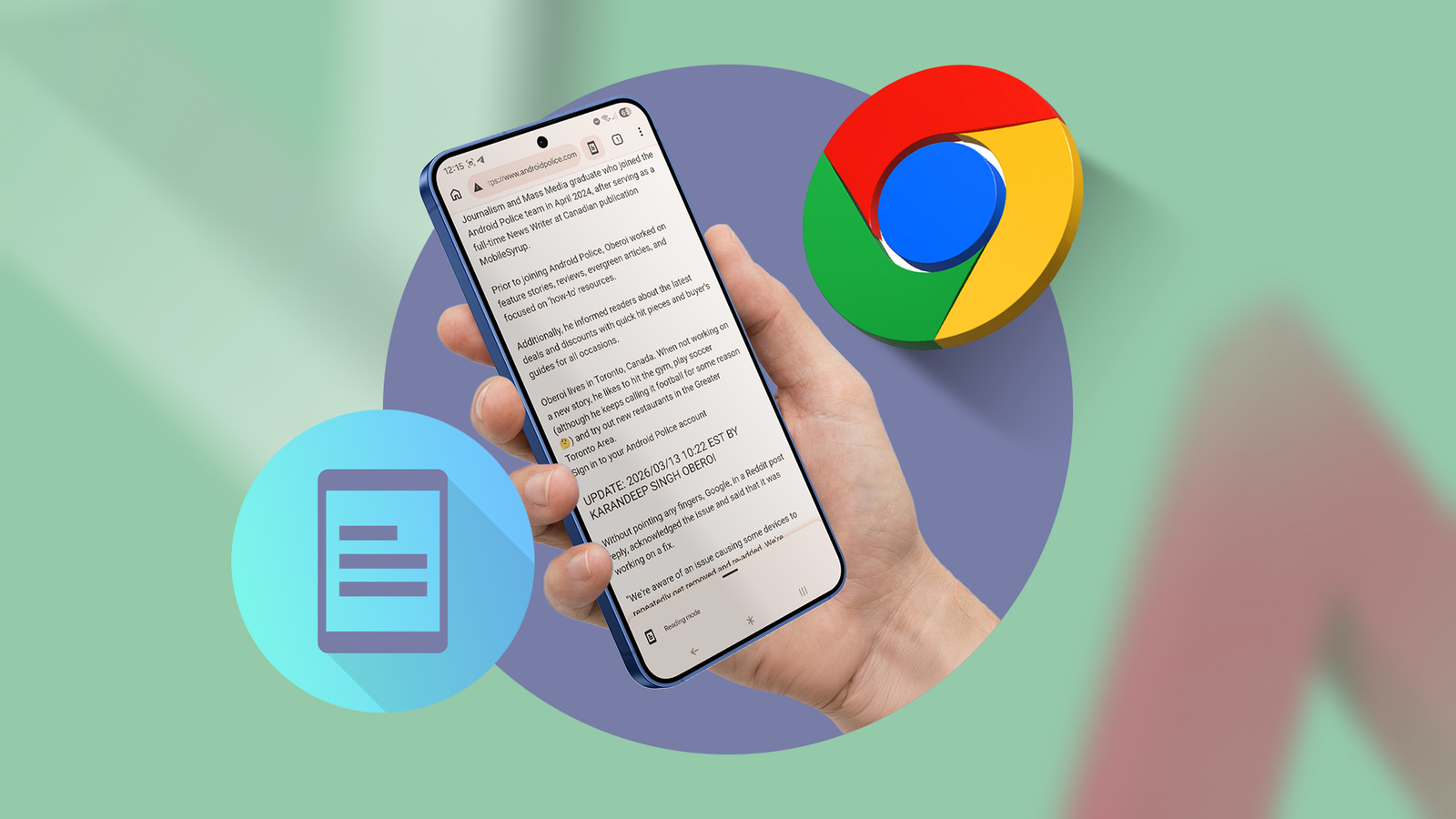
I recently started using Reading mode on Chrome on two of my Android phones, and I started enjoying reading long-form articles without squinting.

I hacked my phone into a distraction-free e-reader (so I’d finally read instead of scroll)
Rebuilding my phone into something closer to a Kindle
Reading mode is the best way to enjoy reading on your phone

It’s been several months since I switched from Microsoft Edge to Google Chrome as my default web browser on all my Android phones.
I have many reasons to continue using it as my daily driver in the future. One of them is the easily accessible Reading mode in Chrome.
The biggest advantage of Reading mode is that it allows you to quickly increase the font size. This means less eye strain, so your eyes don’t have to work hard to help you read.
Bigger fonts help because they make the line shorter, making it easier for your eyes to jump to the next line.
I prefer increasing the font size through Reading mode because I don’t want to change my phone’s system font size. Plus, it has multiple other handy features that improve reading.
Reading mode also removes pretty much everything that can cause distractions when you read. You only see the text and images in the article.
This further reduces visual fatigue, allowing you to read on your phone for longer without squinting.
When you enable Reading mode on your browser, it’ll remove ads, sidebars, pop-ups, and auto-playing videos. You also get better spacing between lines and more readable fonts.
I read all the long-form articles in Reading mode, with a slightly bigger font size than the default option and Light or Sepia background.
They all play a pivotal role in minimizing the visual clutter and making my eyes relax, thus improving my reading experience on my phone.
I follow a few more steps to enjoy reading on my phone


Reading doesn’t always have to be through web browsers. I read plenty of social media posts every day, including the long ones on X.
When I read social media at night in a dark room, I usually switch to dark mode.
However, a dark background with white text isn’t the best combo for reading long-form articles, no matter when you read them.
I prefer reading them during the daytime, but it doesn’t always happen like that.
To keep my eyes comfortable, I limit the blue light emission by tweaking a small feature that’s available on pretty much every Android phone.
Regardless of the Android skin you use, this is usually available in the Display settings on Android phones.
On my Galaxy S21, the feature is known as the Eye comfort shield. On the Motorola Edge 50 Neo, it’s available as Night light under the Display settings.
They all do the same thing: limit blue light and use warmer colors. You can further tweak it and ensure that it automatically adjusts the screen’s colors based on the time of day.
This also comes in handy when I’m reading a long-form article in a web browser in Reading mode.
I don’t need to enable Night light or Eye comfort shield separately to enjoy reading long-form pieces at night after entering Reading mode.
I can’t wait to try a bigger phone with Reading mode

I never read articles using Reading mode despite all its benefits. I regret not using it on my OnePlus 7 Pro, which features a huge 6.67-inch screen.
I no longer have the handset with me, as I gave it to my brother after I broke its display.
But after trying Reading mode for the first time, I’m excited to see what the experience is like on a bigger phone.
My current stance about phones with an almost 7-inch display won’t change, but I might end up buying one to enjoy reading if the experience turns out to be that good.
I’ll never read long-form pieces without Reading mode again
Web browsers don’t automatically enter Reading mode when you read a long-form article. So, it wasn’t easy for me to develop muscle memory.
After using it for months, I never forget to switch to the Reading mode whenever I read articles on my phone.
After seeing its impact on my reading, I don’t want to go back and read on my phone the old way.
