

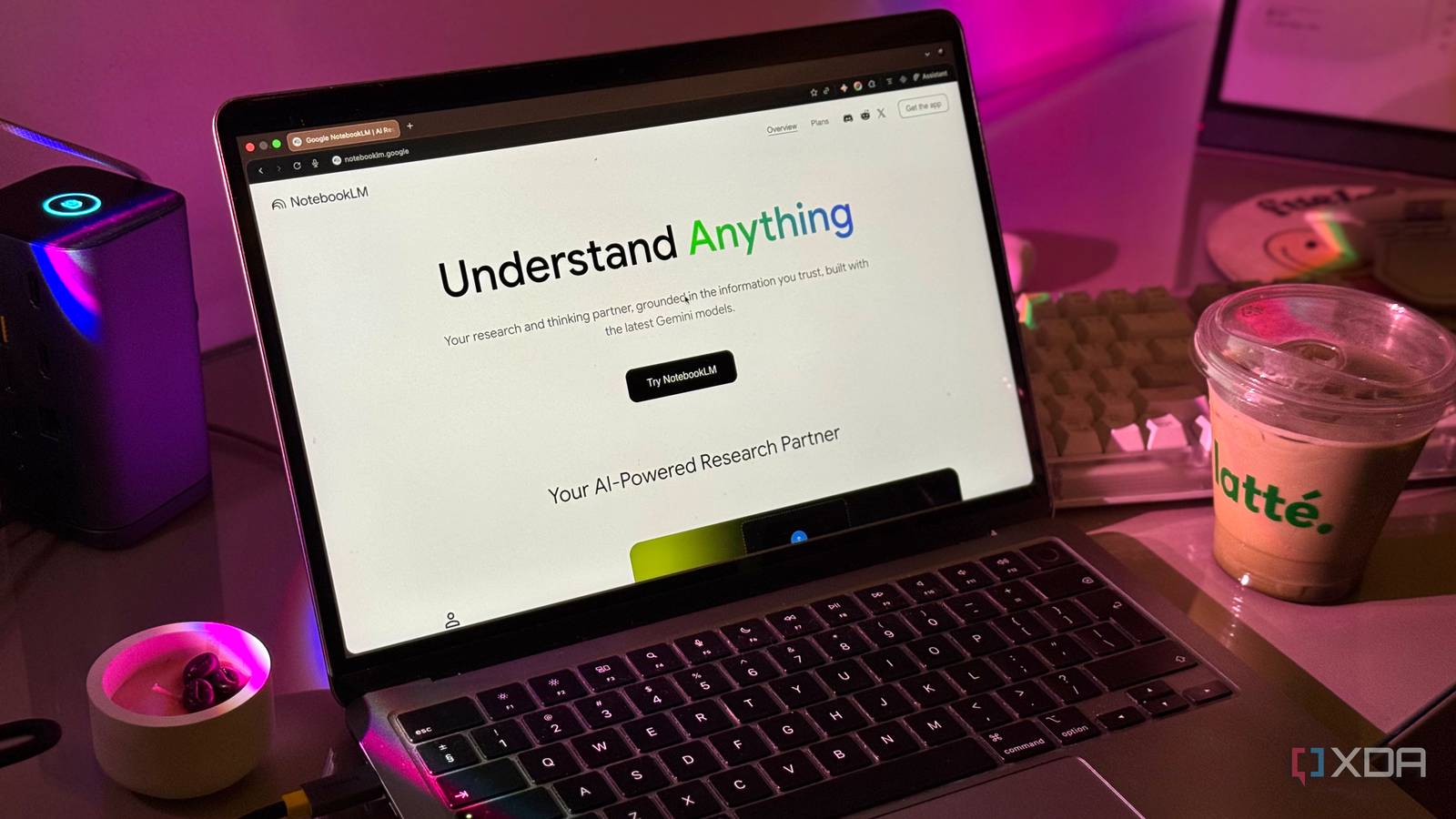
I treated NotebookLM like just another AI sandbox – a place to dump a few PDFs and glance over at the summaries. I thought I was using it, but in reality, I was just scratching the surface of a tool I didn’t actually understand.
But instead of walking away, I decided to overhaul my entire approach to source grounding and note organization. Now, I have finally landed on a system that transforms NotebookLM from a digital junk drawer into a true personalized search engine.

I replaced my complex note-taking workflow with a single NotebookLM instance, and it’s been a game changer
This single tool transformed my note-taking
Deselect sources
Speed up the process

In my early days with NotebookLM, I would treat a notebook like a digital landfill. I would dump in twenty different PDFs, long-form YouTube transcripts, and a dozen web links.
I thought that more data equalled a smarter AI. I would make sure every single box was checked, hit the prompt bar, and then wonder why the responses felt slow.
I thought I was giving the AI a massive brain to work with, but I was actually just giving it a massive amount of noise to filter through. The breakthrough came when I realized the power of the selective toggle.
Now, my workflow is much more precise. Even if I have thirty sources in a notebook for a complex project, I rarely have more than three or four selected at a time.
If I’m writing a section about ‘Performance Benchmarks,’ I deselect ‘Marketing Strategy’ and ‘User Feedback’ documents. The result of this ‘Less is More’ approach was immediate.
Now, the AI doesn’t have to parse through 100,000 words to find one specific data point. It’s snappy and direct. The citations also become much more manageable.
Be specific with questions
It’s not a chatbot
Coming from months of using ChatGPT and Gemini, I had been conditioned to treat every AI text box like a search engine.
I would jump into a notebook and ask broad questions and expect the AI to pull from its vast training data to give me an answer.
I realized I was using it wrong when I started getting generic fluff. I stopped viewing it as an ‘AI that knows everything’ and started viewing it as a ‘private expert on my specific data.’
Thanks to better and focused prompts, NotebookLM finally became the precision research engine it was meant to be.
Customize NotebookLM features
Get the best out of them

One of the biggest mistakes I made early on was treating the Studio features like a ‘black box’ – I would click ‘Generate’ and just hope for the best.
I finally stopped settling for the default outputs when I discovered that almost every feature has a pencil icon hidden right next to it. Now, my process is simple: never click generate without clicking that pencil first.
For example, in Audio Overviews, I used to get long 10-minute deep dives that covered everything. Now, I use the custom instructions to narrow the scope.
If I’m on a quick coffee break, I set the length to Shorter. If I’m commuting, I go for Longer. I can also ask it to focus on a specific aspect. For instance, I prompt the AI hosts to ‘Focus exclusively on the pricing models and ignore the technical architecture.’
It turns a generic summary into a targeted briefing. The same goes for when I’m generating video overviews or creating infographics with minute details.
The lesson I learned the hard way: if you aren’t clicking that pencil icon, you are letting the AI decide your narrative. A few seconds of tweaking the complexity and focus is the difference between a generic AI summary and a professional output.

5 NotebookLM tips I use to supercharge my productivity
Enjoy efficient knowledge management
Use the ‘Save to Note’ feature
Avoid copy-pasting the AI summary

After using NotebookLM for a while, I realized that when you let the AI have the final word, the output loses that personal touch.
Now, I have stopped copy-pasting raw responses into my CMS. Instead, I use the ‘Save to Note’ feature. I will generate three or four different perspectives on a topic, save them all as notes, and then manually synthesize them.
This lets me ensure that the technical accuracy is 100% – especially important when I’m explaining something complex like Docker networking or privacy-first apps.
AI is great at facts, but it’s terrible at opinion. Once the AI gives me the data, I go back in and add the personal touch to the story. That’s the human element that the AI can’t simulate.
NotebookLM is now 10x more powerful
Productivity is all about building the perfect system around your preferred tool. NotebookLM is a generational shift in how we process information, but it requires a shift in our own habits to match.
If you are new to NotebookLM, make sure to follow my setup to get the best out of it. And if you are an existing user, clear out your old notebooks, reorganize your primary sources, and try this setup for just one week.
