
Close Menu
    Facebook X (Twitter) Instagram
    Wifi PortalWifi Portal
    • Blogging
    • SEO & Digital Marketing
    • WiFi / Internet & Networking
    • Cybersecurity
    • Tech Tools & Mobile / Apps
    • Privacy & Online Earning
    Facebook X (Twitter) Instagram
    Wifi PortalWifi Portal
    Home»Tech Tools & Mobile / Apps»How to Customize Your Calling Card on Android
    Tech Tools & Mobile / Apps

    How to Customize Your Calling Card on Android

    adminBy adminMarch 4, 2026No Comments2 Mins Read
    Facebook Twitter LinkedIn Telegram Pinterest Tumblr Reddit WhatsApp Email
    How to Customize Your Calling Card on Android
    Share
    Facebook Twitter LinkedIn Pinterest Email


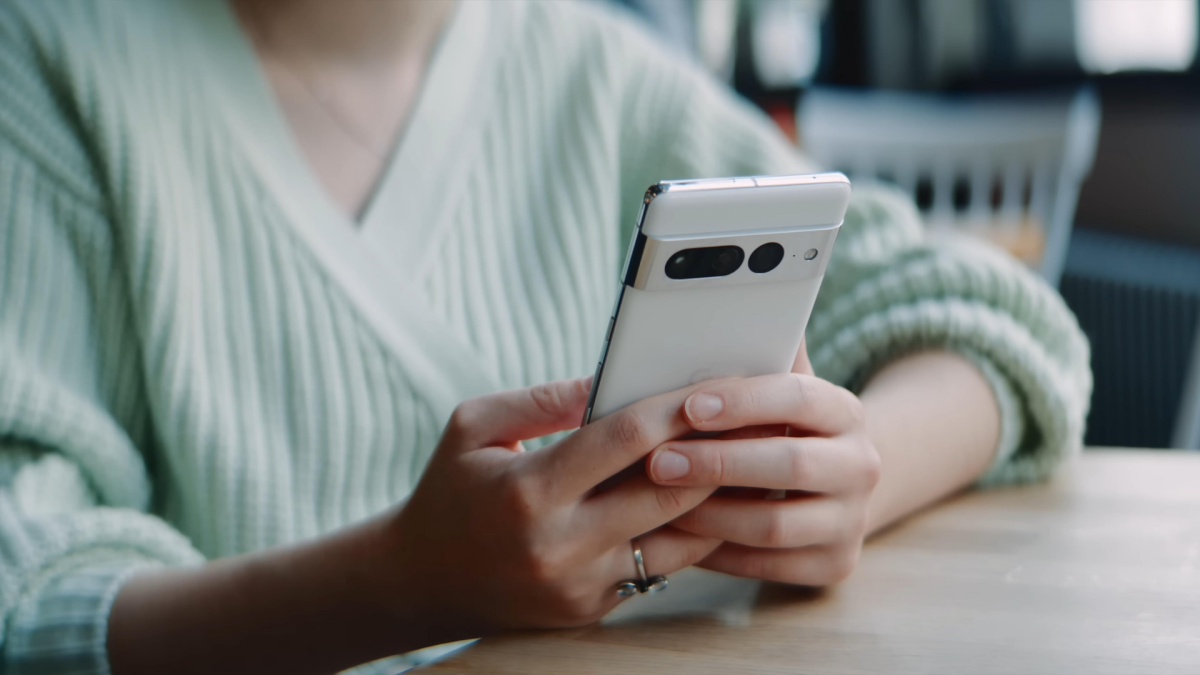
    If you’re an Android user, you can now design what shows up on your contacts’ caller ID when you make calls in the Google Phone app. The Calling Cards feature is getting an upgrade that brings it more in line with Apple’s customizable Contact Poster on iOS.

    Google’s Calling Cards update

    Google first introduced Calling Cards for the Google Phone app last year, which allowed users to manually create full-screen calling cards for individual contacts with photos and customizable text. The feature was originally designed to have these cards show up on your device when contacts call you, but it didn’t allow you to create your own card to broadcast when you call other users.

    Now, you’ll be able to select a photo and add text with customizable fonts and font colors for your own personal Calling Card. Recipients will see your card when you call them—and you can choose whether to send your calling card to everyone or just those in your contacts.

    Once the update is rolled out to your device, you should see a pop-up on the Home tab in Google Phone prompting you to “Create your calling card.” Tap Get Started to link your Google Account. You’ll then be able to select a photo and add text as well as enable who will receive your calling card. Note that you can always edit or remove your customized calling card under Settings > Calling card.


    What do you think so far?

    Again, Apple users have been able to send a custom calling card to other iPhone users since the launch of iOS 17. The Contact Poster feature has even more design options, including photos, Memojis, and Monograms plus customizable text and backgrounds.

    Android Calling Card customize
    Share. Facebook Twitter Pinterest LinkedIn Tumblr Telegram Email
    Previous ArticleRansomware is now less about malware and more about impersonation
    Next Article 10 gates that decide whether you win the recommendation
    admin
    • Website

    Related Posts

    Grab the Amazon Fire TV Stick 4K Select at its cheapest price

    March 4, 2026

    After a 15-year hiatus, Guy Ritchie returns to the Sherlock Holmes universe with a new adventure

    March 3, 2026

    I cleared my Windows 11 cache and the difference was immediate

    March 3, 2026
    Add A Comment
    Leave A Reply Cancel Reply

    Search Blog
    About
    About

    At WifiPortal.tech, we share simple, easy-to-follow guides on cybersecurity, online privacy, and digital opportunities. Our goal is to help everyday users browse safely, protect personal data, and explore smart ways to earn online. Whether you’re new to the digital world or looking to strengthen your online knowledge, our content is here to keep you informed and secure.

    Trending Blogs

    The 3 Steps CISOs Must Follow

    March 4, 2026

    March 2026 (earn up to $3,000)

    March 4, 2026

    Grab the Amazon Fire TV Stick 4K Select at its cheapest price

    March 4, 2026

    Coruna: Spy-grade iOS exploit kit powering financial crime

    March 4, 2026
    Categories
    • Blogging (32)
    • Cybersecurity (587)
    • Privacy & Online Earning (86)
    • SEO & Digital Marketing (368)
    • Tech Tools & Mobile / Apps (723)
    • WiFi / Internet & Networking (104)

    Subscribe to Updates

    Stay updated with the latest tips on cybersecurity, online privacy, and digital opportunities straight to your inbox.

    WifiPortal.tech is a blogging platform focused on cybersecurity, online privacy, and digital opportunities. We share easy-to-follow guides, tips, and resources to help you stay safe online and explore new ways of working in the digital world.

    Our Picks

    The 3 Steps CISOs Must Follow

    March 4, 2026

    March 2026 (earn up to $3,000)

    March 4, 2026

    Grab the Amazon Fire TV Stick 4K Select at its cheapest price

    March 4, 2026
    Most Popular
    • The 3 Steps CISOs Must Follow
    • March 2026 (earn up to $3,000)
    • Grab the Amazon Fire TV Stick 4K Select at its cheapest price
    • Coruna: Spy-grade iOS exploit kit powering financial crime
    • 10 gates that decide whether you win the recommendation
    • How to Customize Your Calling Card on Android
    • Ransomware is now less about malware and more about impersonation
    • How to Use AI for Graphic Design
    © 2026 WifiPortal.tech. Designed by WifiPortal.tech.
    • Home
    • About Us
    • Contact Us
    • Privacy Policy
    • Terms and Conditions
    • Disclaimer

    Type above and press Enter to search. Press Esc to cancel.