

For most people, a phone is just that — a phone. It’s a tool to make calls, stay connected through texts and social media, maybe be a little productive, or a way to kill time through streaming or games.
But for all those relatively straightforward uses, modern phones have a plethora of sensors hidden right under the hood. These sensors are fully capable of reading the world around you.
They are used in apps for smoother interactions, but after you give them a deeper look, you realize that they can be used for several other purposes.
I knew some of these, and others I discovered over time.
But there’s no getting around the fact that your phone’s hidden sensors are fully capable of somewhat unorthodox uses that you probably haven’t come across yet.
And yes, that includes using them to fix things around your home.
Here are a few of the ways I use the hidden sensors on my phones to turn it into a little toolbox for fixing things around my home.

Smartphone sensors: An A-Z guide on your phone’s many sensors
How your phone knows it’s in landscape mode
Why I use my phone instead of a spirit tool
Some of the most used sensors on my phone are the ones that track motion and orientation.
Accelerometers and gyrometers, for example, are tablestakes in any smartphone. They are used to tell you when the phone is pointing upwards, how fast it is moving, and in what direction it’s being rotated.
Most people aren’t really aware of these sensors, and only see them in action when a phone is rotated from portrait to landscape. But they have other uses.
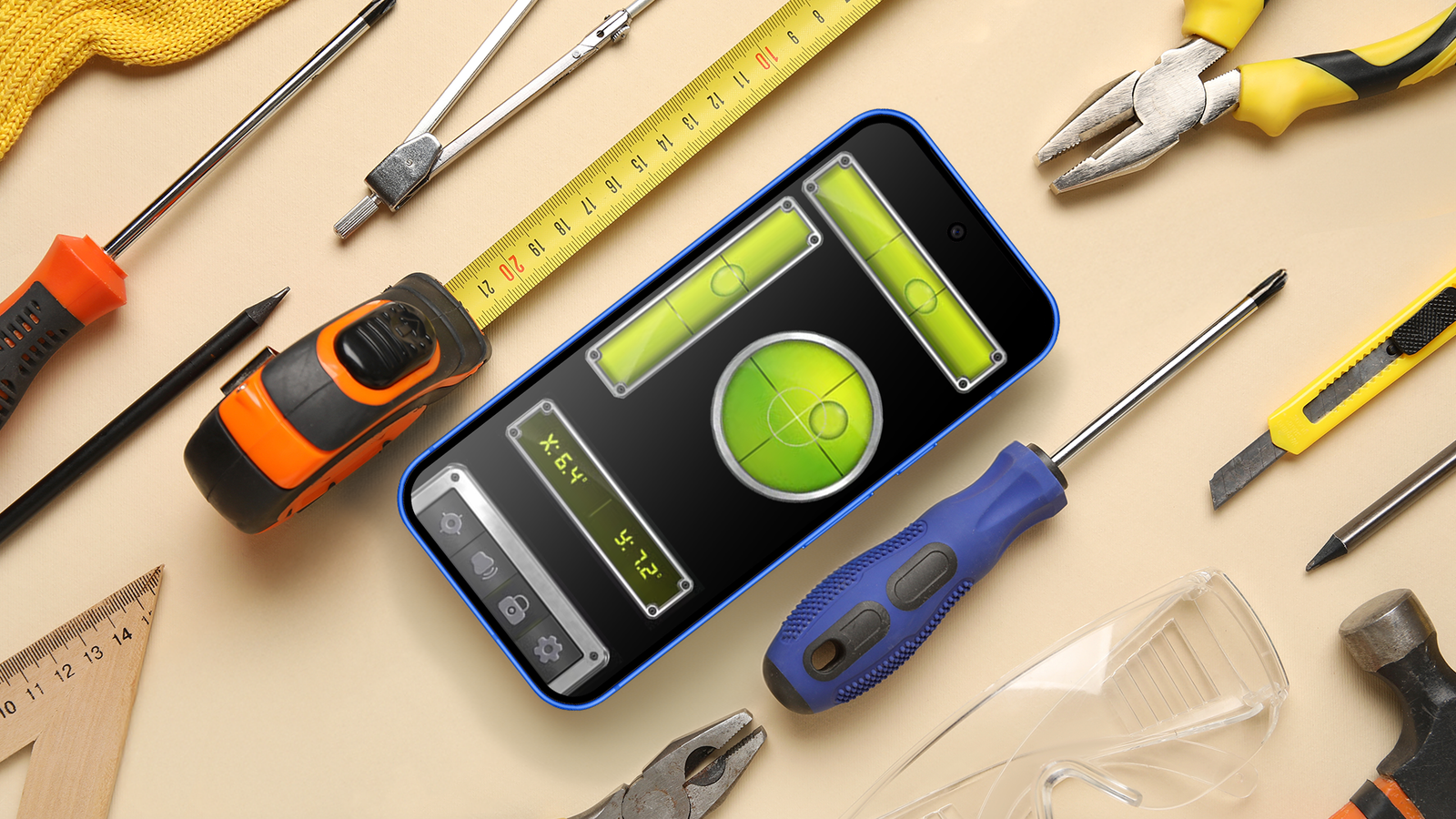
For example, I use sensors as a level tool. Be it hanging frames, mirror or shelves, or my favorite concert posters, eyeballing things never really works out.
Sure, I could just get a level tool, but for some reason, I can never find it when I need it. That’s where the gyroscope comes in handy for checking if something is straight and level.
I just pop open one of many apps on the Play Store, and I see the phone react in real time, which makes small adjustments easy.
Similarly, the compass inside your phone powered by the magnetometer offers a lot of flexibility.
If you’re looking to drill a hole for mounting something, you can move your phone across the surface of the wall. Changes in the magnetic readings can indicate metal stud points.
While it won’t give you absolutely perfect positioning, it’ll certainly point you in the right direction.
The reason why I rely so much on these sensors is simple. They are always on hand.
While you could always get tools, or dig out the tools in your shed, the point is that for small tasks on a day-to-day basis, your phone has a whole host of sensors that can replicate that functionality with a sufficient degree of accuracy.
Use the ambient light sensor to reduce eye strain
Check your ambient noise levels while you’re at it

In addition to the gyroscope and magnetometer, there’s another set of sensors that I use much more than I expected. I’m talking about the ambient light sensors.
While in everyday use, the ambient light sensor is used to adjust your screen’s brightness, it can also be used to figure out how bright a space actually is.
It’s a bit of a niche use case, but you can use the feature to estimate the brightness levels of a lamp if you’re setting up a new desk.
I’ve used it often while rearranging my desk to gauge if I’m getting enough light to avoid eye strain.
Similarly, you can use the microphone built into your phone to gauge audio levels.
For example, if you are at a concert, or even just blasting out music loud, the decibel meter on your phone can tell you if it’s too loud and if you should either turn down the volume, or at least put on some earplugs.
A different way to think about your phone
None of these features entirely replace proper tools when you really need them.
The sensors aren’t purpose built for the job and can only approximate it.
A phone won’t substitute a drill or bad craftsmanship, but it reduces the friction between having to go look up tools and just being able to get the job done in the moment.
It also helps you make better decisions in the moment. Like when hanging up something, I’d usually eyeball it and make a mistake, mostly because I’d be too lazy to go look up the level tool.
With the phone in hand, I’m able to get it right immediately and make sure that I don’t do a bad job.
Additionally, I like how I’ve stopped thinking of a phone as just a phone. It’s become a tool for real work and when you realize that, you keep reaching out for it when you need a tool of some sort around the house.
The best part is that all of this is already built into your phone. You’ve paid for it without even realizing it. All it takes is paying attention and being curious enough to give it a shot.
