


I have a lot of storage for my Plex server—over 60TB, actually. However, even I sometimes run into space issues and have to find ways to free up hard drive storage without deleting things. That’s where Tdarr comes in, and here’s how I used it to free up over 7TB of space on my server.
I used Tdarr to optimize my movie and TV show files
Who knew I was wasting so much space?

Several months ago, I tried to set up Unmanic to convert my larger movies and TV shows to smaller, more compact files. It seemed easy on the surface, but the setup I had (using remote nodes) pushed me away. Eventually, I gave up—until I found Tdarr.
Tdarr was actually quite easy to set up and worked well with remote nodes, which was essential for my setup. I had quite a large library for Tdarr to process, and the desktop I had it running on with an i9-13900K wasn’t going to cut it to process the media quickly.
I actually used Google’s Gemini to help me optimize the commands and it worked quite well. I had to tweak things as time went on, but overall, I was very happy with the process.
I used two systems to do the optimization: my i9-13900K desktop (with Tdarr using the iGPU) and my gaming desktop with an RTX 3080. For both systems, I had the same workflow: filter by bitrate (to ignore any movie above 4,000Kb/s and TV shows below 2,500Kb/s), remux (to mp4), clean audio streams, and then two ffmpeg scripts (one for Intel and one for NVIDIA), and finally a new file size check (to make sure the new file size was actually smaller).
Setting up Tdarr in this way saved me over 7TB of storage space on my server without deleting a single file. Tdarr processed 23,956 files, but only transcoded 5,466 files. It was pretty crazy to watch the number grow to the point of almost freeing up an entire 8TB hard drive.
Tdarr isn’t without its faults or flaws
Not every transcode was flawless

I ran into quite a few transcoding headaches during the process of using Tdarr. There were times when files would skip because there was a stray audio track, or the subtitles were embedded incorrectly (or the hardware couldn’t handle the embedded subtitles at all).
I spent several hours across a few weeks tuning the ffmpeg scripts. Little changes every now and then, and sometimes having to change the plugin flow entirely, before everything worked the way that I wanted it to.
In total, Tdarr took about three weeks to process everything I had it working through. This included a lot of downtime when things failed and I couldn’t immediately jump in and fix it. But, that’s a small price to pay for such big space savings.
Now, the downtime and tuning of the scripts wasn’t the only flaw that I ran into with Tdarr. So far, I’ve only uncovered one transcoded file that was corrupted and I had to re-rip the content to the server and manually transcode it. However, I’m sure I’ll uncover more as time goes on.
I also content that I’m not watching regularly
Haven’t watched in six months? Time to delete
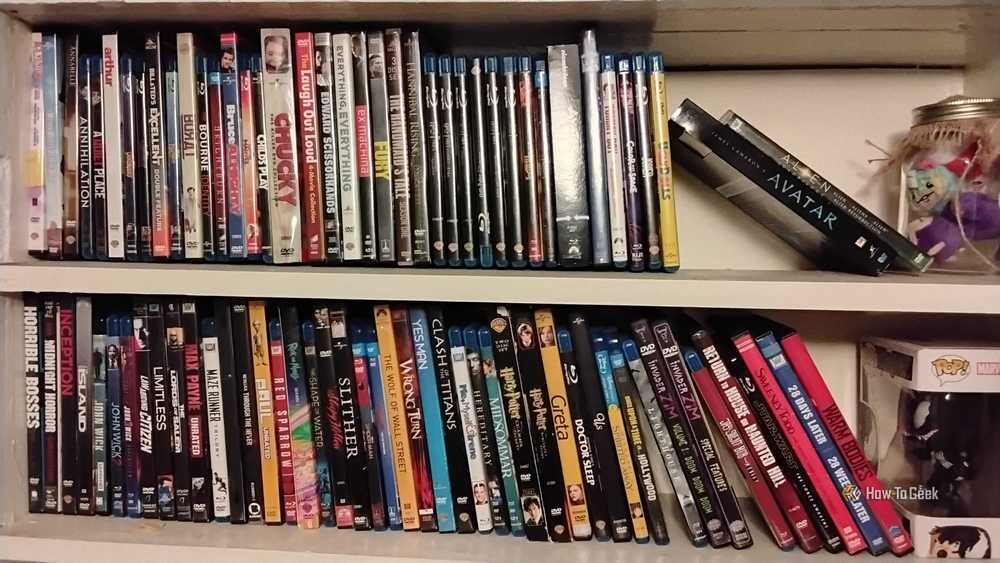
Tdarr alone saved me over 7TB of storage, but that’s not the only way that I optimize my Plex server so I’m not constantly buying new hard drives. While I don’t keep tabs of every single time I watch something (though I am working on building an app for that), if I start to run low on storage and need to free up some space, I’ll typically browse my TV show library to see what the least watched series is and how much space it takes up.
You’d be surprised what some old TV shows take up for space. Monk, one of my wife’s favorite series that I bought long ago and ripped, takes up nearly 600GB of space. JAG, an even older show, takes up nearly 500GB. Those two shows alone take up a full 1TB of space on the server.
So, removing those old TV shows frees up much more space than deleting a handful of movies. I choose to do this manually, because I only want to purge content if I have to. However, Maintainerr can fully automate the process for you. With Maintainerr, you can specify all sorts of parameters for it to follow before deleting content.
One of the best features of Maintainerr is that you can set it to delete content that hasn’t been watched in X days/weeks/months/years. This means that you might never have to think about pruning unwatched content ever again, and your drive space stays freed up for you to rip more content in the future.
Keeping my Plex server neat and tidy doesn’t end with deleting old content—I employ multiple pieces of software to organize my media for me. Sonarr and Radarr are my two go-to tools for organizing movies and TV shows.
One of the best parts of Sonarr is it not only organizes my shows, but it also names them in the way that Plex needs for proper categorization and gives me a web interface to see what episodes I might be missing, too.
If your Plex library is cluttered and disorganized, take the time to fix that, you won’t regret it.
