

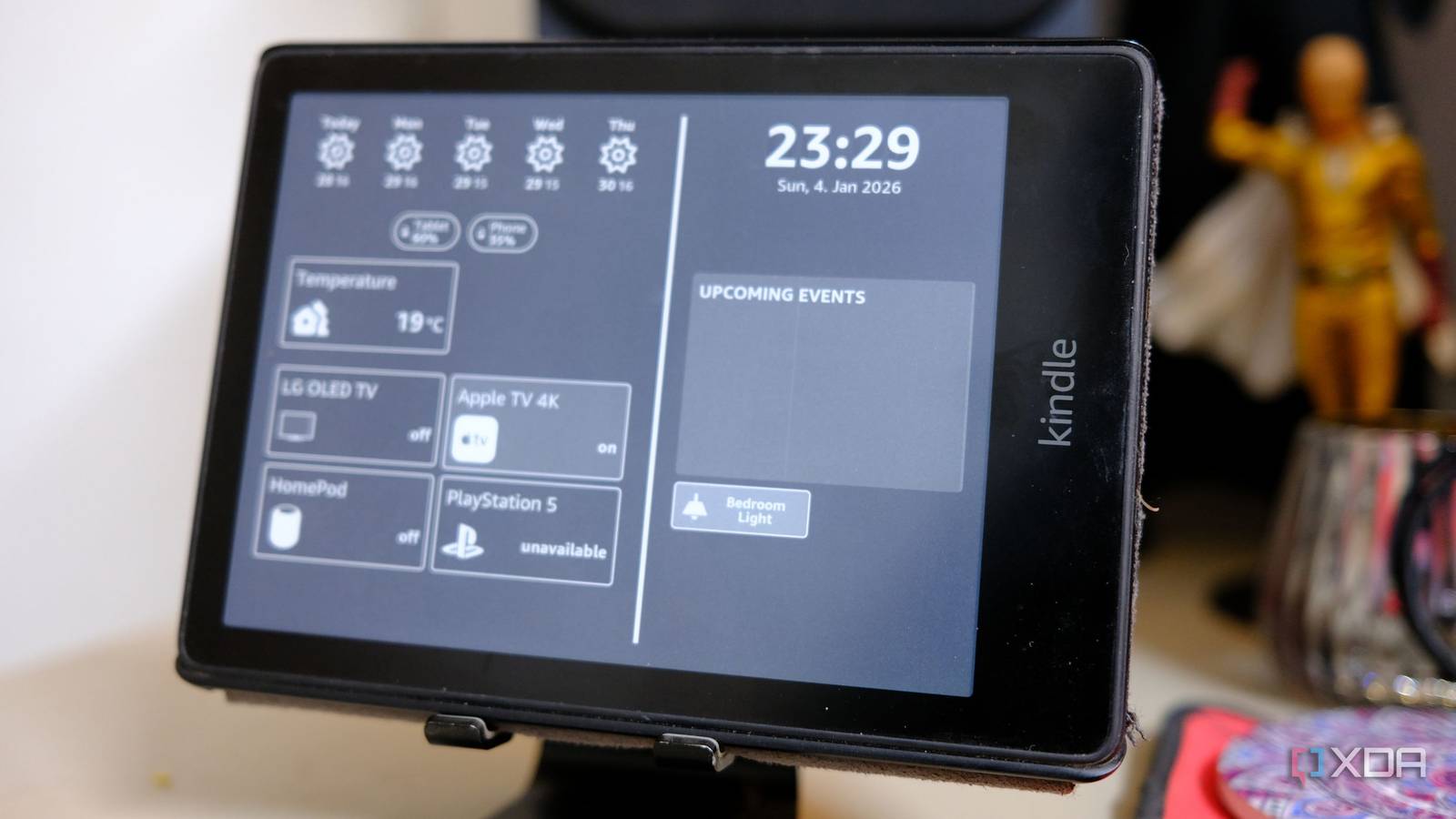
Alexa and Google Home are great at one thing: when commanding, if I say x, do y. Your home is so much more complex than a two-step command.
While the Raspberry Pi 5 has pushed prices up, a used Pi 4 or Pi 02 is still around $15 to $35 and is more than enough to run a sophisticated low-call server. Home Assistant isn’t just an alternative; it’s a super operating system for your house. It doesn’t just wait for you to speak; it watches, listens, and calculates entirely offline, so you don’t have to worry about your data being sent and stored by trillion-dollar companies. Being run locally typically means you have a much better latency as well.

- OS
-
Windows, macOS, Linux
- iOS compatible
-
Yes
- Android compatible
-
Yes
The wins behind Home Assistant
If you want true automation then Home Assistant is where it’s at
So what exactly can Home Assistant do that Google Home can’t? In Google Home you say, “Turn on lights at sunset.” In Home Assistant, you can actually say, “Turn on the lights at sunset,” but only if I am home and only if the TV isn’t already on. You can set the brightness based on the actual cloud cover outside. Home Assistant allows you to have that technical edge thanks to conditions and choose blocks.
You can check an infinite number of sensors, including a phone battery, car location, room humidity, or a whole variety of others before deciding whether to fire an action. Your house stops being annoying as you don’t have to jump through multiple hoops just to do a simple thing like turn on a light. It doesn’t turn on the lawn sprinklers if the weather forecaster says it’s going to rain in two hours. Some think that Alexa still struggles to grasp.
Alexa and Google react to triggers, whereas Home Assistant monitors states, for example, if you’re monitoring the current draw of an appliance. If my washing machine’s power draw stays below 2W for three minutes, it means the cycle is actually done. Home Assistant then sends a notification to my TV, dims the office light screen, and announces it over local speakers. This is practically impossible for Alexa as it can’t easily watch a live power meter and perform math on the results to prevent a sump pump from burning out.
Realistically, the cause of a lot of these automations comes down to the integration of sensors in your home. 60 GHz mmWave sensors like the Apollo R Pro-1 make a significant difference in your smart home sensor setup. Traditional PIR sensors, like the ones that Alexa uses, lose you if you sit on the couch.

I turned my Raspberry Pi into a voice assistant: here’s how
If you want a local, private voice assistant, you can easily create one from your Raspberry Pi running Home Assistant.
Whereas mmWave sensors in conjunction with Home Assistant can detect your heartbeat and breathing. This means the lights stay on as long as you’re in the room, even if you’re sitting still and reading a book, having not moved a muscle for an hour. The moment you leave, the lights turn off instantly. There are no cool-down periods, no waving your arms like a mad man, and no opening proprietary apps on your phone just to turn the lights back on when they switch off at the wrong time.
Another benefit to using Home Assistant over alternatives is the Universal Translator aspect. Let’s say you have a Ring Doorbell, which is owned by Amazon, a Nest Thermostat, which is owned by Google, and a HomeKit-only light strip. They usually won’t talk to each other without a cloud bridge. However, Home Assistant acts as the universal translator, bringing all of these devices into one local interface. This means you can use a cheap $5 Xiaomi button to trigger a complex script that involves your high-end Sonos speakers and your Lutron blinds. You’re no longer a prisoner to one ecosystem’s hardware.
The hardware behind the brain
So much cheaper than the alternatives

While in recent years the hardware landscape has shifted significantly, which has pushed the prices of newer boards like the Raspberry Pi 5 towards triple digits, the $35 secret remains the foundation of the smart home enthusiast’s toolkit.
You don’t need a rack-mounted server or an enterprise-grade CPU for a standard home with 50 to 100 devices. A Raspberry Pi 4 remains the Goldilocks choice. While the flagship Raspberry Pi 5 has seen price hikes due to high demand for local AI processing, the Pi 4 settled into a comfortable niche. You can often find a 2GB model for around $35 on the secondary market.
Storage is key. Instead of a cheap SD card that will burn out from Home Assistant’s constant database writes, spend $20 on a small SATA SSD and a USB to SATA adapter. This one change will make the system feel ten times snappier and effectively bulletproof.

5 Raspberry Pi projects I use to control my home
My Raspberry Pi SBCs and microcontrollers have proven their worth just with these smart home control projects
For less than the cost of a mid-range Amazon Echo Show, which retails for roughly $150, you can build a system that doesn’t just display recipes but actually manages your digital life. Home Assistant can be the primary operating system that runs your automations. Pi hole or AdGuard Home blocks ads and tracking for every device on your network, including those annoying sponsored ads on your smart TV. WireGuard VPN can then securely tunnel back into your home network from anywhere in the world without relying on a third-party cloud.
Home Assistant makes Alexa and Google feel outdated
Make the switch sooner rather than later
Alexa and Google Home give you permission to control your house as long as their servers are up, but Home Assistant actually gives you ownership. Once you see what a truly conditional automation looks like, switching back to asking Alexa to turn on the lights feels like using a rotary phone in a smart phone world. Home Assistant things you wouldn’t even think of are also significantly cheaper to initially invest in whilst also not locking you into one ecosystem. Switching to Home Assistant is honestly a no-brainer.
