

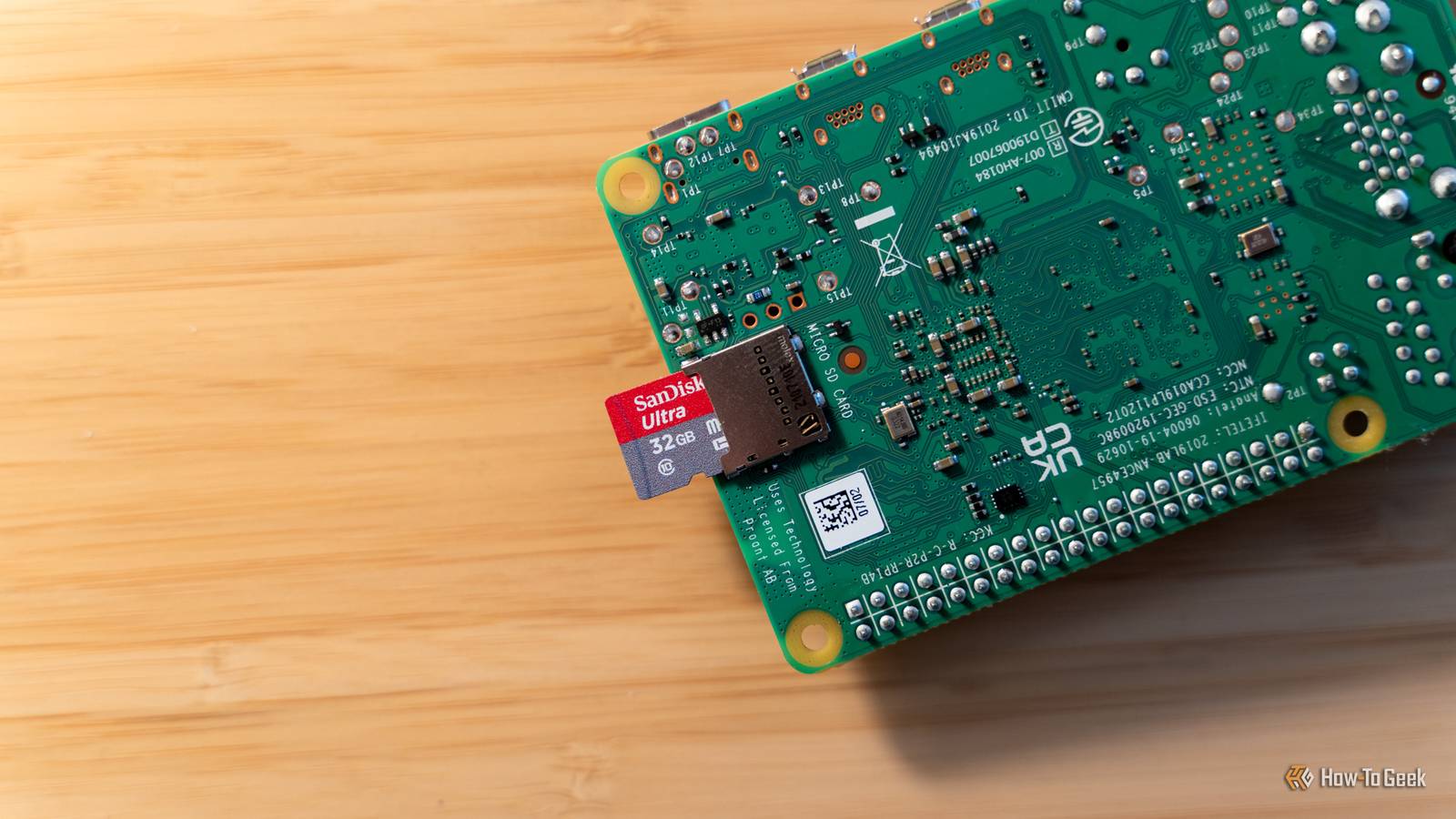
It’s that time of the week again—time for more Raspberry Pi projects! Today, This week I’ll be showing you how to know if your backyard is safe from drones or not, how to track how much milk you have left, and even a way to tell the temperature of your swimming pool without ever walking outside.

- Brand
-
Raspberry Pi
- CPU
-
Cortex-A72 (ARM v8)
With the Raspberry Pi 4 Model B, you can create all kinds of fun projects, and upgrade gadgets around your home. Alternatively, install a full desktop OS and use it like a regular computer.
Detect nearby drones with DroneAware
Your backyard deserves some privacy

Have you ever sat in your back yard and wondered if you were really, truly alone? No? Okay, well, I have. With the rise of people flying drones over neighborhoods and in public spaces, one developer set out to make it easy for you to know if there was a drone flying you might not know about with DroneAware.
DroneAware is a simple piece of software that runs on a Raspberry Pi, utilizing both external Bluetooth and Wi-Fi antennas to find drones around you. The way it works is by looking for Remote ID broadcasts over 2.4GHz Wi-Fi or Bluetooth, which is something that’s required on basically every drone (and even airplane, which you can build your own tracker for), especially those over 250g.
The build is pretty straightforward, with DroneAware providing the exact specs you need to run the software. You start with just about any Raspberry Pi, though the project recommends a system with at least 2GB of RAM. From there, a Sena UD100 USB Bluetooth adapter and Alfa AWUS036ACH Wi-Fi adapter are recommended (or anything of similar specs). These specific models have been tested by the project owner to work at a distance of a few miles.
From there, you just have to run this simple one-line installer to get up and running:
curl -fsSL
The installer will walk you through the setup, including linking to DroneAware.io, the website behind the project. Once it’s set up, you’re ready to start tracking flying drones near you.
Manage your home’s grocery list and inventory with Grocy
Never forget milk at the store again
Have you ever wanted to know not just what was in your pantry, but when it was expiring? That’s the premise of Grocy, an ERP (enterprise resource planning) tool for your pantry. Where Grocy excels is in telling you what food you have, where it’s located, when it expires, and what you need to buy. Oh, it also tells you what you should cook.
Grocy does take a fair bit of upkeep, as you’re the one in charge of keeping the tool updated. Grocy has the ability to say “You have half a gallon of milk left, and it expires in three days, and you need it for two recipes this week.” However, it only tells you that if you input the recipes, update it every time you use the milk.
It’s for this reason that my household is ill-suited to Grocy, but I love the concept of it. Grocy is easy to self-host, and, if you use it to plan your meals and track your home’s food inventory, it’ll definitely help keep things from going bad.
So, if you’re trying to keep your pantry under control in 2026, try out Grocy. It’s easy to deploy via Docker and could be just the tool you’ve been looking for.
Know when to go swimming with a pool temperature sensor
A little soldering and a whole lot of waterproofing
Now that winter is over for the majority of us, it’s very likely you’re looking to spend more time in the pool when the sun is shining. But, what temperature is the pool? Sometimes the pool is colder than you would like, and it’s never fun finding out after you jump in.
That’s where a little bit of DIY ingenuity comes in. With a sensor like the DS18B20, which is a one-wire (despite its three wires, gotta love how things are named) waterproof temperature sensor, you can easily design a system that will tell you the water temperature remotely.
The setup is honestly pretty straightforward. The above guide walks you through how to handle wiring the sensor up. Since it’s low voltage, you could add your own wires and solder as needed to extend the length to make it reach a bit further.
Once you have the sensors and Pi, and have tested the code to make sure it’s working, just put the Pi inside a waterproof enclosure outside and run the temperature sensor wires into it. This type of project doesn’t require a ton of processing power, so you could even use something like a Pi Zero 2 W with a portable battery to keep it running without having to plug it into the wall.
Something like this outdoor waterproof electrical box would be a great choice, as it comes in many sizes, is clear so you can see if there’s any water intrusion in the future, and even has sealed grommets to feed wires in and out of.
Of course, the above video only really shows you how to read the sensor. From there, you should vibe code an internal-access-only web dashboard that runs on the Pi and reads the sensor to let you monitor the temperature remotely.
- Brand
-
Raspberry Pi
- CPU
-
Quad-core 64-bit ARM Cortex-A53
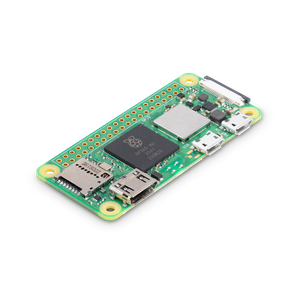
The Raspberry Pi Zero 2 W is super tiny and super affordable, but it packs enough computing power for a variety of DIY projects. You can use it to create a handheld retro gaming console, for Klipper/Mainsail, a super compact home or media server, and more.
Start thinking outside the box for your Raspberry Pi projects
While detecting drones and keeping up with grocery lists seem like traditional Pi projects, running a water temperature sensor in a waterproof enclosure definitely requires thinking outside the normal quadrilateral parallelogram.
Before you toss that unused Pi in a drawer, try to come up with a unique way to use it. Whether that’s from one of these weekend roundup posts, or just from coming up with an idea that you’ve never thought of before. Raspberry Pi’s offer limitless possibilities, so long as you have limitless ideas to pair with them.
