

What you need to know
- Google’s giving some Workspace Intelligence this week, as it detailed the agentic AI future for users during Cloud Next 2026.
- Workspace Intelligence is integrated into every app, understanding what matters to you, so it can produce it for you via automation.
- Docs, Slides, Sheets, and Chat all receive Gemini, Workspace Intelligence-infused updates for file creation and AI assistance.
Workspace gets businesses (big and small) through their days, and now Google is detailing major AI-focused updates to make their time even easier.
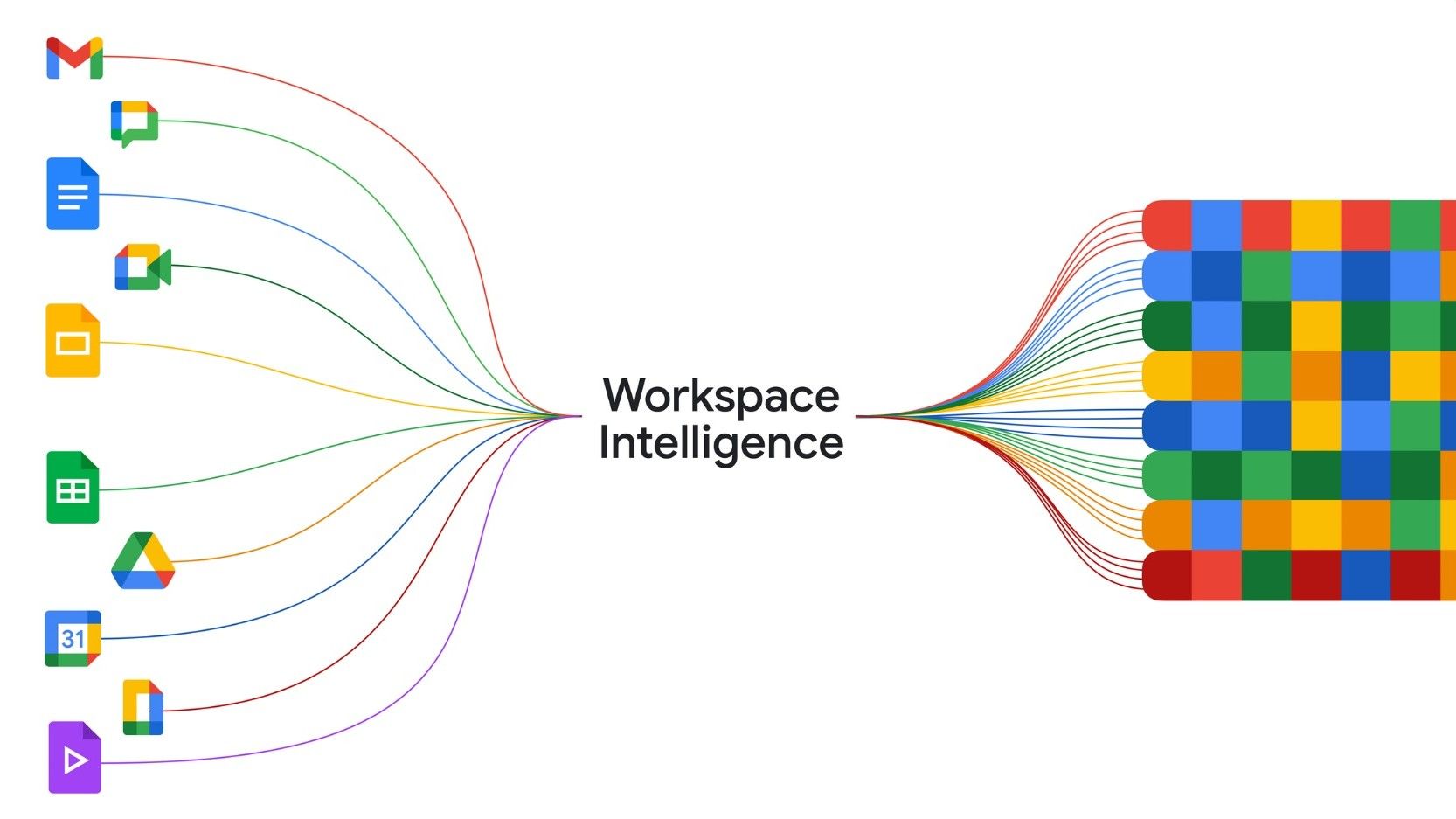
Amid Google’s Cloud Next 2026 event, the company debuted Workspace Intelligence as part of its agentic push to help users work smarter. According to Google, this new approach aims to deliver “real-time understanding” to your apps by merging your projects into an automated process. It reports that Workspace Intelligence understands the relationships between your apps, projects, collaborators, and more.
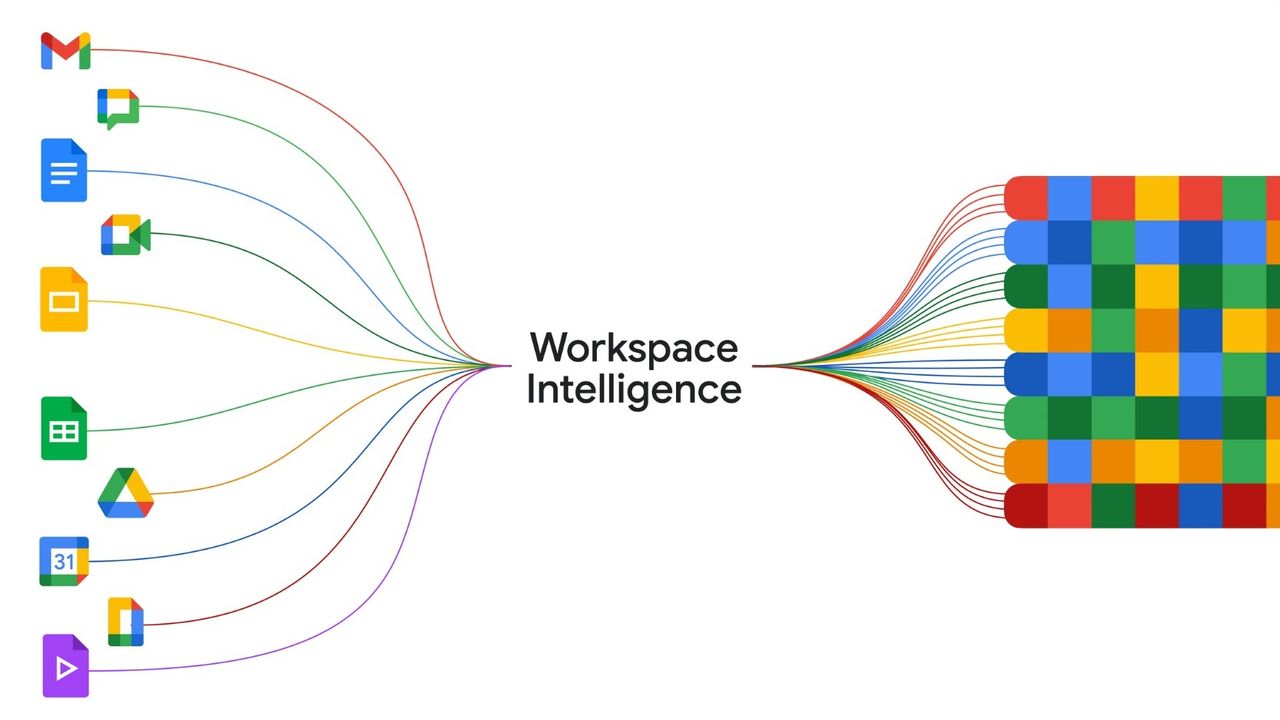
This understanding is done via intelligence gathering. Google says Workspace Intelligence will “gather the information you need” from Gmail, Docs, Slides, and more, so when you’re working on your project, you have everything. “Situational Awareness” leans on Gemini to know “what’s important to you.” For this, you can think of dates, emails, files, and the like.
Article continues below
The personalization aspect of this comes into play, as the agentic AI learns who you are and how you speak, even understanding your workstyle and formatting preferences. While Workspace Intelligence is the huge umbrella that’s tying all of its apps together, Google announced a few updates for those apps.
Agentic AI for the working future
Updates for the big three—that is Docs, Slides, and Sheets—bring Gemini up a few notches, as well as Workspace Intelligence. For Google Docs, Gemini’s involvement can create infographics using your data, make edits based on other comments, and “edit multiple images,” thanks to the new agentic AI upgrade. Gemini in Sheets can scour your emails, documents, chats, and web info to “visualize all of your data.”
Workspace Intelligence will take into account your files and your company’s visual style to create presentations in Slides. Google Chat receives “Ask Gemini in Chat,” a unified experience that is said to merge the AI with every chat you have with colleagues and partners. If you need assistance, Google says you can query the AI, and its results will appear in chat once it’s compiled.
What’s more, Ask Gemini in Chat can provide a daily brief of unread messages and “urgent action items,” generate new Docs or Slides, schedule meetings, and find files for you. The company then highlights the new AI Inbox for Gmail, which launched early in April. This new inbox makes sure you’re privy to important emails about upcoming bill payments, appointments, and messages from “priority” contacts.
After testing, AI Inbox is here and ready to roll, but only if you’re interested. Google is offering this feature at $250 per month for Google AI Ultra subscribers in the U.S.
Android Central’s Take
I’ve said it before, and I’ll say it again: this is where Google’s AI truly shines. The usefulness of Gemini merging with Workspace Intelligence is when you start seeing a true work assistant. For larger companies and people tasked with keeping an eye on so many things and working on projects, this will likely be a boon to them. I’m not sure how I feel about the AI trying to generate something in my voice or my company’s image. That just sounds like a recipe for disaster, but everything else? I’m with it.
