

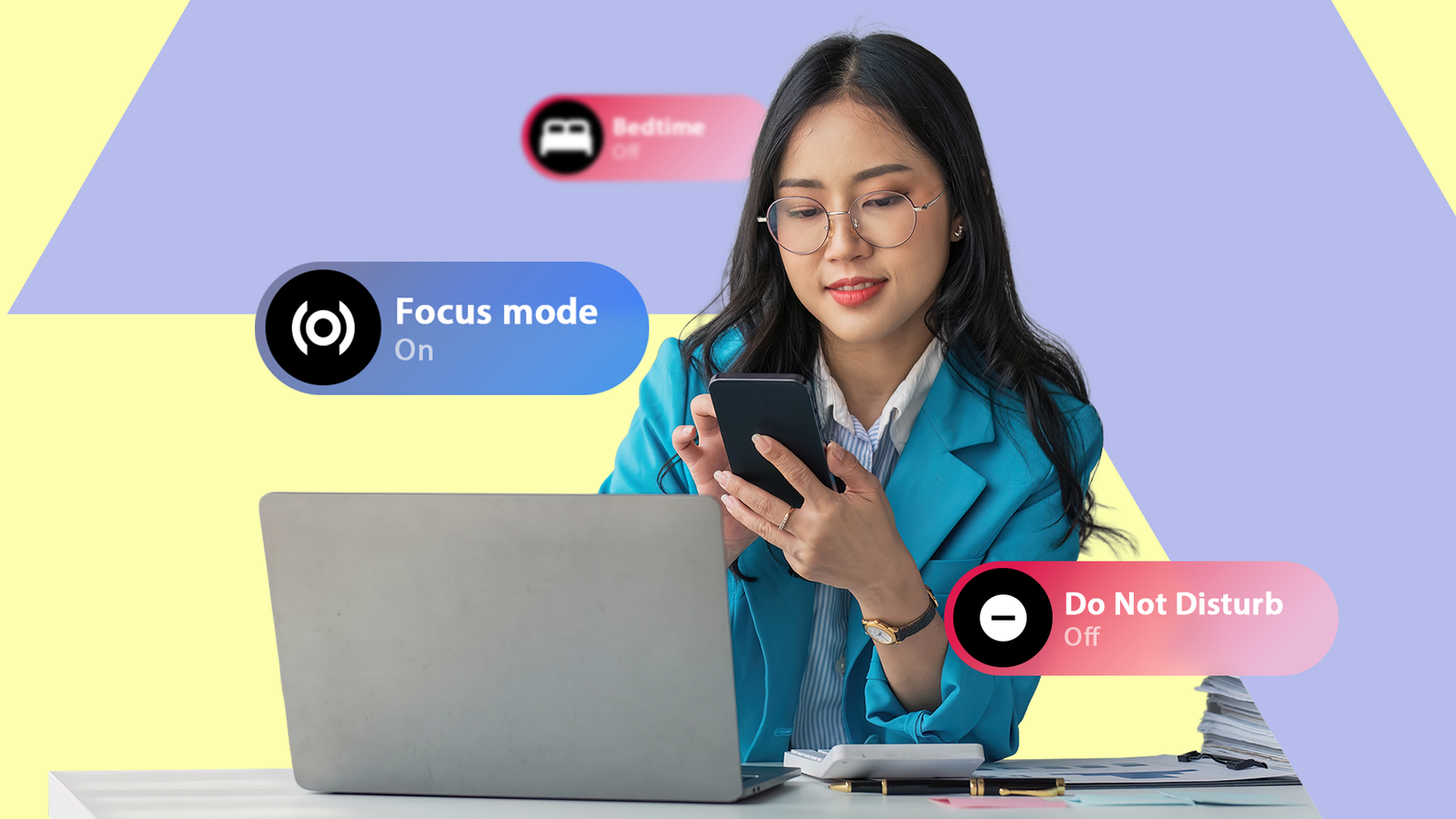
Android has three features that promise to help you focus. For a long time, I had no idea which one to use for what.
Do Not Disturb, Focus Mode, and Bedtime Mode live in different parts of Settings. And they mute notifications in slightly different ways. However, Google has never done a good job explaining where one ends and the other begins.
I spent months toggling whichever one I found first and hoping for the best.
I’d turn on Focus Mode before a meeting, and still get notification sounds. I’d turn on DND at night and still catch myself opening X at midnight. Neither did what I expected because I was using them for the wrong things.
The worst part was that I thought I understood these features. But I didn’t.
How each mode works and where to find it
Focus Mode lives inside Digital Wellbeing and lets you pause specific apps. When those apps are paused, their notifications stop, and you can’t even open them.
Tap a paused app on your home screen, and you’ll get a popup with two options: “Use app for 5 minutes” or “OK.”
The app icons appear grayed out in your app drawer while Focus mode is active. Google built it as a productivity and screentime tool, not a sound-management feature.
Do Not Disturb sits inside Sounds & vibration. It silences all incoming sounds and vibrations, with exceptions for specific contacts, apps, or repeat callers. It doesn’t care which apps you open — it just stops all of them from making noise.
Bedtime Mode is also in Digital Wellbeing, under the Ways to disconnect section. It does the same thing DND does, but adds a grayscale screen filter and dims the wallpaper. Google designed it for sleep rather than work.
These three features overlap in confusing ways. Both DND and Focus Mode can block notifications from apps. Both DND and Bedtime Mode can silence your phone. But Focus Mode won’t stop a phone call from ringing, and DND won’t stop you from opening Instagram.
They look similar on the surface but behave completely differently underneath.
My first mistake was treating them as three versions of the same tool.
Google made it worse before making it better
The March 2025 Modes update silently broke one-tap DND


In March 2025, Google shipped a Pixel Feature Drop that combined DND, Bedtime, and Driving into a single Quick Settings tile.
This feature, called Modes, replaced the old one-tap DND shortcut in Quick Settings overnight.
Turning on DND now requires tapping the Modes tile, waiting for a dropdown, then selecting Do Not Disturb from a list.
A one-tap action turned into a two to three tap process, and Google never announced the change. Like many other users, I only noticed because muscle memory stopped working.
The timing couldn’t have been worse for my setup.
I had Focus Mode scheduled during work hours through Digital Wellbeing, Bedtime Mode on a nightly schedule, and DND for everything in between.
But with DND buried inside the Modes tile, I kept accidentally triggering Bedtime Mode instead.
The Modes tile defaults to the last mode you toggled. So if Bedtime is the most recent one, tapping the icon would activate Bedtime and not DND.
I spent weeks thinking DND was just broken, but it wasn’t. I was tapping the same tile and getting a different result every time, depending on which mode I’d used last.
The backlash from users was loud enough to get widespread coverage across Android blogs, Reddit, and user forums. People just wanted their one-tap DND back.
A Reddit user expressed their frustration, “There’s no Quick Settings link for these Modes. New UI is painful!”
The setting that fixed everything
A single DND toggle makes the Quick Settings tile one-tap


Google eventually redesigned the Modes feature. With the September 2025 Pixel update (Android 16 QPR1), the tile now has a split function.
Tapping the icon on the left side of the tile toggles DND directly. Tapping anywhere else on the tile opens the full Modes menu.
But there’s a catch, and Google hides it.
For the left-side tap to work as a toggle, go to Settings > Sound & vibration > Do Not Disturb and change Duration for Quick Settings to either Until you turn off or a specific time, like For 1 hour.
If that setting is set to the default Ask every time, tapping the icon pops up a dialog instead of toggling anything.
Another detail that tripped me up is that the split behavior only works when the Modes tile is set to the 2×1 size.
QPR1 introduced resizable Quick Settings tiles, and tiles set to 2×1 allow the icon-vs-label split. Tapping the icon toggles DND, and tapping the label opens the menu.
If you’ve resized your tiles, double-check that Modes is still at full width, or the shortcut won’t be available.
I found the duration setting by accident while digging through the DND submenu after the QPR1 update.
It wasn’t on any Google support page I could find, and it wasn’t mentioned in the Pixel Feature Drop notes. It’s just sitting there, quietly deciding whether your Quick Settings tile behaves like a shortcut or a speed bump.
After I changed it, DND went back to being a one-tap action. I didn’t have to deal with accidental Bedtime Mode triggers or any more dropdown menus. With just one tap, my phone went quiet.

Google is bringing back the Do Not Disturb shortcut
Backlash leads to the tile’s return
How I actually use all three now
DND for sound, Focus Mode for apps, Bedtime Mode for sleep

After sorting out the Quick Settings mess, I set a careful plan on how to use each mode.
DND runs when I’m in meetings or doing focused work. I have it set to allow alarms and calls from starred contacts, but nothing else gets through. The one-tap tile means I can flip it on and off without thinking about it.
Focus Mode is scheduled Monday through Friday during work hours through Digital Wellbeing. It pauses social media and a handful of other apps that I tend to open out of habit.
It doesn’t silence my phone, so work calls and Google Chat notifications still come through. It just stops me from reflexively opening X between tasks.
Bedtime Mode starts at 11 p.m. on a schedule and automatically ends by 7 a.m. Grayscale turns on, notifications are silenced, and the wallpaper is dimmed without manually setting each.

How to set up and use Bedtime mode on your Android phone
Use Bedtime mode effectively to reduce distractions and get better sleep
One thing I didn’t expect was that DND and Focus Mode could run at the same time. They operate on different layers, so there’s no conflict.
That combination removes the distracting notification sounds and curbs my absentminded impulse to open apps, all in one go.
The important thing I realized is that Google is on to something genuinely useful with these apps.
They’re not designed to compete with each other. Instead, DND controls sounds, Focus Mode controls app access, and Bedtime Mode is a sleep routine.
After I stopped layering them on top of each other carelessly and started using each one for its actual purpose, they worked well together.
Getting distraction-free shouldn’t take this much effort
Google has the right tools, but keeps hiding them in the wrong places
Google has designed solid tools. The problem is that they’re scattered across two different settings menus with no clear guide on when to use which.
The Modes redesign, while improved since the initial backlash, still depends on a buried setting and a specific tile size that most people will never configure on their own.
Also, if you’re on a Samsung Galaxy or another OEM device, the Modes tile and Quick Settings layout will look different from stock Android, so not all of this will apply to you.
Android’s notification management has always been powerful for people willing to dig, but Google continues to make digging harder instead of easier, and that part needs to change.
