

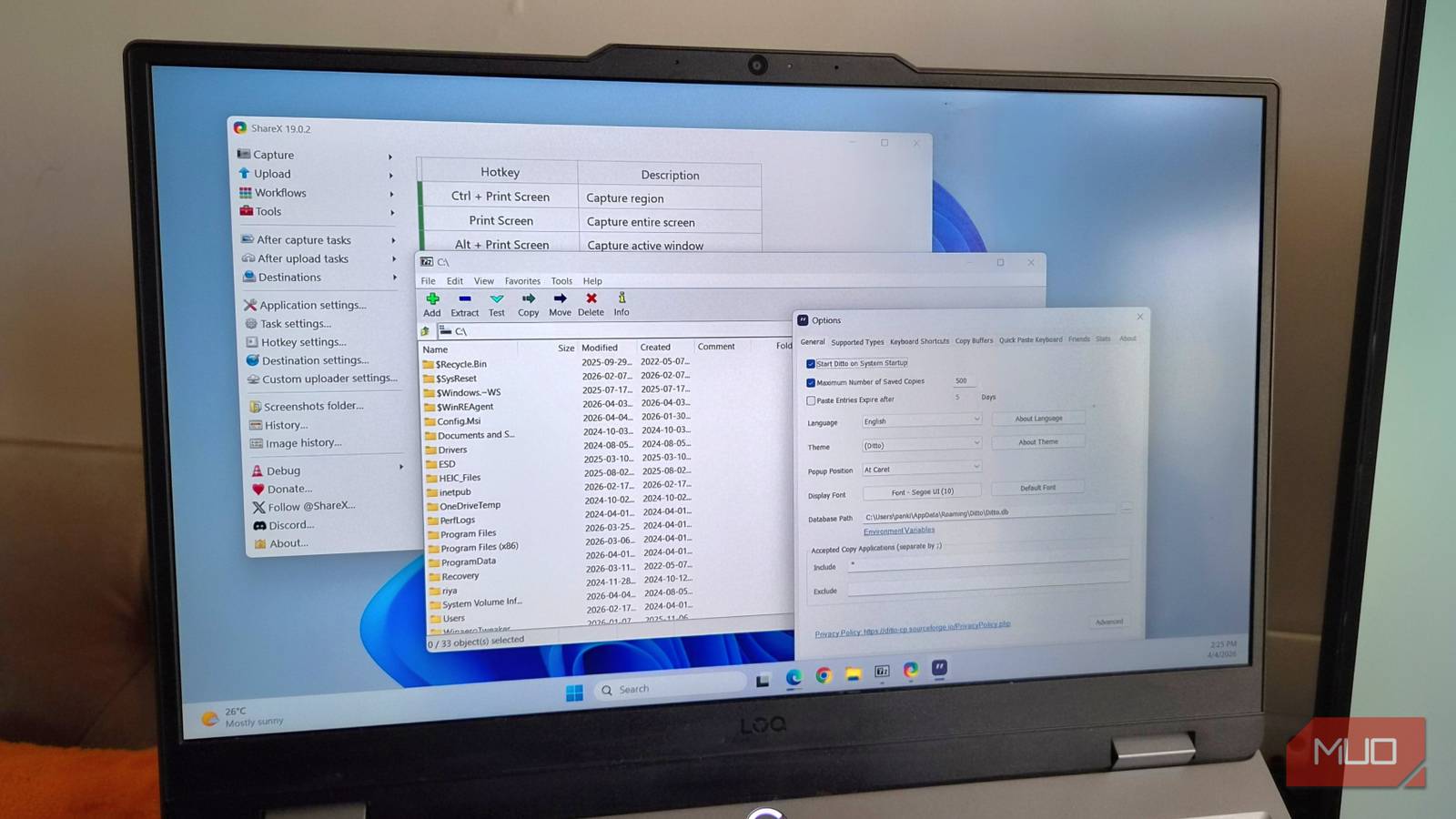
Windows has evolved a lot over the years, and it’s no longer the barebone OS you think it is. I don’t blame you though. For the longest time, I also assumed my PC needed third-party apps for extracting files, managing storage, and even taking proper screenshots.
But that’s no longer the case. Windows now has capabilities that make some of the most popular, decade-old apps feel unnecessary. Utilities like 7-Zip, CCleaner, Lightshot, and Ditto are no longer must-haves because Windows can handle a lot of these tasks on its own.
7-Zip
Once a necessity, but not anymore

For years, 7-Zip used to be one of those utilities you had to install right after setting up your PC. It was the only reliable way to extract downloaded ZIP files and compress anything you wanted to send.
But Windows’ built-in file extraction is now more than capable. You can right-click any file or folder and select Compress to ZIP to create an archive in seconds. Extracting files is just as easy. And the best part is, Windows can now also handle formats like RAR, 7Z, and TAR without any extra help.
So yes, unless you need a specific feature that 7-Zip or WinRAR offers, like password-protecting archive or advanced compression settings, the built-in tool is enough. For everyday use, it’s one less app to install, manage, and update.
CCleaner
Windows already keeps things tidy
CCleaner promises a lot of things, but two of its biggest selling points are cleaning the cache files and optimizing your PC’s performance. But the thing is, Windows’ built-in tools can already handle both these things.
Disk Cleanup, for instance, can easily remove old update files, temporary files, and even outdated system files. It’s all easy to do. Even better, you can automate the entire process of clearing these files with Storage Sense.
CCleaner also claims to boost your PC’s performance with a click. It does this by automatically managing your startup apps, killing unnecessary background processes, and updating outdated drivers. But you can already do all those things yourself using Task Manager and the Settings app. More importantly, Windows doesn’t need constant “optimization” to run well.
AirDroid
Windows and Android are now friends
AirDroid is a great tool for anyone who works on a PC all day. It lets you sync your phone notifications and messages, transfer files wirelessly, and mirror the phone screen. You can even use it to use your Android phone as a webcam.
Over the past few years, however, Microsoft’s Phone Link app has improved a lot. It can do all of these things and then some. And since it’s Microsoft’s own app, it integrates beautifully with Windows. You can stay on top of alerts, make phone calls, send messages, and even use your phone apps on your PC.
And the best part is, Phone Link is reliable and completely free with no ads or restrictions. So yes, there’s no reason to turn to AirDroid or similar apps anymore.
Lightshot or ShareX
Snipping Tool has finally caught up
Windows has had a built-in screen capture tool for the longest time, but honestly, it wasn’t always this good. You often had to rely on third-party apps like ShareX and Lightshot for things like screen recording, capturing GIFs, OCR, and even basic annotation.
But that’s no longer true. Snipping Tool has almost all the screen capture tools you might need. It also gives you a couple of extras, like the color picker and visual search. So, unless you need automatic screen capture or scrolling screenshots, third-party screenshot apps don’t need to be on your PC. The modern Snipping Tool is all you need.

Windows 11’s Snipping Tool is now my favorite way to copy text
More accurate text extraction than most dedicated tools.
Ditto
No more losing what I just copied
Ditto is a clipboard manager app that keeps a record of everything you copy on your PC, including text and images. It’s incredibly handy, as it lets you copy multiple snippets, revisit older ones, and paste anything whenever you need. You can even pin important items you need frequently, so you don’t have to copy the same thing again and again.
What a lot of users realize, though, is that Windows has a built-in clipboard history feature. You can bring it up with Win + V. Once enabled, you can see your recently copied text, links, and images. It gets better. You can also sync your clipboard history with other PCs and even your phone, which is something you can’t do with Ditto.
Sure, Ditto has a few extra features like advanced search, long-term storage, and extensive customization. But if all you want is a simple clipboard history, Windows has you covered.
Of course, these classic Windows apps still have their place, especially for those who depend on their advanced or niche features. But for most people, myself included, Windows’ built-in options get the job done. The obvious benefit here is simplicity. Fewer apps mean less clutter, fewer background processes, and an overall cleaner experience.
