

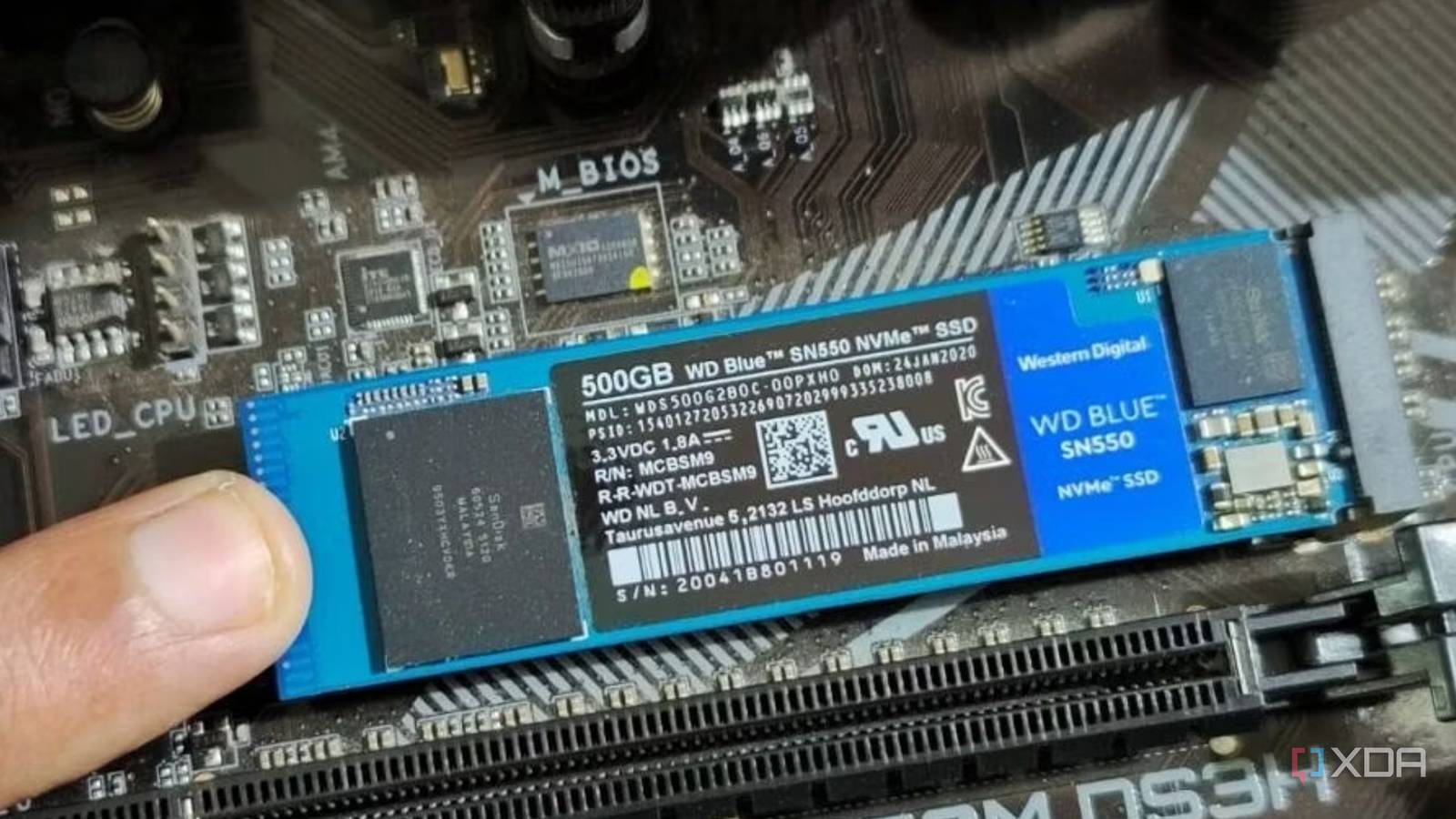
Whether you’re building a new PC or adding more storage to your existing one, you might consider saving money by buying a 500GB or 250GB SSD. The thought seems logical at first, but it’ll come back to bite you sooner rather than later. The rate at which modern operating systems, games, creative applications, and AI programs are expanding in size makes almost every SSD feel too small. If I’m being realistic, however, most people should have at least 2TB of SSD storage on their PC. Anything less than that is on a pretty fast clock to obsolescence. A tiny SSD doesn’t save you money; it forces you to spend more in the long run. It’s also more susceptible to slowdown and has a lower lifespan than larger drives.

I wanted to buy more NVMe storage in 2026, but I’m doing this instead
Crazy SSD prices have made me realize the importance of HDDs
You’ll run out of space sooner than you think
A tiny SSD isn’t economical at all
This is the most obvious flaw in the plan that most people conveniently gloss over when opting for insufficient storage. You might think you could make your 500GB drive last for years by carefully monitoring it and deleting files whenever it gets stuffy. The problem is that between large system files, game data, and temporary files, even a handful of games and programs can quickly fill up a smaller drive. Not everything can be offloaded to a hard drive to make space.
You’ll presumably have at least 2–3 massive games and files like “hliberfil.sys” and “pagefile.sys” on your SSD, which are enough to cross 300–350GB. Assuming you want to keep 50GB of free space on the drive, that just leaves you with around 100GB for all third-party programs and any demanding productivity applications. You’re starting to get where I’m going with this.
Alternatively, if the drive in question isn’t your main SSD, and you’re just buying an additional one, what’s the point of buying a tiny drive? You’re clearly running out of storage on the main drive, so why not add a secondary or tertiary drive that can last? Whichever way you look at it, an SSD that’s too small will force you to buy a larger drive sooner than you realize. You’ll spend more overall instead of “saving” money, and might even have to replace the smaller drive to free up a precious M.2 slot.

I replaced all of my PC’s storage, and here’s what I went with
Replacing my existing drives was a long time coming
You’ll run into slowdowns much faster
And reduce your drive’s lifespan
Even if you manage to limit your files to just under the SSD’s capacity, you risk running into slower access times and transfer speeds. The way SSDs write files to the NAND flash, a lack of free space is detrimental to performance. SSDs use “garbage collection” to erase partially filled cells by relocating data to other cells, so that newer data can be written to empty cells. Without sufficient free space, this garbage collection fails to do its job during idle times, being forced to run during drive writes. The more your drive is filled, and the fewer empty cells there are, the more time the drive controller takes to clear filled cells. Essentially, the closer you get to exhausting your drive’s capacity, the slower it gets.
There’s another downside to living close to the edge of your SSD’s capacity. The more inefficient the garbage collection becomes on your drive, the more unnecessary writes it needs to deal with. This “write amplification” brings your SSD closer to the end of its limited write cycles, reducing its lifespan. It’s just easier to have a larger drive, so that you have more breathing room.

Here’s why your old SSD feels slower than it used to be
Your SSD performance can drop with time, but you can do something about it
A smaller drive will have less endurance
It’s a direct function of capacity
If we’re on the topic of drive lifespan, it’s important to consider the endurance differences between small and large drives. SSD endurance is typically measured in TBW or terabytes written. 500GB SSDs usually have 200–300TBW of endurance, meaning you can write a total of 200–300TB of data to the drive before it starts throwing errors and running into frequent slowdowns. As SSDs use wear leveling to distribute writes across all available NAND cells, smaller drives naturally have fewer cells to work with. This gives them a shorter lifespan compared to larger variants. By spending a few dollars more on a 1TB or 2TB drive instead of a 500GB one, you can give your drive a much longer lifespan, typically 600TBW or 1200TBW, respectively.

5 storage mistakes that kill SSD endurance faster than gaming
Stop these habits right now if you want your SSD to have a long life
Don’t miss the forest for the trees
When buying an SSD, it’s best to pick a 1TB or 2TB drive for the best value for money. Not only do you get a drive with more breathing room to avoid performance slowdowns, but also one that lasts longer. It’s not worth it to pinch pennies on a smaller SSD. You’ll be forced to replace it or buy a larger drive soon anyway, increasing your overall investment. Most people building gaming PCs should buy a single 2TB NVMe SSD, and call it a day.
