

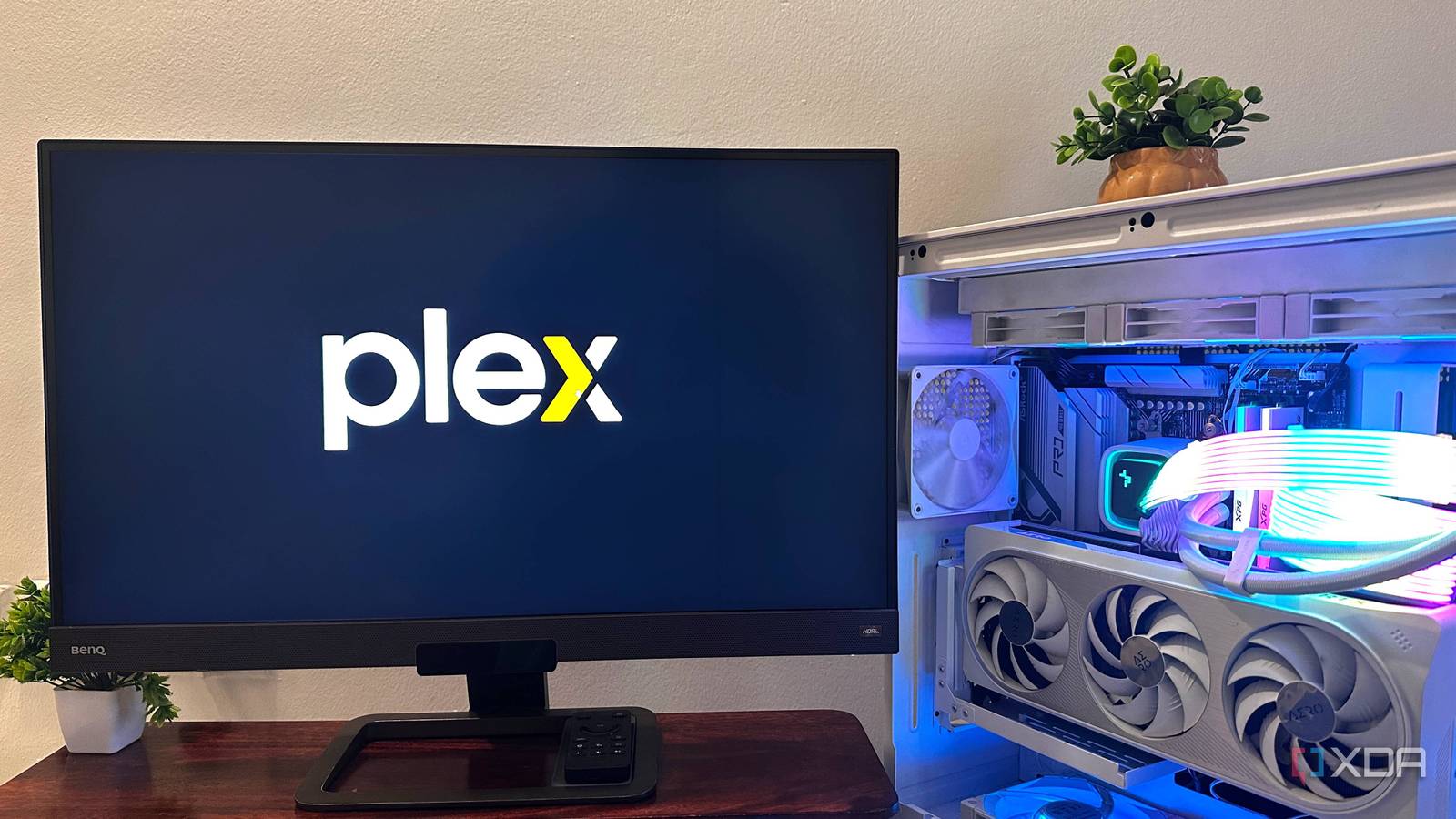
Every time I have a friend over who happens to see my TV, they end up with access to my Plex server by the time they leave. It only takes one scroll through my catalog to get questions like “Wait, what service is this?” and the inevitable follow-up: “Can I get access?”
When I first set up a Plex server, I didn’t intend to grant anyone else remote access. I was just looking for a way to play some niche films on my local network that I couldn’t easily find on streaming services. After a few requests, I purchased a lifetime Plex Pass and turned my modest home media server into a full-blown streaming platform with 70TB of movies for a small circle of friends.

6 important things I’ve learned after using Plex for years
Plex can’t fix a messy media library on its own — proper organization is key.
Amassing this much content is no small feat
Why bother in the first place?
A huge media server probably doesn’t make a lot of sense for most people to host, especially if you’re mostly satisfied with what you can find in Netflix’s library. I’m an avid movie watcher and usually get around to seeing ten films per week, on average. I can burn through the list of titles on most streaming platforms pretty fast, then I’m left with rewatches, or it’s on to the next service.
I also have a soft spot for deep cuts, hidden gems, lost classics, and foreign films that never made it to a major platform. These are usually scattered across a dozen different streaming services, if you can even find them at all. It’s not financially feasible to maintain that many active subscriptions, and even if I could, tracking which service has what film would take up as much time as actually watching them.
So I decided to collect the movies myself. This way, I’m not paying a monthly fee to access movies, and I don’t need to worry about them disappearing from my library due to expiring licenses. I focus on collecting 4K remuxes because they’re the unaltered and uncompressed versions of the movies.
Depending on the movie’s release year, the specs can vary slightly, but recent releases usually have a Dolby Vision or HDR10 video stream and a Dolby Atmos or DTS-HD MA audio track. A remux is nothing more than a container for these artifacts, along with the subtitles, commentary, or dub tracks, and chapter titles. Everything is lossless, essentially meaning that the remux preserves the exact video and audio streams from the retail Blu-ray disc. These files look brilliant on a modern TV.
Subscription-based streaming platforms are honestly easier
This isn’t a free or easy solution, but it’s the only option for me

Even though I’m very pleased with the streaming system I’ve assembled, I’m not naive enough to believe that it’s saving me any money or time. Sure, I don’t have any monthly bills for streaming services, but the cost of running a large Plex server is certainly not zero, either. There are the costs of electricity for running the server 24/7, as well as hardware, specifically the hard drives.
Turning on the TV and loading straight into Netflix or Prime is honestly a lot easier, but immensely unsatisfying for me. I like to know I own the content, and there’s a quiet satisfaction in knowing the film playing on my TV is actually being served from my Plex server upstairs in my office.
Sharing my library with friends has presented additional challenges. I’m always fielding requests from people who want a new movie they can’t find on any other platform, and I’m acting as help desk support whenever something goes wrong, like “The movie stopped playing halfway through” or “Plex isn’t loading on my TV.” After a busy day, coming home to these issues makes it obvious why most people are just happy to pay for the convenience of typical streaming platforms.
How the system works
You just need a media server and movie files

My server is an old desktop that got sidelined when I decided to upgrade my main rig. I used it as my Plex box and stuffed it with every spare hard drive I had, rather than letting it collect dust. I’ve been gradually adding more disks ever since. Its storage is composed entirely of traditional hard drives of various sizes. I actually don’t back up any of it, since everything there can be replaced. Adding redundancy is on my roadmap, but I’ll wait for hard drive prices to drop further first.
I use direct play on my local network, so there’s no transcoding between my Plex server and TV; I’m seeing full-quality playback. Remote users are actually watching 1080p transcodes, although the quality still looks great and easily rivals what you’d get on paid services. Bandwidth is still the main constraint when streaming large remuxes to a friend’s network, so they unfortunately can’t get the full quality I can on my local network.
It’s a hobby first, a streaming service second
A 70TB Plex server is as much a passion project as it is a utility. It’s my love for cinema and home labbing that brought me here. It still puts a smile on my face to scroll through the vast catalog of curated films on my TV screen, especially knowing I own them outright.

- OS
-
Windows, macOS, Linux
- Individual pricing
-
Free, $1.99/month, or $6.99/monyh
Plex lets you host a home media server and stream your remuxes to other devices.
