

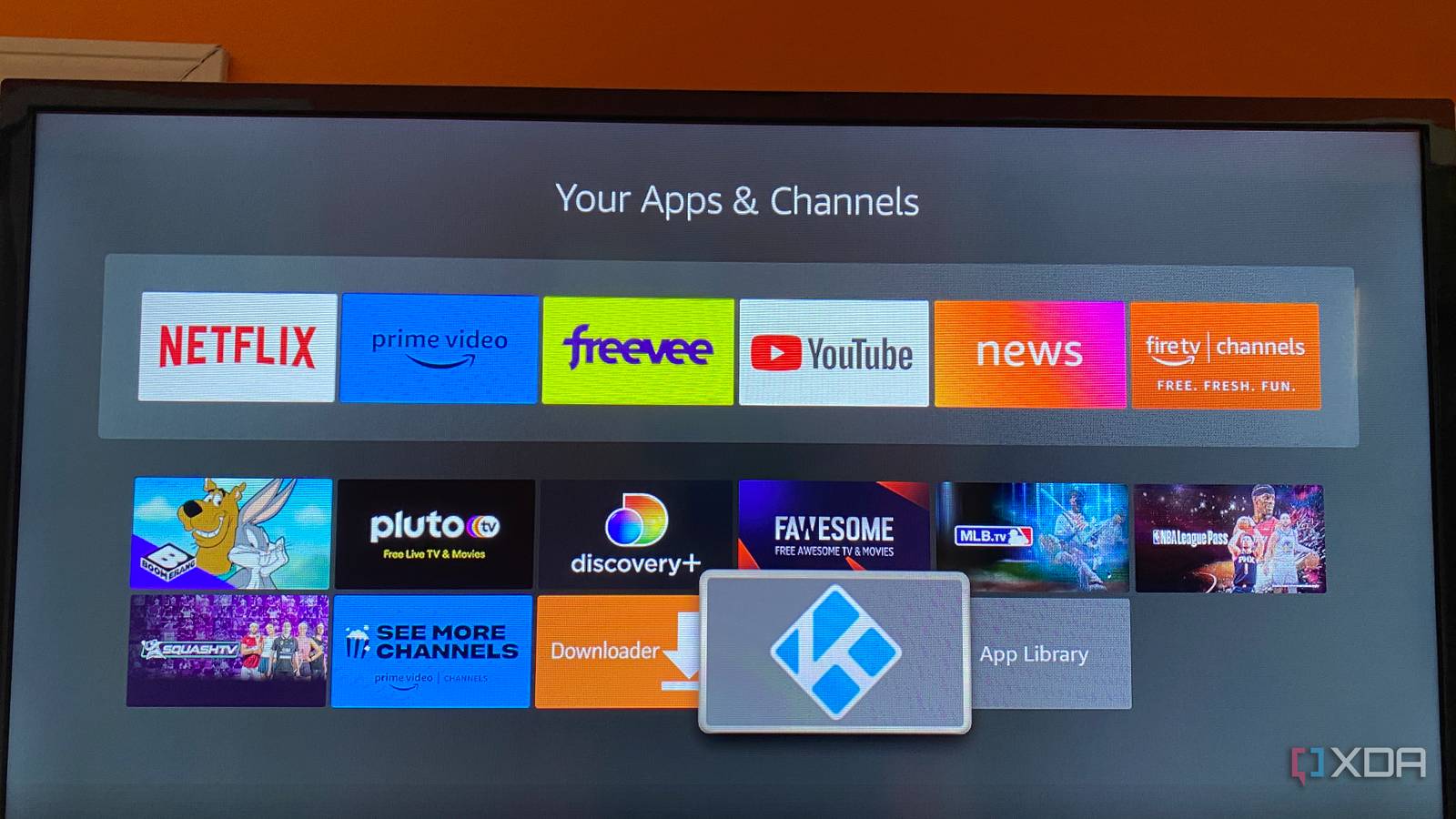
In the years before internet media streaming, many of us had home theater PCs to load up with rips of the stacks of DVDs and other media we’d collected over time. It was the way to get the best media quality, connected to home theater receivers and plenty of speakers to bring the movie experience home.
As technology advanced, it shifted to a client-server model, with many media server software packages coming to the fore. I’ve used Plex for years now for my media library to continue my love of theater, I’ve paid for the mobile apps on every platform, and I was an early adopter when a lifetime Plex Pass first became available.
But recent changes have soured me on the platform, and my media consumption needs have changed. I don’t need to stream outside my home network, and I’d rather have my media playing on a dedicated box with enough power than worry about transcoding and other issues. So, I’ve switched away from Plex and gone back to one of the oldest names in the game, Kodi.

I switched to Emby, and it’s way better than Plex and Jellyfin… in some ways
Plex to Jellyfin to Emby.
Why Kodi when there are so many options?
My needs have changed over the years
Kodi is one of the longest-running media center software packages, and its nearly quarter-century of longevity is a testament to how powerful and beloved it is. While it originated on a device with an Ethernet port, it was designed as offline-first and has remained so even today.
It supports almost any digital media you can think of:
- Movies
- TV Shows
- Music
- Photos
- PVR to record linear TV
- Games
It’s still got a very simplified interface that’s resisted the pull for clutter that every other streaming service seems to have trended toward, which I appreciate. And there are tons of add-ons to extend functionality, including one for Plex, so you could have the best of both worlds if you still want to keep your Plex server.
It’s also where my media streaming journey started
I’ve always had a fond spot for having an HTPC next to my TV, but I haven’t always owned a computer. But that’s okay, because I had an Xbox that could play DVDs and installed Xbox Media Player, the early name for Kodi. For many years, that was my media consumption device for both games and my favorite shows, and I collected stacks of CDs and DVDs during that era. My love for movies started much earlier with VHS, but DVDs were the closest to the theater experience at home, and it blew my mind back then.
There is one thing that Kodi can do nothing else has
Kodi is a fully-fledged media center

Kodi has native apps for almost any device or operating system you could conceivably have at home, but that’s not why I love it. I run the LibreELEC version, which is a pared-down Linux distribution created as a “just enough” OS for running one thing, Kodi.
That means you can create your own streaming box from your choice of hardware. I’ve been using a mini PC, but I recently got a Streacom fanless case and have been pulling the rest of the parts together for that build. I’m excited about that, and for the option to add a disc drive at some point for the small library of physical media I still have.
Local playback means I don’t need transcoding

As I’m playing media back on the same device, I’m not forced to rely on the capabilities of a client device. That means I don’t need to worry about transcoding, although I am still limited by the PC hardware I have LibreELEC installed on. I’ve found Intel CPUs are better for this if I don’t have a dGPU, but if you have enough space for a newer AMD or Nvidia GPU you’ll have plenty of power for whatever formats your media are in.
But not every HDR version will work
HDR is supported by Kodi, but not every version. Static HDR like HLG and HDR10 is fine, but proprietary formats like HDR10+ and Dolby Vision are not, at least not on the Linux version. Kodi for Android has Dolby Vision if the device has the license, so if you have Dolby Vision-compatible media, you’ll want that version. And it won’t do HDR-to-SDR tonemapping, but most TVs have HDR nowadays, so that’s less of an issue.
Kodi brings me back to my HTPC roots
Kodi was one of the first things I installed on my OG Xbox, though it wasn’t called that at the time. It then became a dedicated media center once I upgraded to Xbox 360, and it worked perfectly for years. From its roots as Xbox Media Player, it’s turned into a fantastic option for those who don’t want to be tied to the software on streaming devices.
