
Close Menu
    Facebook X (Twitter) Instagram
    Wifi PortalWifi Portal
    • Blogging
    • SEO & Digital Marketing
    • WiFi / Internet & Networking
    • Cybersecurity
    • Tech Tools & Mobile / Apps
    • Privacy & Online Earning
    Facebook X (Twitter) Instagram
    Wifi PortalWifi Portal
    Home»Tech Tools & Mobile / Apps»Your Galaxy S26 can now double as a webcam for your PC
    Tech Tools & Mobile / Apps

    Your Galaxy S26 can now double as a webcam for your PC

    adminBy adminMarch 21, 2026No Comments2 Mins Read
    Facebook Twitter LinkedIn Telegram Pinterest Tumblr Reddit WhatsApp Email
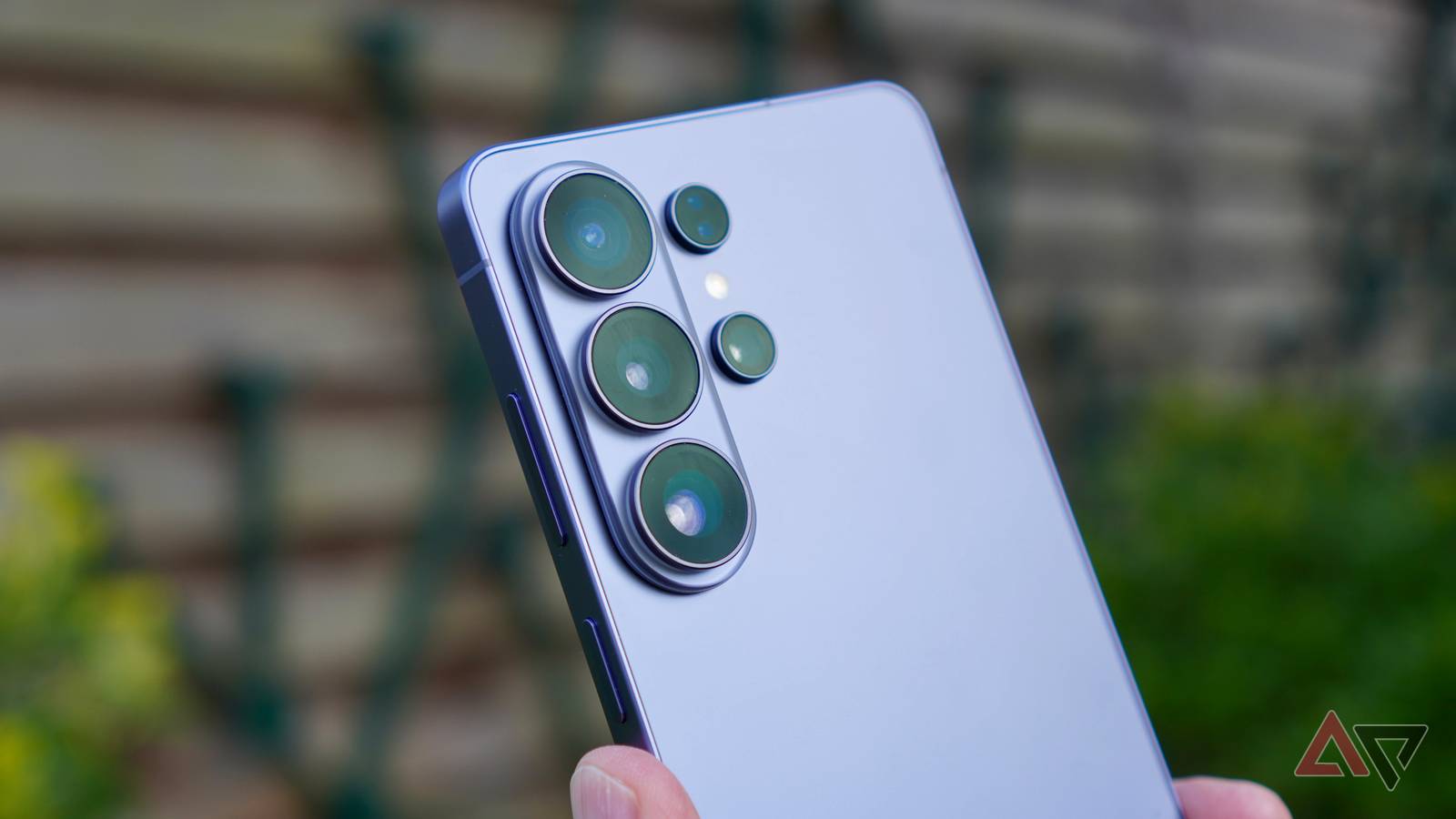
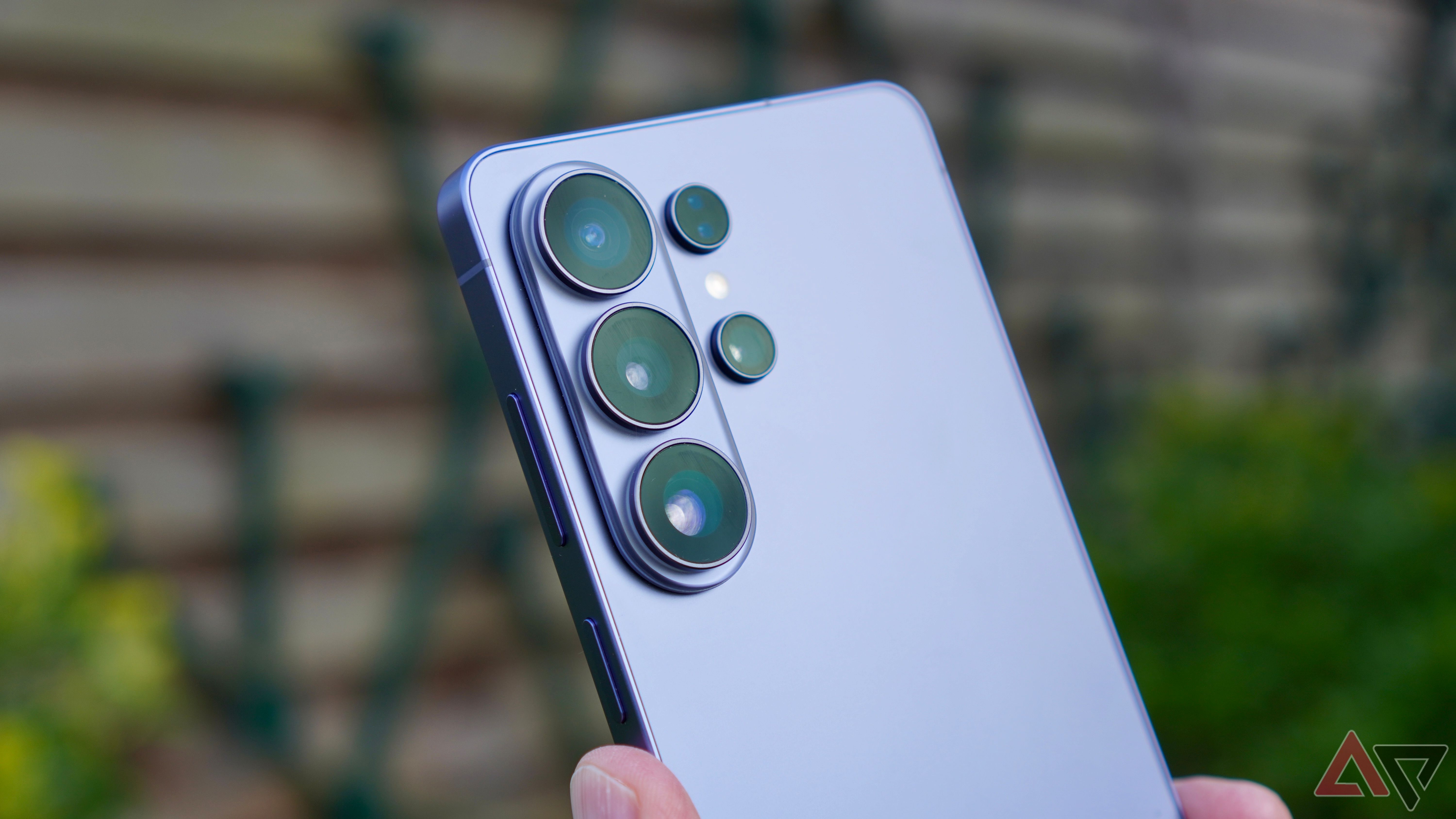
    Your Galaxy S26 can now double as a webcam for your PC
    Share
    Facebook Twitter LinkedIn Pinterest Email

    With Android 14 QPR1, Google introduced a feature that lets you use a Pixel phone as a webcam with your PC. Years later, Android manufacturers have yet to widely adopt this handy feature. Samsung is finally stepping in by adding support for USB webcam mode to the Galaxy S26 series.

    There are plenty of third-party Android apps that enable you to use your phone as a webcam with your PC. Amidst the pandemic and taking a cue from iPhone’s Continuity Camera feature, Google added a similar option natively to Pixels with Android 14 QPR1 in late 2023. Unfortunately, even after all these years, this feature is yet to make its way to most other Android phones.

    With the Galaxy S26, Samsung has added support for USB webcam mode to its 2026 flagships (via Android Authority). This means you can use your phone as a webcam for video calls on your PC by simply connecting it with a USB cable.

    It even includes the more powerful High Quality Mode that streams the video at a higher bitrate for better quality. Since this mode consumes more power, your Galaxy S26 Ultra may heat up when this mode is enabled.

    The “Webcam” option will appear on the phone’s screen whenever you connect it to a PC through a USB cable.

    Your Galaxy phone can act as a wireless webcam, too

    Within Samsung’s ecosystem, it was already possible to use your Galaxy phone’s camera as a webcam through the Camera Sharing feature. Unlike Google’s implementation, it works wirelessly, making it more convenient to use. However, the feature is limited to Samsung-branded PCs and tablets, greatly limiting its reach.

    The USB webcam mode feature is not available in the One UI 8.5 beta for the Galaxy S25. But Samsung may add it in the final public release, expanding the feature beyond the Galaxy S26, especially since it does not require any extra hardware to work.

    While laptops now come with at least a usable webcam, smartphones can provide better video and audio quality thanks to their larger sensors.

    Hopefully, a wider adoption of this feature will also push Google to improve the USB webcam mode further — wireless support and a more seamless experience would be nice. The current implementation is pretty barebones — you can’t switch between front and rear cameras.

    Double Galaxy S26 webcam
    Share. Facebook Twitter Pinterest LinkedIn Tumblr Telegram Email
    Previous ArticleOracle pushes emergency fix for critical Identity Manager RCE flaw
    Next Article DOJ confirms seizure of domains linked to Iran-backed threat actor
    admin
    • Website

    Related Posts

    Your phone’s Bluetooth audio quality depends on one hidden setting nobody knows about

    April 25, 2026

    Android System WebView 147.0.7727.111 APK Download by Google LLC

    April 25, 2026

    Google’s Nest Hub has no clue what time it is, and it’s messing with our heads

    April 25, 2026
    Add A Comment
    Leave A Reply Cancel Reply

    Search Blog
    About
    About

    At WifiPortal.tech, we share simple, easy-to-follow guides on cybersecurity, online privacy, and digital opportunities. Our goal is to help everyday users browse safely, protect personal data, and explore smart ways to earn online. Whether you’re new to the digital world or looking to strengthen your online knowledge, our content is here to keep you informed and secure.

    Trending Blogs

    AI citation tracking tools to monitor and increase visibility

    May 21, 2026

    Google expands Universal Commerce Protocol and launches new agentic shopping tools

    May 21, 2026

    What is PPC? A starter guide to pay-per-click advertising

    May 21, 2026

    WordPress 7.0 Launches With Native AI Integration

    May 21, 2026
    Categories
    • Blogging (82)
    • Cybersecurity (1,955)
    • Privacy & Online Earning (223)
    • SEO & Digital Marketing (1,221)
    • Tech Tools & Mobile / Apps (1,796)
    • WiFi / Internet & Networking (306)

    Subscribe to Updates

    Stay updated with the latest tips on cybersecurity, online privacy, and digital opportunities straight to your inbox.

    WifiPortal.tech is a blogging platform focused on cybersecurity, online privacy, and digital opportunities. We share easy-to-follow guides, tips, and resources to help you stay safe online and explore new ways of working in the digital world.

    Our Picks

    AI citation tracking tools to monitor and increase visibility

    May 21, 2026

    Google expands Universal Commerce Protocol and launches new agentic shopping tools

    May 21, 2026

    What is PPC? A starter guide to pay-per-click advertising

    May 21, 2026
    Most Popular
    • AI citation tracking tools to monitor and increase visibility
    • Google expands Universal Commerce Protocol and launches new agentic shopping tools
    • What is PPC? A starter guide to pay-per-click advertising
    • WordPress 7.0 Launches With Native AI Integration
    • Best AI search analytics tools for marketing teams
    • Google tests new conversational ad formats in AI Mode and Search
    • How to measure AI search visibility: KPIs & reporting
    • Mueller Explains Why Google Uses Markdown On Dev Docs
    © 2026 WifiPortal.tech. Designed by WifiPortal.tech.
    • Home
    • About Us
    • Contact Us
    • Privacy Policy
    • Terms and Conditions
    • Disclaimer

    Type above and press Enter to search. Press Esc to cancel.