
Close Menu
    Facebook X (Twitter) Instagram
    Wifi PortalWifi Portal
    • Blogging
    • SEO & Digital Marketing
    • WiFi / Internet & Networking
    • Cybersecurity
    • Tech Tools & Mobile / Apps
    • Privacy & Online Earning
    Facebook X (Twitter) Instagram
    Wifi PortalWifi Portal
    Home»Tech Tools & Mobile / Apps»Vivaldi 7.9 lets you get rid of the entire browser and keep only the web
    Tech Tools & Mobile / Apps

    Vivaldi 7.9 lets you get rid of the entire browser and keep only the web

    adminBy adminMarch 19, 2026No Comments3 Mins Read
    Facebook Twitter LinkedIn Telegram Pinterest Tumblr Reddit WhatsApp Email
    Vivaldi 7.9 lets you get rid of the entire browser and keep only the web
    Share
    Facebook Twitter LinkedIn Pinterest Email

    Summary

    • UI Auto-hide removes Vivaldi’s UI for distraction‑free browsing; customizable and toggled with Ctrl+F11 or ⌘+F10
    • Right‑click links to open as Follower Tabs beside the current tab, avoiding scattered tabs.
    • Vivaldi Mail can open in its own window, and its RAM use has been reduced.

    In the great browser wars, companies focus on adding new and enhanced features that the others don’t have. However, at the end of the day, the browser acts as a window through which we can, well, browse. And sometimes all those extra features, bars, and pop-ups feel a little too invasive.

    If you like all the advanced features that modern-day apps have, but you sometimes wish your browser came with a little less browser, then Vivaldi has something you’ll want to check out. The newest version’s spotlight feature, 7.9, gets rid of all the visual clutter while you work, giving you more space to look at.

    Vivaldi's tab features

    My favorite browser just got a huge update, and it’s still not AI

    Vivaldi keeps winning

    Vivaldi 7.9’s killer feature involves less Vivaldi

    But in a good way

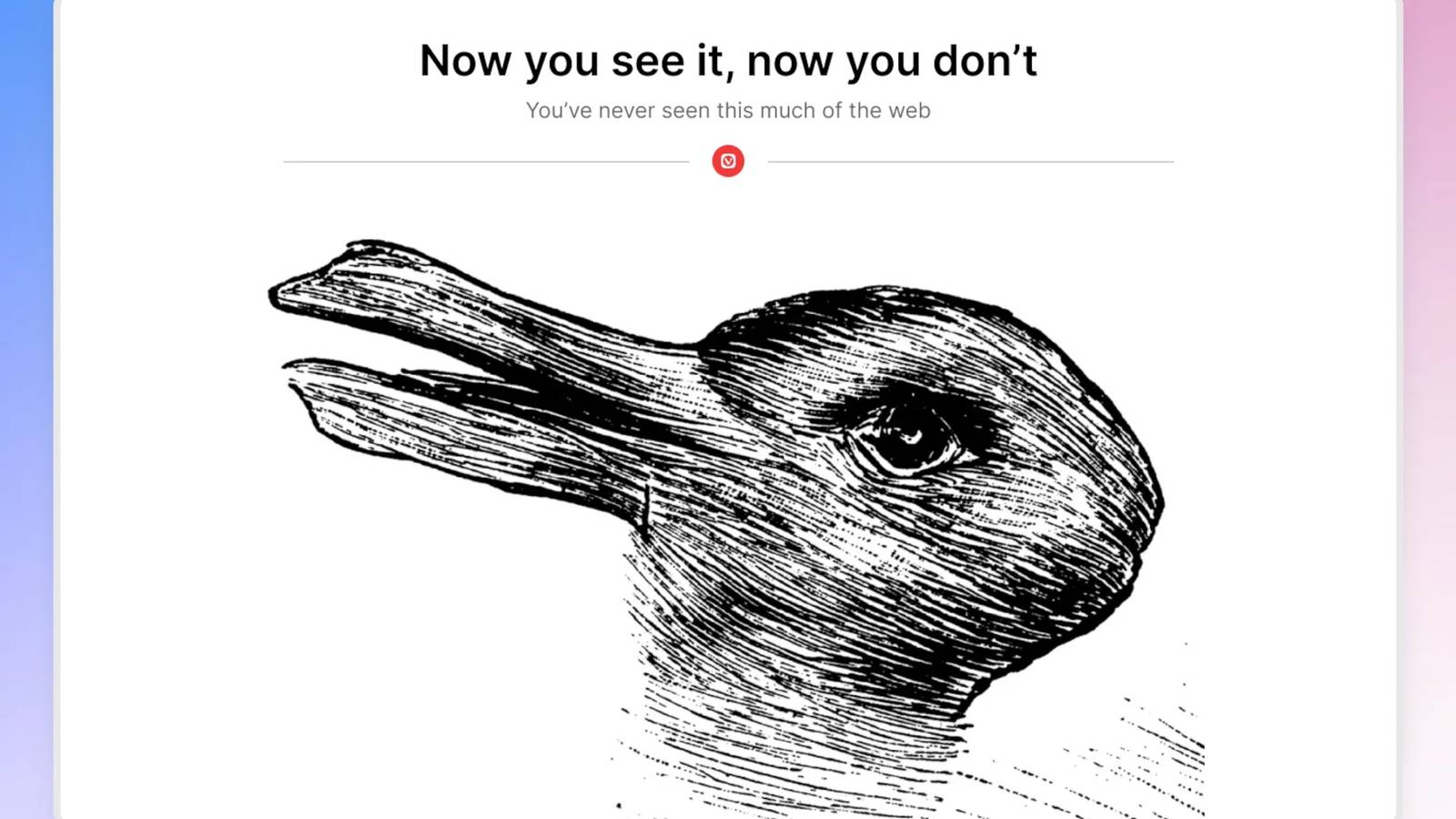
    On the Vivaldi blog, the company explores what’s new in version 7.9. The star of the show is a feature that lets you remove the UI elements of Vivaldi when you’re hard at work, essentially adding a full-screen mode for every webpage available:

    Every browser ships with a tab bar, an address bar, a status bar, and assorted toolbars. They are essential. They also take up space. Vivaldi 7.9 solves this with UI Auto-hide: enable it, and the entire interface steps aside while you read, watch, or work. Move your cursor to any edge of the screen and everything reappears instantly. Move away, and the content takes over again.

    Vivaldi says you can customize the amount of stuff you hide. For example, if you like the idea of everything moving away to make space, but you still want to see the address bar at all times, you can set that up. Once you have it just the way you like it, all you need to do is hit ⌘ + F10 or Ctrl + F11, and Vivaldi will scoot out of the way.

    Vivaldi has a few more nice tricks with its 7.9 update. For instance, you can now right-click links and open them as a Follower Tab. This will open in a new tab beside the one you’re in, so you can click on links in the article you’re reading without filling your bar with scattered tabs. Plus, Vivaldi Mail can now open in its own window, and its RAM footprint has been reduced.

    Vivaldi 7.9 is available starting today, so be sure to head over to the download page and grab the newest version if you’re interested.

    Browser entire lets rid Vivaldi Web
    Share. Facebook Twitter Pinterest LinkedIn Tumblr Telegram Email
    Previous ArticleNew research unpacks North Korea’s stealthy, sophisticated remote IT worker schemes
    Next Article Arcjet enables inline defense against prompt injection in production AI systems
    admin
    • Website

    Related Posts

    Google lets you build your own app within Google Search with agentic coding

    May 20, 2026

    Google lets Workspace admins apply one policy across all SAML apps

    May 15, 2026

    Liquid Web WordPress Plugin Rebrand Triggers Backlash

    May 14, 2026
    Add A Comment
    Leave A Reply Cancel Reply

    Search Blog
    About
    About

    At WifiPortal.tech, we share simple, easy-to-follow guides on cybersecurity, online privacy, and digital opportunities. Our goal is to help everyday users browse safely, protect personal data, and explore smart ways to earn online. Whether you’re new to the digital world or looking to strengthen your online knowledge, our content is here to keep you informed and secure.

    Trending Blogs

    Mueller Explains Why Google Uses Markdown On Dev Docs

    May 21, 2026

    Google Marketing Live 2026: Everything you need to know

    May 21, 2026

    Google unveils Gemini 3.5 Flash and a redesigned ‘intelligent Search box’

    May 21, 2026

    12 Awesome Custom Google Analytics Reports Created by the Experts

    May 20, 2026
    Categories
    • Blogging (82)
    • Cybersecurity (1,955)
    • Privacy & Online Earning (223)
    • SEO & Digital Marketing (1,214)
    • Tech Tools & Mobile / Apps (1,796)
    • WiFi / Internet & Networking (306)

    Subscribe to Updates

    Stay updated with the latest tips on cybersecurity, online privacy, and digital opportunities straight to your inbox.

    WifiPortal.tech is a blogging platform focused on cybersecurity, online privacy, and digital opportunities. We share easy-to-follow guides, tips, and resources to help you stay safe online and explore new ways of working in the digital world.

    Our Picks

    Mueller Explains Why Google Uses Markdown On Dev Docs

    May 21, 2026

    Google Marketing Live 2026: Everything you need to know

    May 21, 2026

    Google unveils Gemini 3.5 Flash and a redesigned ‘intelligent Search box’

    May 21, 2026
    Most Popular
    • Mueller Explains Why Google Uses Markdown On Dev Docs
    • Google Marketing Live 2026: Everything you need to know
    • Google unveils Gemini 3.5 Flash and a redesigned ‘intelligent Search box’
    • 12 Awesome Custom Google Analytics Reports Created by the Experts
    • Selector targets the network visibility gap in multi-cloud infrastructure
    • How to Persuade Your Boss to Send You to Ahrefs Evolve in San Diego
    • Key AEO & Content Trends for 2026
    • Google adds llms.txt check to Chrome Lighthouse
    © 2026 WifiPortal.tech. Designed by WifiPortal.tech.
    • Home
    • About Us
    • Contact Us
    • Privacy Policy
    • Terms and Conditions
    • Disclaimer

    Type above and press Enter to search. Press Esc to cancel.