

Whether it’s TeamViewer’s aggressive ‘commercial use detected’ pop-ups, AnyDesk’s restrictive free tier, or the lag of browser-based tools, the search for a reliable, truly free alternative has long felt like a compromise.
Enter RustDesk. This open-source powerhouse isn’t just another clone with a freemium concept; it’s a complete rethink of what remote access should be.
If you are tired of being held hostage by subscriptions and want a tool that respects both your wallet and data, look no further: this is the new gold standard for Windows.
Blazing fast performance
When I say RustDesk is ‘no-nonsense,’ I’m not just talking about the lack of price tags. I’m talking about the total absence of modern software bloat that has ruined almost every other remote tool.
For example, I don’t have to give them my life story just to log in. With almost every other free tool in 2026, the first thing you see is a mandatory sign-up screen. They want your email, company size, and your phone number before you can even see the interface.
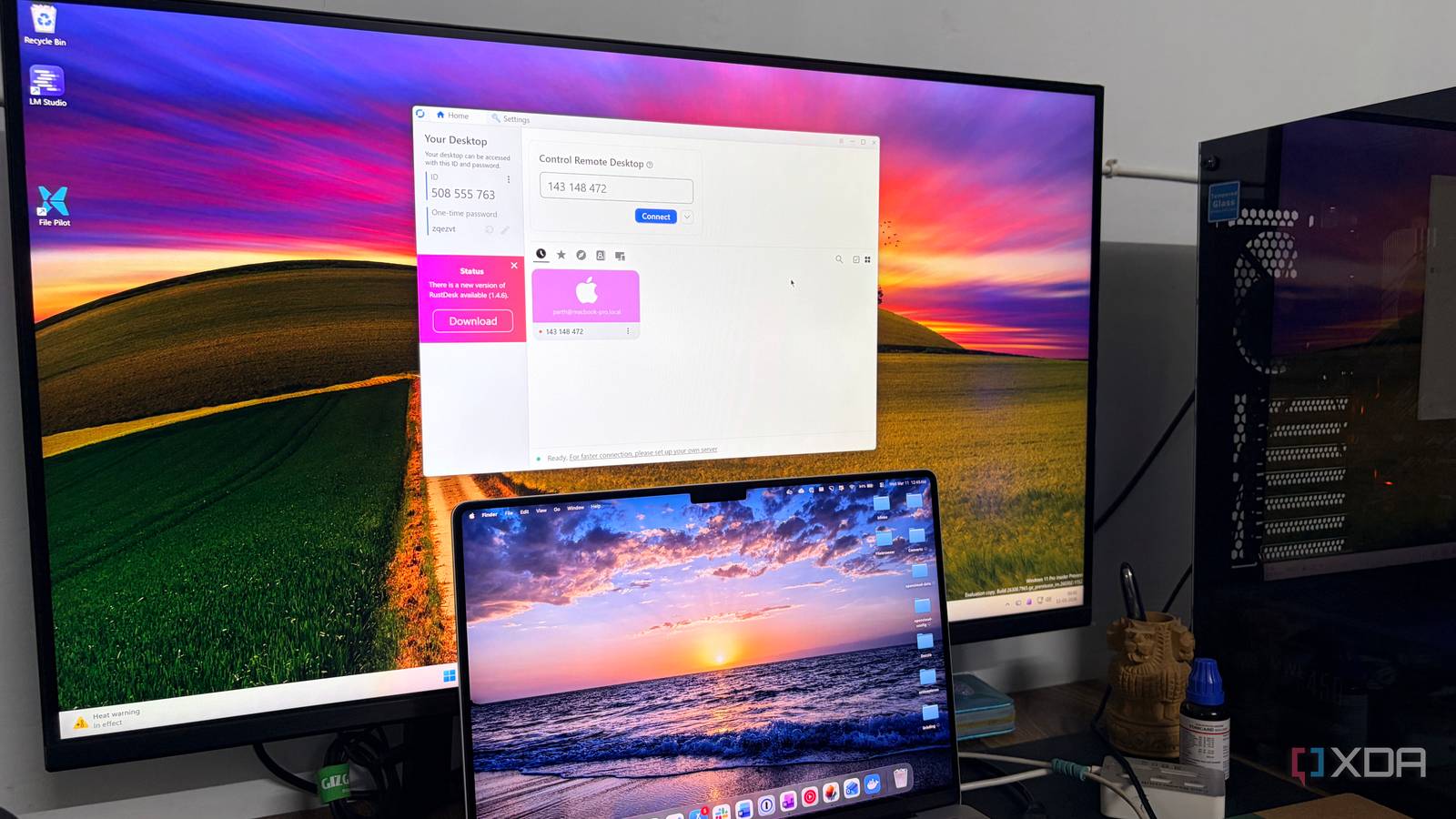
With RustDesk, I just download the small executable file, run it, and I’m looking at my ID and password immediately.
I just type in the ID of the remote machine, punch in the password, and boom—I’m in.
Because it’s written in Rust, the performance is on a completely different level. I have noticed that even on a shaky Wi-Fi connection; the latency is almost non-existent.
It leverages your GPU properly. Whether I’m scrolling through a dense spreadsheet or trying to walk someone through a video edit, the frame rate stays fluid.
In my experience, free usually means limited, but RustDesk treats you like a professional from the jump.
I can even keep a copy on a thumb drive. Since it doesn’t require a formal installation to work, I can hop onto my Windows machine, run the .exe, and have a secure remote session going in under 30 seconds.
Packed with features
There are many

What makes RustDesk feel like a ‘pro’ tool isn’t just speed — it’s the fact that it doesn’t gate-keep the features I actually use. Usually, with free software, you hit a paywall the second you try to do anything advanced.
For example, if you are remoting into a workstation with three monitors from a laptop, most free tools lose their minds. RustDesk handles this flawlessly. I can switch between monitors with one click or view them all at once.
It even handles high-DPI scaling automatically, so I’m not looking at tiny icons when I connect to a 4K screen. If I’m helping a client or a friend, I can record the entire session to a video file with one click.
Plus, the integrated text chat means I don’t have to keep a separate window open just to talk to the person on the other end. There is even a built-in file transfer tool.
Whether it’s an important PDF, a spreadsheet, or a photo, I can move between these devices in no time. RustDesk has nailed the UX. It doesn’t require a learning curve, and anyone can get started in no time.
Private, open-source, and free
With self-hosting capabilities

RustDesk’s self-hosting nature changed the game for me. Most remote tools force your data through their servers. With RustDesk, I can set up my own relay server using Docker in about five minutes.
I own my data. Because the connection is direct or through my own hardware, the latency is practically zero. It’s the ultimate move for anyone paranoid about privacy or tired of server lag.
It can also be an ideal option for anyone who deals with sensitive data and files during their remote sessions.
The recent 1.4.5 update added a gaming-style mouse mode. This allows you to play games or use 3D software like AutoCAD remotely without the cursor getting stuck.
And since RustDesk is open-source (AGPL-3.0), the code is out in the open for the entire security community to audit. That transparency builds a level of trust that money can’t buy.
We have all been hit by ‘Free for personal use’ software that suddenly decides your 10-minute session is a commercial activity (looking at you, TeamViewer) and cuts you off. It’s insulting.
RustDesk is free in the way software used to be. There is no subscription, paid tier, or premium plan to unlock more features.
The ‘Endgame’ of remote desktop
Thanks to its open-source transparency, high-performance code, and freedom to self-host your own infrastructure, RustDesk has nailed all the basics.
While the big names in the industry continue to tighten their restrictions and raise their prices, RustDesk has proven that you don’t need a massive paid plan to get professional-grade results.
Whether you are an IT pro managing a range of servers or just the tech person in your family, switching to RustDesk is always a smart move on Windows.
