

Let me tell you about the writing trick that stole my backspace key.
There are days when writing flows like melted butter. Words line up politely, sentences behave themselves, and the cursor marches forward across the screen like a tiny, well-trained conductor who knows exactly where to go. And then there are those other days. You write three words and delete two. Rewrite them and delete them again. Open a browser tab to “quickly check something.” Suddenly, you’re reading a Reddit thread about mechanical chewing gum, and the paragraph you started is still sitting there half-formed like a disappointed houseplant.
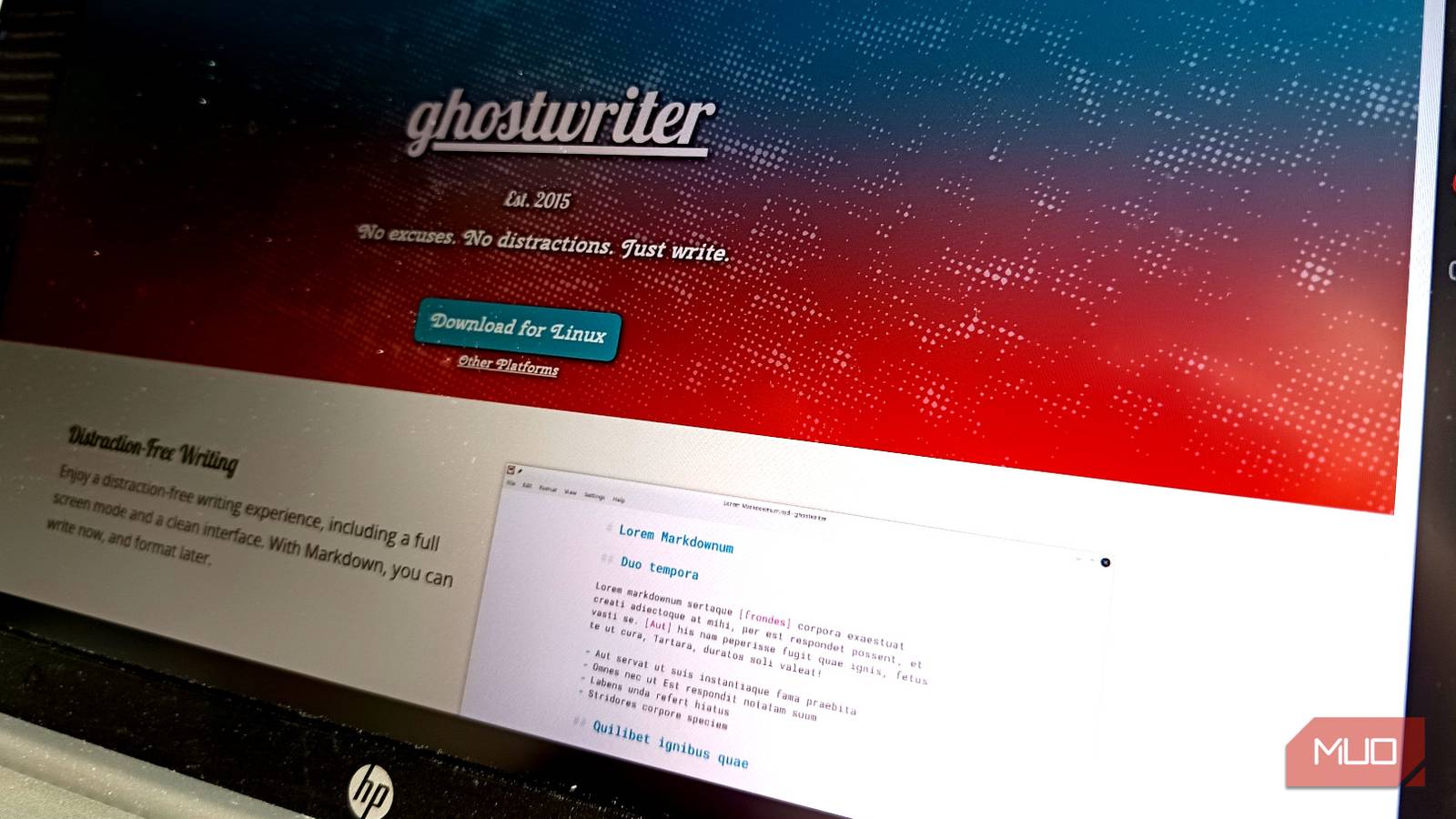
The problem usually isn’t ideas. The problem is your brain, and more specifically, the part of your brain that interrupts the writing process every six seconds to say things like: bad sentence, delete! This is exactly why I started experimenting with Ghostwriter, a minimalist Markdown editor from KDE that takes distraction-free writing very seriously. So seriously, in fact, that it includes a mode where the backspace key stops working. At first, that sounded completely ridiculous, then I tried it.
Ghostwriter is built for writing, not fiddling
A Markdown editor that keeps things simple
Ghostwriter is a lightweight Markdown editor built around a simple philosophy: remove everything that gets between you and the text.
Instead of a toolbar that looks like the cockpit of a small aircraft, you get a calm workspace with almost nothing on it. No formatting ribbons, no clutter, and no buttons begging to be clicked. Just a blank page and a blinking cursor. Formatting happens through Markdown, which means headings, bold text, and links are written using simple symbols instead of menus and buttons. For example:
- Heading
- Bold text
- Italic text
It feels slightly primitive the first time you see it. Then it starts to feel… refreshing. Your document stays perfectly readable as plain text, and when you’re done writing, you can export it into more polished formats like HTML, PDF, or Word using tools like Pandoc. But the real magic here isn’t markdown. It’s the fact that Ghostwriter refuses to constantly interrupt you with floating panels, formatting distractions, or interface nonsense. It just lets you write.
The feature that made me curious: Hemingway mode
The backspace key simply stops working

Ghostwriter includes something called Hemingway mode, and it does something that initially feels very terrifying: It disables the backspace key. Once you start writing, you can’t delete what you just typed. The cursor only moves forward. Your first reaction is probably something like:
Why would anyone voluntarily do this to themselves?
Writing and editing are two completely different mental processes. And when they happen at the same time, editing tends to win every single time.
That’s when the endless loop begins: write – delete – rewrite – hesitate – open browser – repeat. Hemingway mode breaks that cycle in the most brutally simple way possible. You can’t edit. You write the sentence, then the next one, and then the next one. Typos stay, awkward phrasing stays, and even half-baked thoughts stay. Everything remains exactly where it landed until the draft is finished. And strangely enough, this works.
When I first enabled Hemingway mode, I expected it to last maybe five minutes.Instead, something interesting happened. Without the ability to constantly fix every sentence, my brain stopped obsessing over perfection. The goal quietly shifted from writing well to simply writing forward. And once that mental shift happens, momentum kicks in. Instead of the usual stop-start chaos, the workflow becomes almost embarrassingly simple: write, and keep writing.
The first draft moves faster. The interruptions disappear. And the little internal critic who normally screams about every sentence suddenly loses its favorite weapon. It turns out momentum matters far more than precision during the early stages of writing. Ghostwriter just forces you to accept that.
Ghostwriter removes more distractions than just editing
Focus mode keeps your brain in the paragraph

Hemingway mode gets most of the attention, but Ghostwriter includes a few other clever features designed to keep your brain inside the document, and one of the most useful is focus mode. Instead of displaying the entire document with equal emphasis, Ghostwriter highlights the current paragraph while fading the surrounding text slightly into the background. Your attention stays locked on what you’re actively writing instead of wandering around the page.
There’s also a fullscreen mode, which removes the remaining interface elements entirely. At that point, the editor becomes a calm, minimalist writing space with nothing left to poke at except the words themselves. And once again, something interesting happens.
It becomes surprisingly difficult to procrastinate on formatting when there are basically no formatting tools available.
It’s still practical for real writing workflows
Markdown keeps everything portable

Despite its minimalist appearance, Ghostwriter isn’t just a quirky writing toy. Because everything is written in Markdown, your documents remain portable and easy to move between tools. That’s particularly useful if your workflow includes publishing systems, documentation tools, or static site generators. Ghostwriter also integrates with Pandoc, which makes exporting your work incredibly flexible.
You can turn a Markdown document into PDF, DOCX, HTML, ODT, or other formats.
In other words, you can draft something quickly in a clean environment and later convert it into a polished document without being locked into a specific editor. For writers who like simple tools but still need professional output formats, this combination works extremely well.

I deleted 3 productivity apps for this one open-source tool, and I love it
One app that fixed boosted my productivity 10x.
The best part: it runs everywhere
Ghostwriter is technically part of the KDE ecosystem, but you absolutely do not need to run KDE to use it.
It works perfectly fine on GNOME, Cinnamon, XFCE, or basically any Linux desktop you throw at it.
There are also Windows builds available, which makes it surprisingly portable if you switch between operating systems.
The application itself is tiny and launches instantly, which is another small but meaningful advantage over heavier writing tools.
When inspiration appears, you don’t have to wait for your editor to boot up like it’s loading a video game. You just start writing.
To be clear, Hemingway mode is not meant for finishing documents. It’s meant for starting them. Once the draft is done, you simply turn the mode off and go back through the text normally. That’s when the editing brain finally gets permission to do what it loves most: nitpick everything. By separating those two phases, Ghostwriter helps avoid one of the most common writing traps on earth: spending an hour polishing the first paragraph while the rest of the article never appears. It’s a small psychological trick, but it works.
Ghostwriter doesn’t try to be a publishing suite. It doesn’t try to manage your notes. It doesn’t try to organize your entire digital life. It does one thing: it gives you a quiet place to write. And occasionally, it steals your backspace key to make sure you actually do it.
At first, that idea sounds absurd, but after a few writing sessions, you might discover something surprising.
Sometimes the fastest way to write better … is simply to stop editing while you’re doing it.
