

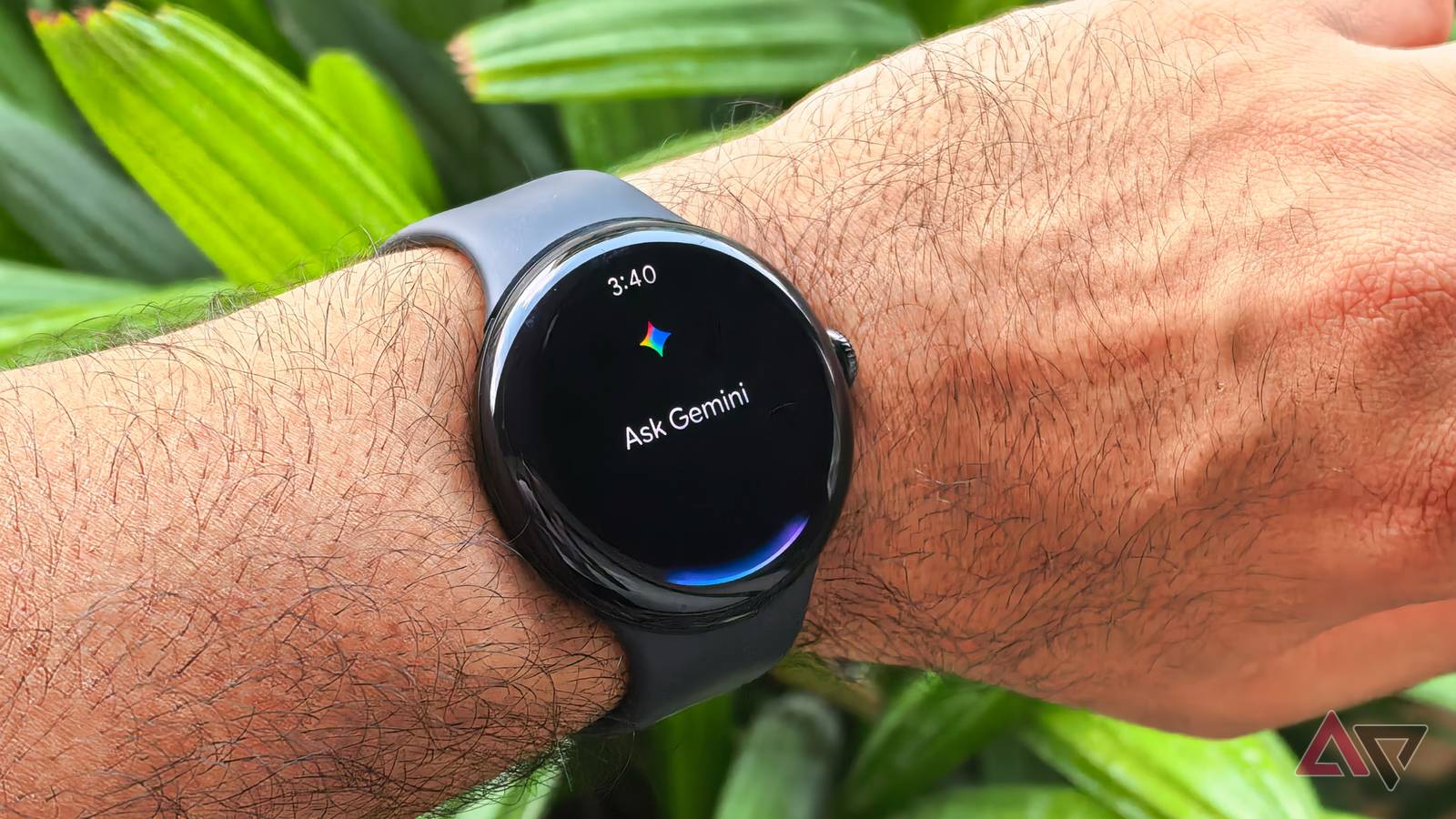
Despite the Gemini app being available on smartphones for a while now, it wasn’t until July that Google officially announced Gemini on Wear OS, intended to replace Google Assistant. That transition has happened in batches for smartwatches, featuring Wear OS 4 and newer.
Google recently rolled out an updated weather card for the Gemini app on Android. It has taken a while, but this improved weather interface is now appearing on eligible Wear OS smartwatches. The folks at Android Authority have spotted the redesigned weather card in version 1.28.1695 of the Gemini on Wear OS app.
This appears to be a server-side update, which means there’s not much you can do to trigger its appearance. Hopefully, it won’t take long for this updated interface to roll out widely to all compatible Wear OS smartwatches.


Current (top) vs Upcoming
The updated design for the weather card makes better use of the real estate on your wearable, with the city’s name appearing first, followed by a card that displays the temperature, and the day’s maximum and minimum expected temperatures.
This is followed by a Temperature tab that provides an hourly forecast for the day, along with chances of precipitation (in percentage). Lastly, users will find a couple of buttons at the bottom of the page to switch between Celsius and Fahrenheit measurements, a new feature to the Gemini weather experience on Wear OS.

Google fixes Gemini’s biggest Google Home frustrations
Less interruption, more control
Notably, the Temperature tab is collapsible, so users can easily hide its contents with a single tap and reach the end of the page without scrolling as much. By comparison, the existing weather experience on the Gemini app for Wear OS is fairly bare-bones, with no additional weather details or precipitation info provided. Keeping this in mind, this is a worthwhile upgrade for your smartwatch.
To check if this revamp is live on Wear OS, ask Gemini for the weather conditions in your area. Of course, you can also ask about the weather in other cities, which should pull up the same card-based experience. You can check out the extent of these changes in the video below.
While Gemini on Wear OS doesn’t unlock the full suite of features we see on its Android counterpart, such as Gemini Live, it has been a substantial upgrade from Assistant. The fact that Gemini can understand natural-language voice commands is also significant, given that smartwatches rely primarily on voice-based interaction, unlike phones, where you can switch between voice and text-based input.
