


Megan Ellis / Android Authority
Over the past year, I’ve looked for productivity apps that balance great features with privacy. However, I rarely find this equilibrium. When it comes to feature-rich apps, many don’t give users much privacy, or they lock significant features behind paywalls.
On the other hand, there are a number of privacy-focused apps to choose from. But they either don’t have that many features, or there’s some skill required in setting up and maintaining them (such as self-hosting your sync server).
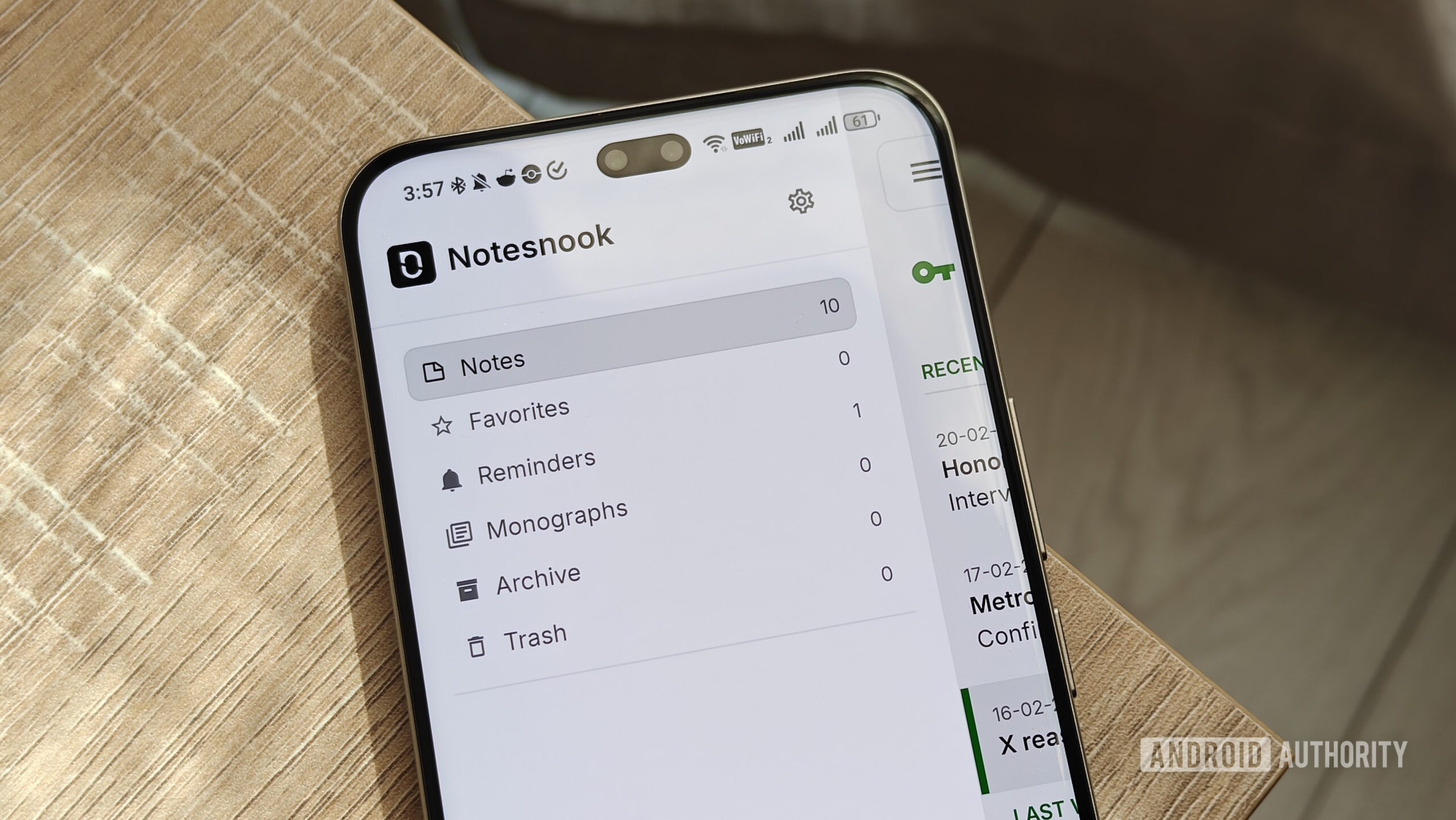
That’s until I found Notesnook. The app’s free plan has plenty of useful features, including multi-device syncing, while also providing privacy for users.
What is the most important feature in a note-taking app?
428 votes
Notesnook balances privacy with an abundance of features

Megan Ellis / Android Authority
When looking at note-taking apps, there are a few things I prioritize. Since moving away from Google Keep, I sought out apps that provided privacy for my notes. At the same time, I needed something with a free plan, since I can’t really afford additional subscriptions at the moment.
That’s when I noticed a pattern when it came to note-taking solutions. Some offered great features and privacy, but required self-hosting or workarounds for syncing. I currently self-host Jotty Page, which gives me access to a rich text editor and keeps my data private. But because my server relies on my own hardware, downtime can make my notes inaccessible.
An app like Standard Notes provides both syncing and end-to-end encryption for free, but without a subscription, you can only save plain text notes. This works well for jotting down quick thoughts, but I like to be able to create checklists and tables for more comprehensive note-taking.
You get feature-rich apps like Evernote. But the service doesn’t prioritize privacy and locks features like multi-device syncing behind a paywall.
So when I came across Notesnook, I was surprised by how much it offered for free. You get multi-device syncing that’s simple to set up. You don’t even have to rely on a third-party cloud service; you can sync notes directly through Notesnook. Your notes are also encrypted to protect your data.
Notesnook’s free plan has plenty of features, including a rich-text editor, reminders, and organizational tags.
If you are interested in self-hosting, you can self-host the sync server. The app is open-source, while also supporting all major platforms, including Linux. This means you’re not locked into a specific platform and can easily migrate your notes if you switch devices.
In terms of your actual notes, you have access to a rich-text editor. Not only does this allow you to apply formatting like headers, but you can also add checklists, bullet lists, and tables.
I find checklists useful for things like shopping or packing for trips. Meanwhile, the table feature really came in handy when I needed to compare the specs of the Samsung Galaxy S26 series with older devices.
You can also upload files to your notes, with a limit of 10MB per file and 50MB per month. These notes can be organized with tags, and you can also create different notebooks.
The app also supports reminders and shortcuts, which can come in handy even though they aren’t typical features for note-taking apps.
So, what are the limitations?

Megan Ellis / Android Authority
If it sounds too good to be true, you may be wondering what limitations Notesnook has. For simple note-taking, not many. But its paid plans give access to additional features, larger file sizes, and additional text elements.
On the free plan, your images are compressed when uploaded. You can also only add seven colors to your notes, create 50 tags, and create 50 notebooks. You are also limited to 10 active reminders and shortcuts.
However, I’ve found this plan is pretty permissive. For example, I delete old reminders to get around the limit. I also only occasionally upload images to my notes, so the 50MB monthly limit works well for me.
The free plan has limitations, but I’ve found it pretty permissive compared to other privacy-focused apps.
There are three paid plans available (Essential, Pro, and Believer), ranging from $1.99 per month to $8.99 per month. Depending on the plan, you get access to higher limits (or no limits), elements like task and outline lists, recurring reminders, Markdown shortcuts, and more customization.
However, these additional features cater more to power users. If you’re moving from something like Google Keep, the free plan has more advanced formatting and organization features available.
With that said, I appreciate its straightforward approach to notes. Something like Notion has more advanced templates available, but it can be overwhelming to use.
Don’t want to miss the best from Android Authority?


Surprisingly, when looking at old reviews of Notesnook, I realized that the app has actually become more permissive over time. This is a rare trend to see, with most apps adding more limitations to push people to paid plans.
I hope that more apps take this type of approach. In a sea of options, it can really make a solution stand out.
Thank you for being part of our community. Read our Comment Policy before posting.
