

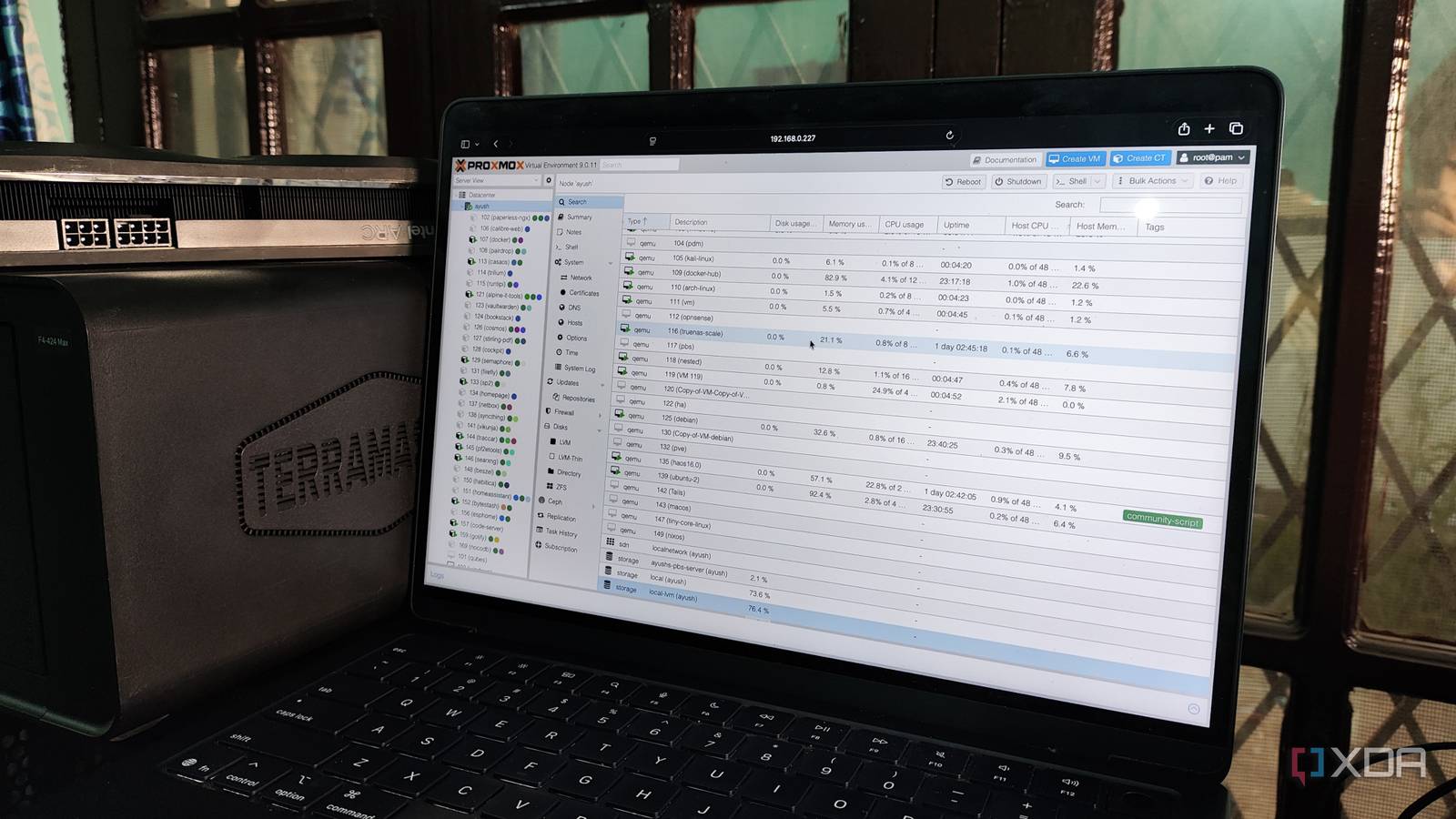
When you’re trying to self-host FOSS applications on your Proxmox server, there are a couple of ways you can set them up inside Linux Containers. For starters, nothing beats the convenience of running a simple command from the Proxmox VE Helper-Scripts repo and watching your favorite app come to life as an LXC. Alternatively, you can look into the TurnKey templates on Proxmox and use them to spin up an LXC armed with all the packages to host the service.
But things get somewhat convoluted when your preferred application is only available as a Docker image. You could technically install Docker Engine on an LXC and use it to deploy the app, but a nested setup like that isn’t ideal, especially if you go by Proxmox’s guidelines. This leaves virtual machines as the only other viable option. But if you’re on a low-end system, the VM will end up hogging extra CPU, memory, and storage resources. Fortunately, Proxmox 9.1 lets you pull typical container images from Docker Hub and deploy LXCs with them. But in practice, the OCI image support is more convoluted than that…
Proxmox can now run LXCs from OCI images
Docker Hub isn’t the only place where you can get these images
Let me make this clear before I talk about the setup process: Proxmox doesn’t use the Docker runtime to spin up containers, even if they originated from the Docker Hub. Instead, the new update makes it so that your Proxmox server can identify OCI images and convert them into LXC templates (of sorts). So, the underlying container runtime is still LXC (and not Docker), but it now works with images that adhere to the guidelines set by the Open Container Initiative, not just the TurnKey templates you can download for your local storage pool.
As such, you can pull pretty much any image from Docker Hub, GHCR, OCIR, or even Amazon’s public (and your own AWS-based) ECR gallery on your Proxmox server, and expect it to get turned into a template for your LXCs. The best part? Despite the experimental nature of this new feature, the setup process for your OCI image-based LXCs is a cakewalk.
Assuming you’re on Proxmox 9.1, the local storage pool in your PVE node will have a new button called Pull From OCI Registry inside the CT templates tab. Clicking on it will reveal a pop-up window, where you can specify the details for your preferred OCI image. If you don’t add the registry name and just enter the image name into the Reference tab, Proxmox will default to Docker Hub, and you’ll be able to choose the tags (container versions) for the image. Once you pull the image, Proxmox automatically turns it into a relevant LXC template, albeit one with a .tar format.
Spinning up an LXC with the OCI image isn’t any different from using a TurnKey template – assign the credentials, allocate the resources, configure the network settings, and voilà. You’ve got a usable container built from typical Docker Hub images. Remember, I said usable, not fully functional, as there are some problems that still need to be ironed out.
You might need to modify certain environment variables
And use workarounds to run shell commands in the container

At a glance, an LXC deployed from OCI images will be virtually indistinguishable from its TurnKey brethren, but the discrepancies will become more noticeable when you start examining it. The Options tab, for instance, will typically include an environment variable or two – and you’re free to modify them if your application needs some additional parameters.
Unlike the /sbin/init user process on conventional LXCs, OCI image containers will have different init processes. Unfortunately, many OCI images won’t let you access the Shell from the Console tab, and will just display the basic log of the init process instead. But you can access the shell interface of your LXC by heading to the Shell tab of your PVE node and running the pct enter command, followed by the ID of your container.
Updating these LXCs is also pretty cumbersome, as you’ll have to spin a fresh LXC with an updated image and remap the mounted volumes to it. And there isn’t a guarantee that your favorite OCI image will work without requiring major tweaks to the environment variables. If you’ve got a high-availability cluster, these experimental containers might cause issues with the live migration aspect. Personally, I have a couple of OCI images that refuse to run inside LXCs, no matter what I do. But on the flip-side, I’ve also got services like Shiori that run well without requiring any config tweaks whatsoever.
I really hope they flesh out OCI image support in subsequent updates
Once it matures, we won’t need dedicated VMs just to run Docker containers

Considering the track record of the talented folks at Proxmox, I have no doubt they’ll improve upon the OCI image compatibility in the future. I’ve got a couple of dinosaur laptops, x86 single-board computers, and cheap mini-PCs in my home lab, and better support for OCI images will be really helpful for my self-hosting experiments, as I won’t have to rely on the extra resources drained for a Docker-only VM.
