

I unplugged from the cloud for a week as an experiment. No default apps. No “just sign in with Google.” If I could self-host it, I would.
That one week turned into a full year.
I wanted full control over my tools and data. And technically, I got it. But productivity isn’t just about ownership. It’s about focus. It’s about how much mental energy your tools demand from you.
Some self-hosted apps worked beautifully. Others quietly added friction to my daily workflow.
After a year of running everything myself, here are the services I moved back to the cloud, not because self-hosting failed, but because convenience helped me get more done.
Email services
The never again app
Email was the first service I switched back to the cloud.
When I started self-hosting everything, I also ran my own mail server. I set up SPF, DKIM, DMARC, and all the technical stuff. At first, it felt great. I thought I had full control. But very quickly, it became stressful.
Some emails went to spam for no clear reason. A few didn’t reach people at all. I had to keep checking logs, server reputation, and security updates. Instead of writing blog posts, I was fixing email problems.
That’s when I realized something simple: email is not just another app. It’s basic infrastructure. If it fails, communication fails.
Even many experienced self-hosting users say the same thing: running your own email sounds cool, but it’s hard to keep it reliable long term.
So I switched back. For personal use, I moved to Gmail. It’s stable, the spam filter is excellent, and I don’t have to think about it. For my work, I use Zoho Workspace. It’s simple and dependable.
Self-hosting taught me a lot. But email? That was a never-again moment.
File storage and sharing
As I can’t force everyone to go cloud-free
For file storage, I went all-in on self-hosting with Nextcloud. It handled syncing, sharing, backups, almost everything. And honestly, it worked well. I liked knowing my files were on my own server. Sensitive documents, personal notes, private backups, all under my control.
But then real life got involved. I work with clients. I share files with my family. Not everyone wants to create an account on my self-hosted server. Not everyone wants to deal with custom links, login issues, or slower uploads when my home internet acts up.
That’s when the friction started. Technically, Nextcloud did its job. Socially, it didn’t. So I moved to a hybrid setup. For private and sensitive files, I still use Nextcloud. It gives me control and peace of mind. But for collaboration, like client folders, shared documents, and quick file transfers, I use Google Drive.
It’s simple. Everyone already uses it. Sharing is instant. Self-hosting works great when it’s just you. But when other people are involved, convenience wins.

My entire family replaced Google Drive with Syncthing, and here’s how I set it up
Bye-bye, Google Drive. Hello, private family cloud.
Music streaming
Back to Spotify

Music is my stress-buster. When I’m tired, stuck on a draft, or just need a break, I press play. The last thing I want at that moment is more tech to manage.
That’s why self-hosting music sounded great in theory. I set up my own server, uploaded my collection, organized metadata, and streamed it across devices. It felt powerful. Everything was under my control.
But slowly, it started feeling like work.
If I wanted new music, I had to find it, download it, tag it properly, and upload it. If something didn’t sync, I had to fix it. If the server was down, no music. Instead of relaxing, I was troubleshooting.
That defeated the whole point. Music is supposed to reduce stress, not add to it. So I moved back to Spotify. I opened the app, and it just works. New recommendations show up automatically. Playlists are ready. Everything streams smoothly, anywhere.
Self-hosting gave me control. But for something that helps me unwind, I don’t want responsibility. I just want to press play and relax.
Photo backup & recognition
The hybrid approach
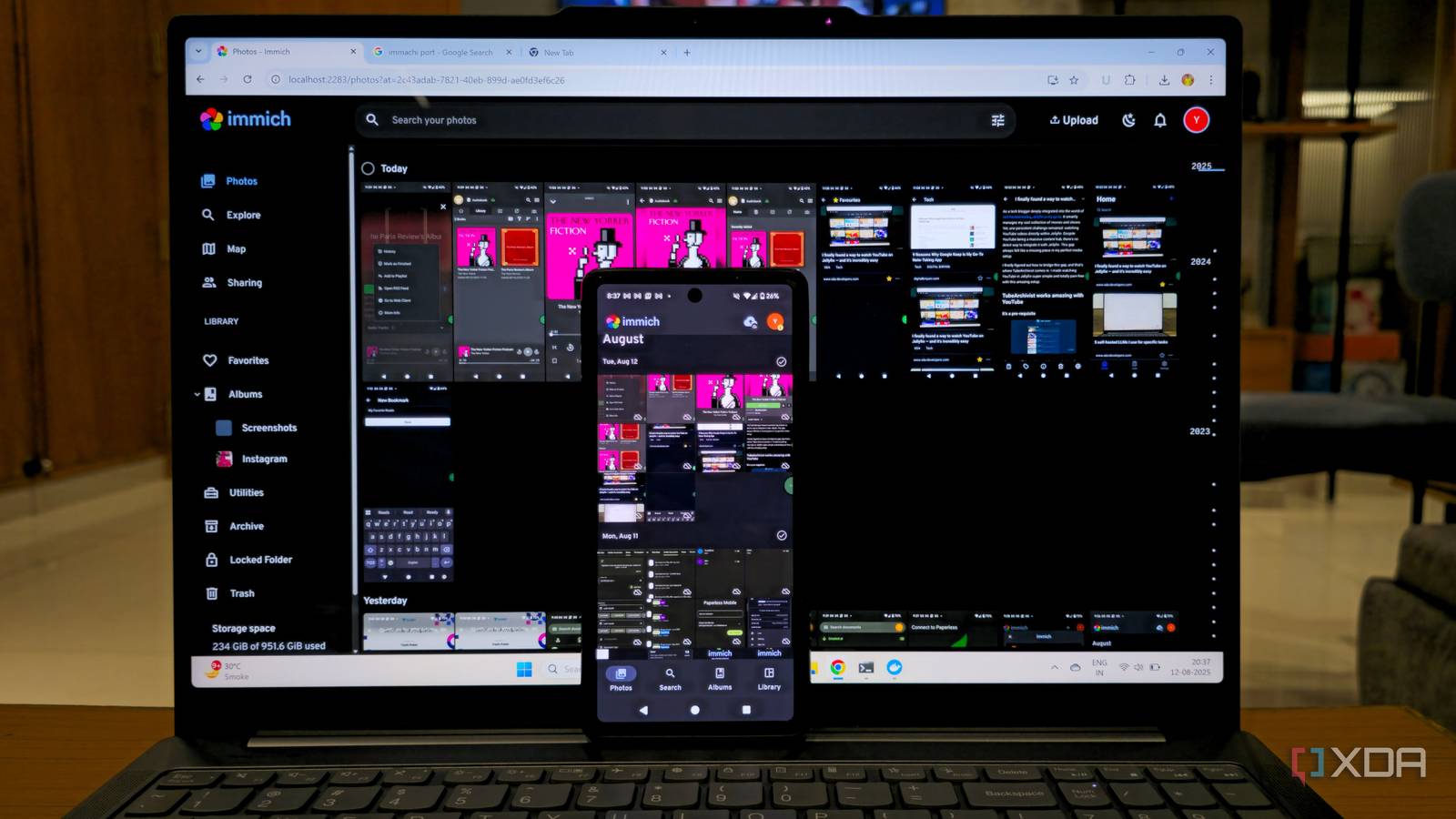
For photo backups, I have used Immich for almost a year, and it’s honestly a great self-hosted solution. Auto backup worked smoothly, the interface was clean, and face recognition kept getting better. I liked knowing my personal photos were stored on my own server.
And I still use it. For private and sensitive photos, I continue to rely on Immich. It gives me control and peace of mind. Those files stay with me.
But my main photo backup now happens on Google Photos.
The reason is simple: family.
I’m part of a shared Google family plan. Everyone’s photos sync automatically. Albums are shared instantly. Searching for old memories takes seconds. I don’t have to explain how to access anything or ask others to join my server.
Photos are not just backups; they’re shared memories.
Immich works great for personal storage. But for everyday photos, family sharing, and effortless search, Google Photos makes life easier.
So this became my hybrid setup: control for private moments, convenience for everything else.
Control is great, convenience is better
Self-hosting everything for a year taught me one big lesson: control is powerful, but convenience drives productivity. I love learning how systems work. I love owning my data. But I also value my time and mental energy.
When a tool starts demanding attention instead of saving it, the trade-off changes.
For me, the goal isn’t to be 100% cloud-free. The goal is to stay productive, reduce stress, and focus on meaningful work. Some services are worth self-hosting. Others are better left to companies that do it at scale.
Now, I choose tools based on what helps me move faster, think clearer, and create more.
