

For roughly a year now, I’ve lived with a cheap Wi-Fi extender in my office. My router is on the opposite side of the house from my office. While I have an Ethernet cable running across the house to power my PC anytime I want to use my phone, the connection was so spotty that it ended up not being possible. I thought a Wi-Fi extender would solve all my problems while not breaking the bank, but boy, was I wrong.
The extender itself provided a super-poor connection that couldn’t even load a video. I found that every time I walked between rooms in my house, a FaceTime call would drop while my phone fought to stay connected to the router before begrudgingly switching to the extender. Realistically, I found that Wi-Fi extenders aren’t a solution; they’re a band-aid that actively degrades your network’s health while repeating an unusable connection. So I decided to finally make the switch to a mesh system, and it made me realize I’ve been living in a networking nightmare.

9 ways to bring networking dead zones in your home back to life
Networking dead zones are terrible but they’re often easily fixed.
The long list of benefits of a mesh system
It’s solved every issue I’ve had with my Wi-Fi extender
Getting technical, most extenders are repeaters. They have to listen to a packet from the router and then rebroadcast it to your device using the same radio waves. This immediately cuts your maximum potential bandwidth by 50%. If you pay for 500MBps, your extender-connected laptop is likely capped at 150-200MBps before you even factor in distance.
Mesh Wi-Fi systems provide the advantage of using a dedicated backhaul, often a third 5GHz or 6GHz band, just for communicating with each other, leaving the main lanes wide open for your devices. Another frustrating issue was that my extender created a secondary network name that was just a repeat of my Wi-Fi with EXT at the end. My phone would hold onto a weak 1-bar signal from the main router in the living room rather than switching to the full-strength extender, leading to a connected but no-internet frustration.
When switching to my mesh system, I had seamless roaming. It acts as a single unified blanket. As I move through the house, the nodes hand off my device intelligently, and I never have to see a disconnect, never have to manually switch networks, and never have to deal with that one-bar issue ever again.
I also found that my Wi-Fi extender added a significant latency hop. For gaming or even high-quality video calls, this manifested as stuttering and lag. It even came to a point where I couldn’t watch a simple TikTok video, so what use was extending my Wi-Fi if it was still unusable?
When swapping over to mesh, I found that this had all been completely rectified. Mesh systems use self-healing AI. If one node is congested or down, the system automatically reroutes traffic through a different node to find the fastest path to the modem. An extender is a point-to-point bridge with no backup plan, so if it starts to slow down, lag, or experience latency spikes, there is no alternative.
Another issue that I was facing was smart home congestion. My home has countless smart home devices, from bulbs to plugs to cameras, and an extender is a bottleneck that just cannot handle the handshake load. My new mesh system serves as a hub for matter and thread. They are designed to handle 200+ simultaneous connections without breaking a sweat, whereas extenders often crash when more than 10 to 15 devices connect at once. When I swapped over my smart home to my new mesh system, suddenly I wasn’t having that congestion issue anymore.
Why did it take me so long to make the switch?
I’m so glad I finally did

The original reason I didn’t invest in a mesh system initially was because of the cost. A Wi-Fi extender was somewhere around $20 based on the model I picked up, whereas a mesh system with a router node and two extender nodes cost around $100. For me, it felt like a no-brainer to go for the cheap option and just see how it went.
But realistically, the cheap option was an absolute waste of money. Despite only costing $20, it was $20 which I had thrown completely down the drain as it didn’t serve me whatsoever. It didn’t extend my Wi-Fi. I could barely stay connected to it and more often than not I found myself manually switching between the extender and my router just to try and salvage any form of internet connection I could find. That $80 difference is the price of my sanity.
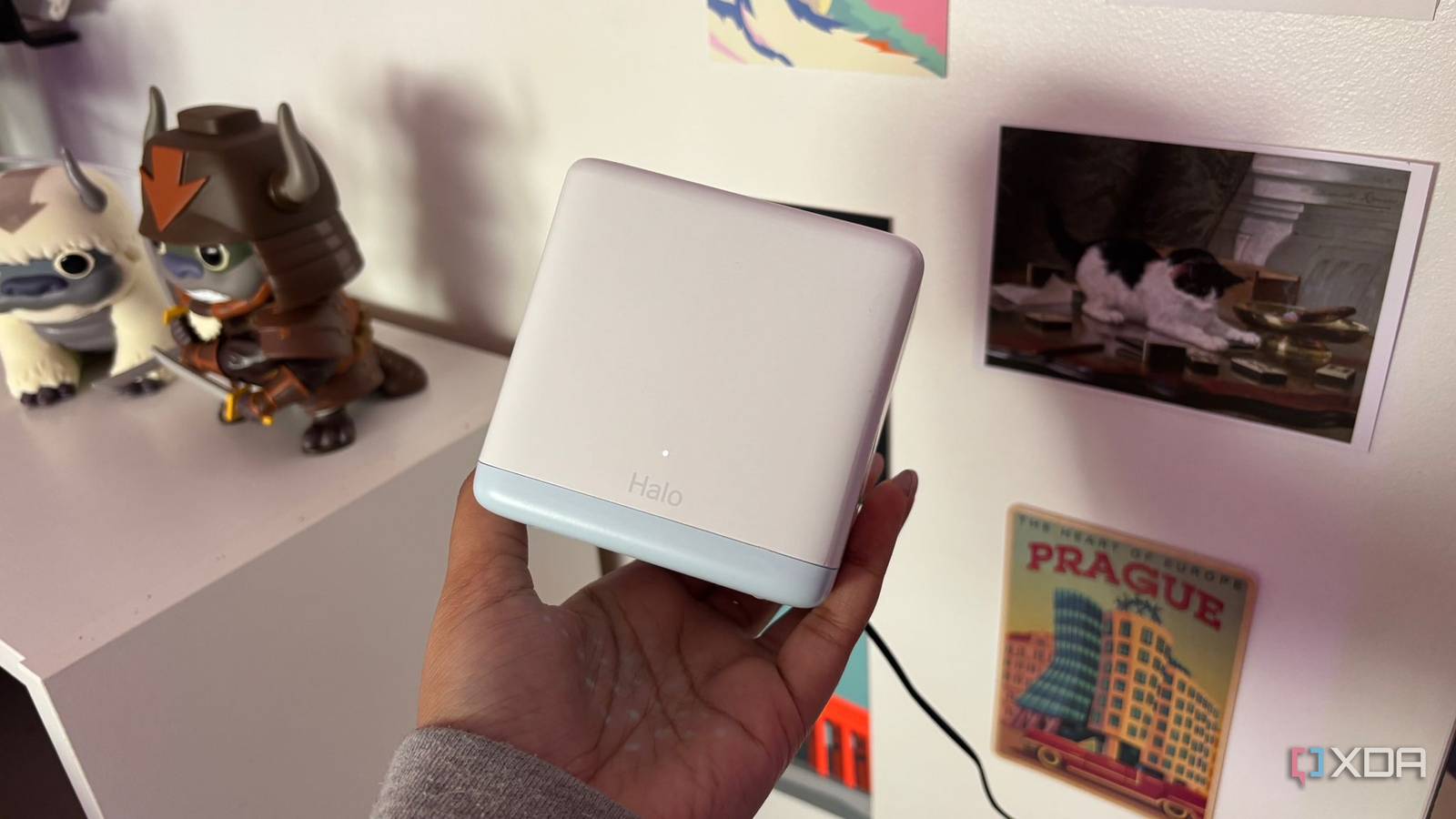
The setup process was also super simple and took me 5 minutes using the proprietary app, which could then be deleted after because the system I picked up from Mercusys works seamlessly with Google Home if I ever need it. I honestly wish I’d made the switch sooner, but I think after my initial Wi-Fi extender investment, I just came to terms with the fact that I would never have good Wi-Fi in my office, which is absolutely not the case.
Cost more in money but less in anger
Save yourself from ripping your hair out
If you value your time and fiber connection speeds, the Wi-Fi extender is the most expensive cheap gadget you’ll ever buy. Whilst it might cost very little in actual money, you’re paying for it in sanity and frustration when your Wi-Fi still drops in and out despite the extender promising to rectify the issue.
If you’re weighing up between a Wi-Fi extender and a mesh Wi-Fi system, take the mesh Wi-Fi system any day of the week. It’s worth the extra initial investment for the setup and forget about it factor and finally feel like you’re getting the speed you’re paying for across your entire home.
