

Distro-hopping is not uncommon in the Linux ecosystem, especially among people at the beginning of their Linux journeys. I’ve had my fair share of it, where I was always expecting the next setup to click. In reality, the problem is not the distros, but the constant decision-making. There is real confusion about which terminal, runtime manager, font, or theme to choose. In the end, I start from scratch and hurt my productivity.
This changed when I used Omakub on a fresh Ubuntu 24.04 LTS install. It solves the hopping problem in a way different from Distrobox, which allows me to run different distros at once. Omakub gave me a fully configured developer workstation with a single command. Rather than endless tinkering, it allowed me to focus on real work.

- OS
-
Ubuntu
- Price model
-
Free
Omakub is a tool, created by DHH, that transforms a fresh Ubuntu 24.04 install into a fully-configured, modern, and aesthetic web development environment using a single command.
What Omakub actually is
More than a bash script — a philosophy in action
I always assumed Omakub was just some bash script, but this would be as incorrect as calling Rails mere Ruby code. It creates a full developer environment on Ubuntu with one command, but the real value of this tool is in the philosophy. This tool reflects the opinionated workflow of David Heinemeier Hansson (DHH), starting from tools, color schemes, and fonts down to the shell setup.
The default terminal that Omakub installed on my computer was Alacritty. I got Neovim with preconfigured, sensible defaults. Then there was Tmux for session management (one of my favorite multitasking tools), and the default runtime version manager was Mise. Omakub also gave me the 1Password CLI, but the more interesting part was that it applied the Mono Lisa font with a Tokyo terminal theme. This created the perfect low-strain environment that allows me to scan large code blocks more easily.
What this opinionated setup did was eliminate decision-making, and I found it liberating. I wasn’t debating with myself about which setup would work. After installation, I don’t start from scratch; I begin with a working setup.
A workflow that just works
Tools chosen to complement each other

The convenience that comes with using Omakub’s workflow is great, but what stands out the most is how muscle-memory-friendly it is. It’s easy to bounce around a couple of terminals to edit code, manage runtimes, and view running background services. The defaults it provides just make sense. Neovim has sensible key mappings and quickly starts feeling familiar; Tmux is an efficient option for persistent sessions, and Alacritty allows smooth log scrolling and is also fast and GPU-accelerated.
In the past, I used rbenv, nvm, and pyenv, but Mise replaced them all. With a single command, I can now switch between Ruby, Node, and Python versions without breaking the system. If you favor keyboard-driven workflows, you’ll get the best out of the terminal, editor, and runtime manager.
However, aside from the efficiency you get from having this instant environment setup, the aesthetics are great too. The pretty Tokyo theme and Mono Lisa font reduce any cognitive friction you may have experienced in other tools by providing consistent visual cues. Each morning when I launch my terminal, it feels functional and ready to go.
The real texture of daily Omakub use
What it’s like to live in this environment day-to-day

The main point behind Omakub is frictionless flow. A pre-tuned Neovim eliminates hours of tweaking plugins or keymaps. Tmux eliminates loss of context associated with switching projects by organizing multiple windows.
I also like the smooth updates. Once I run the Omakub update command, it reapplies configurations from the project, and in my experience, personal changes I’ve made alongside it have stayed intact. Updates have never broken my setup, which builds confidence that allows me to focus on my work rather than maintenance.
Even though options like the color theme, font choice, and terminal behavior may be considered small, they are essential for efficiency. Within a week of using the tool, I had built enough muscle memory that using shortcuts, window layouts, and runtime commands felt natural. These seemingly little extras added on top of the curated stack have transformed my Ubuntu computer into an environment fit for daily use.
Getting started and what to expect
From fresh Ubuntu 24.04 LTS install to productive setup in under an hour

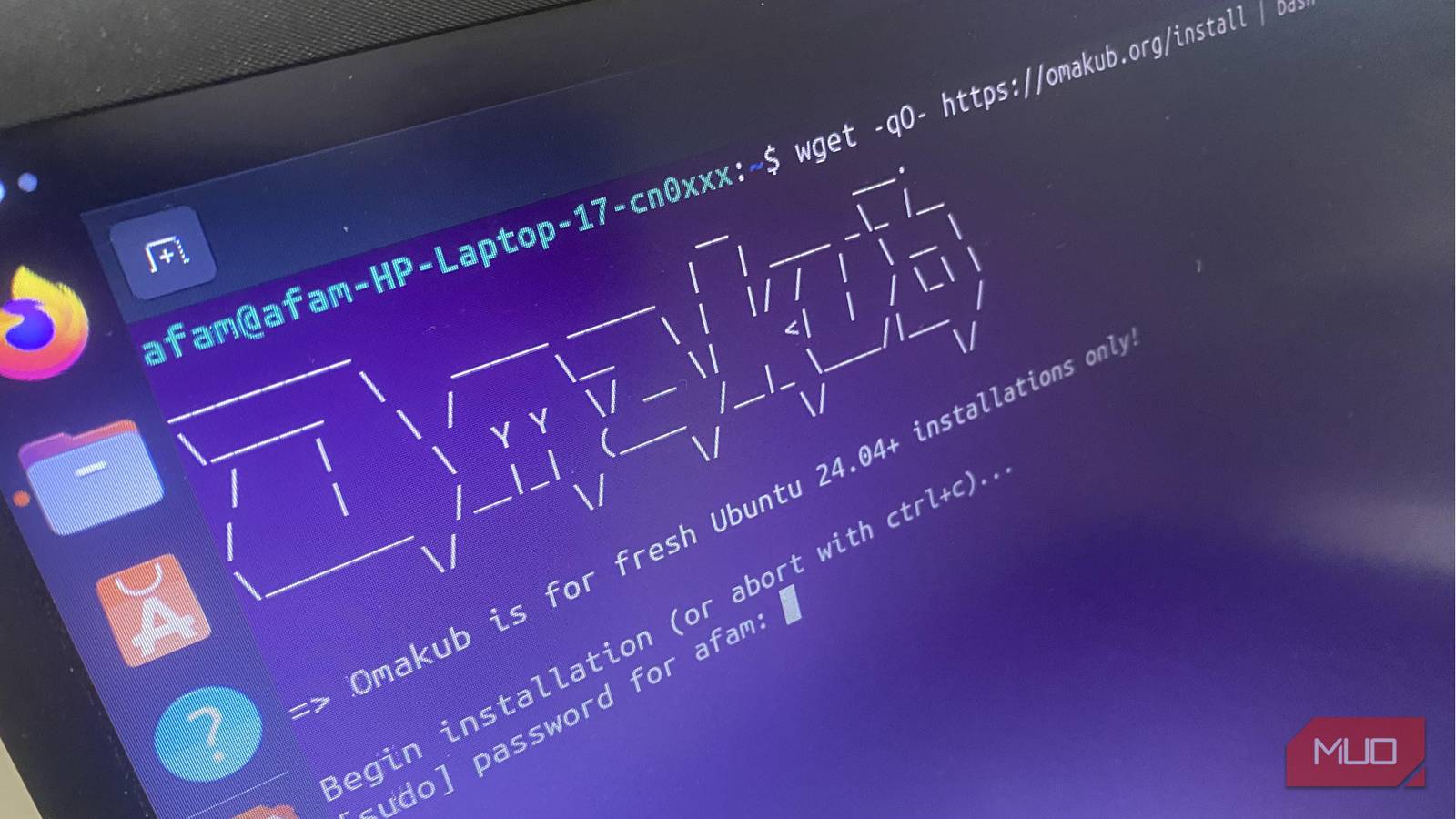
To get started, you need a new Ubuntu 24.04 LTS installation. This could be on bare metal or a virtual machine. Then run this command in your terminal:
wget -qO- https://omakub.org/install | bash
This command will pull the curated stack, and it may take up to 45 minutes, after which you will have the ready-to-use development workstation.
Once you do the first reboot, you are greeted by a GNOME desktop, with Alacritty as the default terminal, Neovim, and tmux sessions. You also get Mise already configured, with the 1Password CLI ready. You are then set and can jump right into coding.
If you need to learn runtime management and keybindings, it will come naturally from using tmux and Neovim directly. Their defaults are sensible and easily aid muscle memory. You only need to edit config files if you want to make tweaks; there are no special commands for this.

How I Turned My Old Laptop Into the Ultimate Distraction-Free Writing Machine
Stripped down, distraction-free, and built for pure focus.
Why Omakub finally made me stay
Omakub showed me a different way to interact with Linux. My approach towards every new Linux distro I tried began with a lot of tweaking and configurations, but that was replaced after I ran a single-line command.
The speed and aesthetics are great, but Omakub’s greatest value is the mental clarity it brings. It takes away all the setup friction and simply allows me to settle in. I know some experts who switched away from Ubuntu; maybe they now have a good enough reason to try the distro again.
