

Home labs are typically characterized by larger-than-life server rigs and cutting-edge PCs that cost an arm and a leg, with the ongoing RAM-apocalypse inflating the hardware prices to unforeseen levels. This notion also extends to network stack, secondary rigs, storage drives, and other accessories that you’ll probably want to add to your experimentation setup.
But as someone who began his home lab with nothing more than spare PC parts and a dream, let me assure you that it’s possible to assemble a formidable server with your old system. In fact, you don’t have to drop a fortune on optional paraphernalia, either. Although these devices may seem tiny and cheap, they can make a big difference to your workstation.

5 things I learned after building my first home lab
There’s more to home labs than meets the eye
UPS
It’s borderline essential for my NAS servers

Besides my VM and container-hosting servers, I’ve got two Network-Attached Storage rigs responsible for housing backups and old archival media – one in my house and another at my folks’ place for a 3-2-1 redundancy setup. But even with all the precautions to safeguard my data, everything would be for naught if a random brownout caused my NAS units to shut down in the middle of a file transfer operation.
As such, investing in cheap Uninterruptible Power Supply devices was my first order of business after I got both nodes operational. Fortunately, modern NAS units don’t siphon too much power, so I didn’t have to spend hundreds of dollars just to ensure my storage servers remain operational during random outages. Heck, I’d advise picking up a dedicated UPS even if your area isn’t as prone to frequent brownouts as my backwater town. After all, the last thing you’d want is for your precious hoarded file collection to become corrupted by an inopportune power outage.
Unmanaged switch
Not all switches need to support VLANs

If you’re looking to improve the security of your home lab, isolating smart devices and the nodes responsible for controlling them on a Virtual LAN via a managed switch is a great idea. But as much as I adore my 10GbE managed switch, its unmanaged brethren have their own utility in my tinkering arsenal.
Let’s say I want to expand the number of ports at my disposal when I want to set up a cluster. Rather than dropping extra money on yet another managed switch, I can grab a 2.5G unmanaged switch for a few dollars, slide it into my network rack, and use it for my cluster tasks. Of course, I have to be cautious about accidentally creating loops with them. However, if I need to add a couple of ports for my DevOps projects or to tinker with new devices, my unmanaged switches get the job done.
Bluetooth dongle
With a shout-out to Zigbee/Z-Wave/Thread adapters

As an Ethernet fanatic, I have hard-wired all my server nodes, daily drivers, NAS units, and every other computing device to avoid running into stability and performance issues. But the situation is radically different on the smart home front, where I’ve got multiple devices relying on wireless connectivity. Bluetooth is the most popular one in my household, though none of my server motherboards (or even consumer-tier mobos, for that matter) support it.
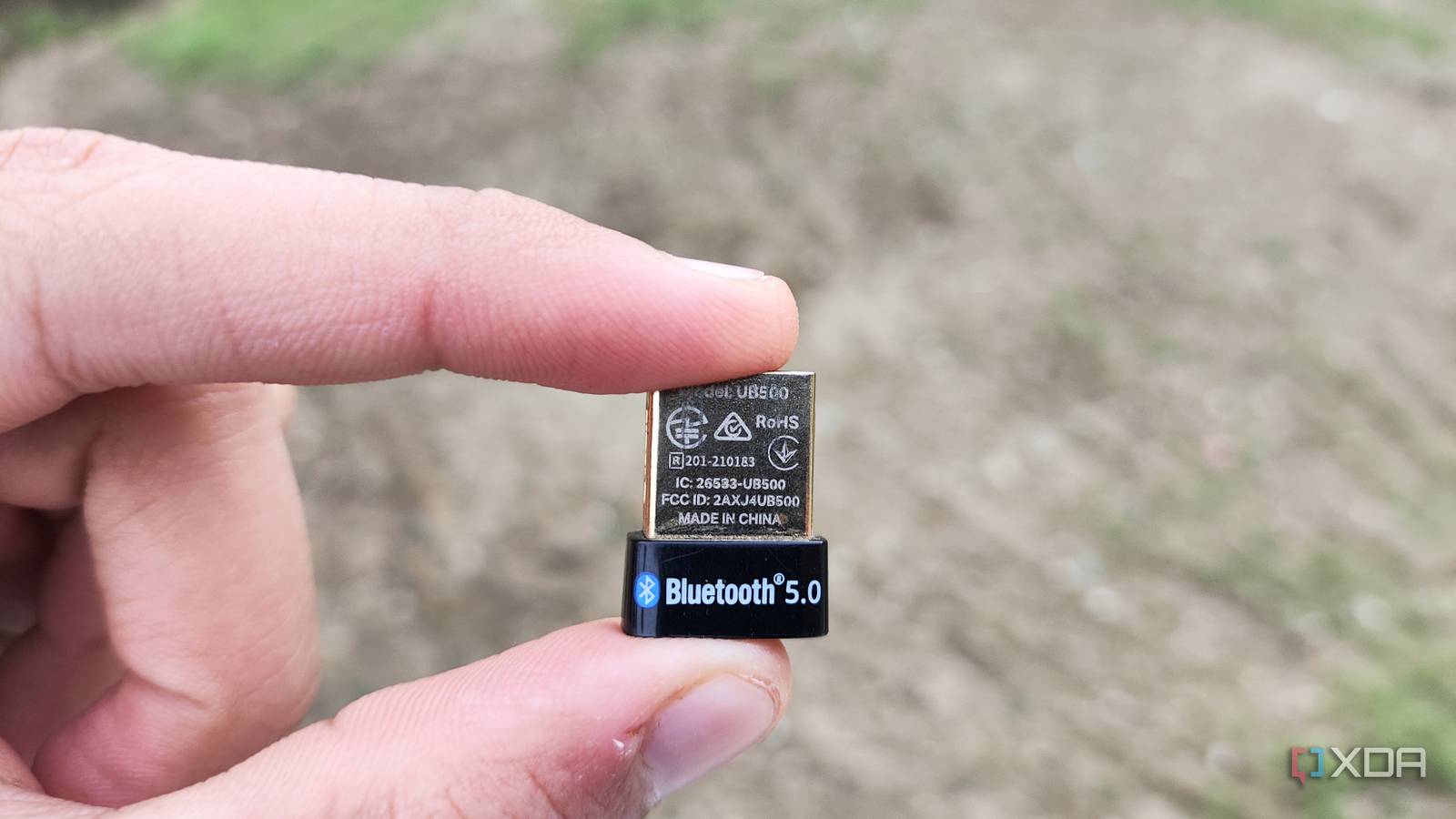
As such, I ended up grabbing a cheap Bluetooth dongle for my Home Assistant hub, and it opened doors to some truly wacky automation shenanigans involving BLE devices. Likewise, I’ve got a couple of Zigbee devices that I managed to pair with my Home Assistant instance after picking the right adapter for them. Since the dongle also supports Thread, I’m planning to nab some Matter devices during the next sale.
Smart plug
Great for energy monitoring, a game-changer for automation
When I bought a smart plug during a shopping spree, I didn’t know the $5 gizmo would become a highly useful addition to my home lab. Home servers, especially those built from repurposed enterprise hardware, can guzzle a lot of energy, and I know that as someone who currently uses an old Xeon system as a Proxmox host.
Fortunately, my smart plug helped me track the power consumption metrics for my nodes. Not only that, it was my sole monitoring companion during long hours of trial and error, where I’d lower certain settings on my servers before tracking the active and idle wattages using Home Assistant. And once I started dabbling in Node-RED automations, there was no turning back. So far, I’ve created workflows that would stop charging battery-powered devices at certain thresholds, as well as automations that would safely turn off my secondary server devices and non-essential cluster nodes when they’re idling for hours.
If not for the RAM-apocalypse, I’d add mini-PCs and SBCs to the list
Truth be told, mini-PCs and single-board computers have been life-savers for my home lab, which is why they deserve a mention. I’ve got an entire cluster made from cheap x86 systems. Or rather, they used to be cheap before the RAM shortage drove their prices to the red zone. Likewise, I’ve configured a Raspberry Pi to serve as a monitoring hub that overlooks the operations of my entire home lab. But considering that it costs well over $125 now, I guess I can’t really call it affordable. So, until the prices go back to normal become somewhat reasonable, I’ll probably pick up some cheap unmanaged switches and PCIe cards for my home lab upgrades.

I run my home lab 24/7, and I haven’t gone bankrupt thanks to these 4 tweaks
My energy bills would hit the red zone without these tweaks
