

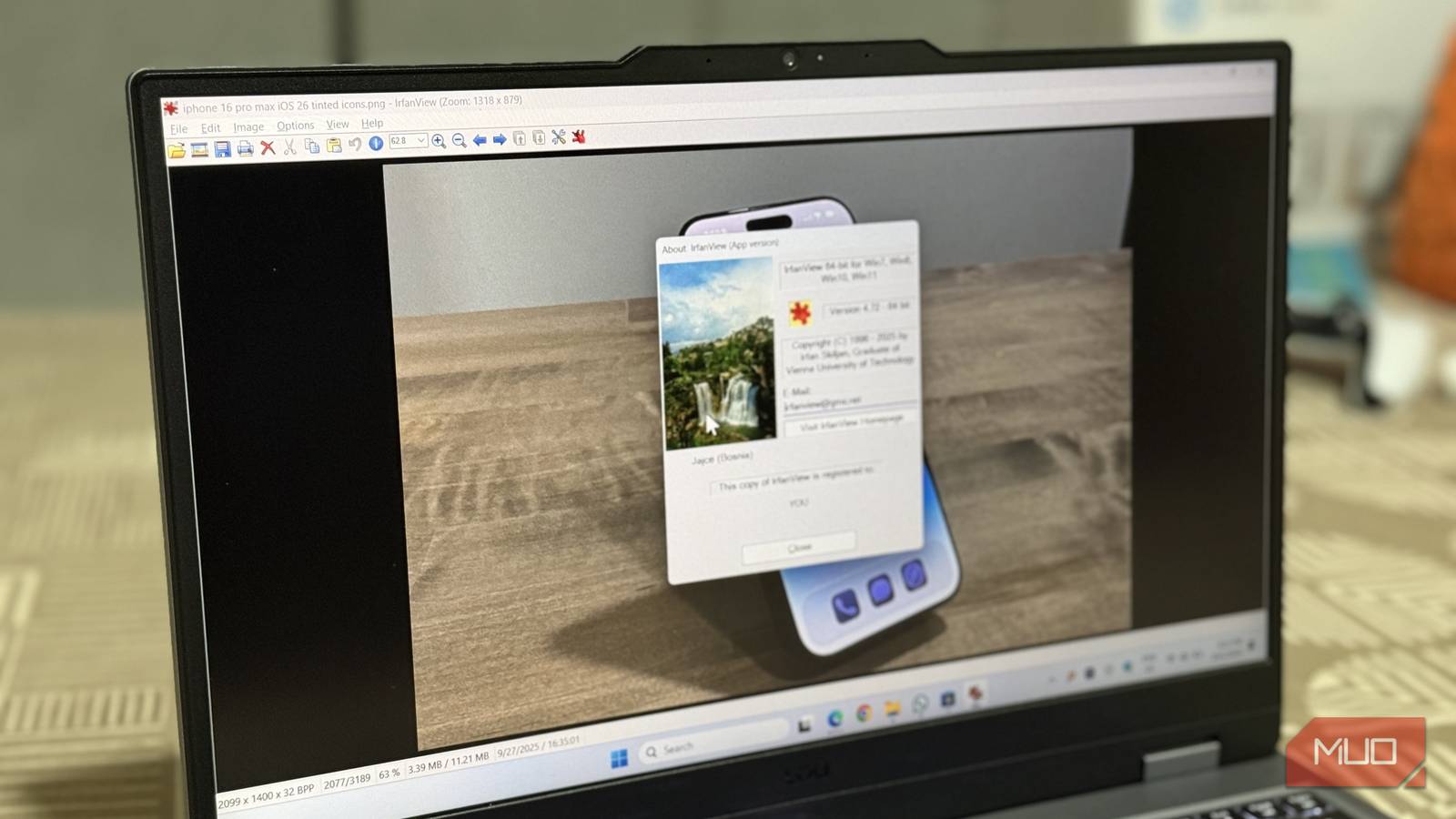
Windows has come a long way from the XP days. With the latest iteration, it’s more modern, feels more fluid, and works better. However, even with every upgrade since—from Vista, 7, 8, 8.1, 10, and now 11—one tool that’s been constant in my app stack is a little graphic viewer called IrfanView. It’s not the only forgotten Windows XP feature that still works in Windows 11, but it’s definitely the one I use the most.
IrfanView, for the most part, still looks the same as it did in its XP days, but that doesn’t take away from its usability. I still use it to go through large photo collections, do file conversions, and even view photo formats that the default Photos app can’t handle out of the box. And if you haven’t heard of it yet, you’re missing out on one of the best free tools for Windows.
What’s IrfanView?
Popular yet a lesser-known graphic viewer

Popular yet lesser-known might sound paradoxical, but that’s the best way to describe IrfanView. It has been downloaded over 200+ million times since its first release in 1996, and yet I’ve met tech pros and average users alike who have never heard of it.
The name comes from its creator, Irfan Škiljan, a Bosnian-Austrian developer who has been maintaining and updating this tool for nearly three decades. It’s free for personal use, though the developer accepts donations to keep things going.
At its core, IrfanView is a compact image viewer for Windows. It opens dozens of file formats, from the usual JPGs and PNGs to lesser-known ones like DjVu and old Amiga formats. It can also play some audio and video files, so it’s not limited to still images. While it may sound a little cliché, think of it as a Swiss-army knife for media files that fits in a tiny package. Despite its age, it runs on both 32-bit and 64-bit versions of Windows, and you can even carry it on a USB stick as a portable app.
It does things the Photos app still can’t
From batch edits to format conversions, it does it all
I’ve tried many lightweight Photos app alternatives over the years, but nothing sticks quite like IrfanView. The default Photos app in Windows 11 has gotten better with AI features, OneDrive integration, and basic filters, but it still falls short in areas where IrfanView has been solid for decades.
The biggest advantage is speed. IrfanView opens images almost instantly, even large RAW files or high-resolution photos that make the Photos app chug. I remember creating large banners for my school fest, and Windows XP’s default image viewer would take forever to load. While looking for a more lightweight alternative, I found IrfanView. It handled all the images with ease without making me smash my keyboard, and that speed advantage still holds today on modern hardware.
Then there’s format support. Out of the box, IrfanView opens camera RAW files, HEIC, AVIF, PSD previews, and many other formats that the Photos app simply won’t recognize. When I work with an image in an uncommon format, I don’t have to go looking for a converter, because IrfanView can more often than not open it without needing a plugin.

Another area where it shines is batch processing. You can convert hundreds of images from one format to another, resize them, rename them with custom patterns, and apply basic adjustments to all the photos in a single click. Whether you need to resize 200 photos for a website or convert a folder of TIFFs to JPGs, IrfanView does it in minutes.
There are some useful extras, too. It has a built-in screen capture tool, can scan images directly from TWAIN scanners, and lets you view and edit EXIF metadata. You can even create slideshows and save them as standalone EXE files or screensavers. These are niche features, but when you need them, having them in one small app is incredibly handy.
Tons of plugins
Enhance the already impressive list of features

The base app is already feature-rich, but it’s the plugin ecosystem that makes IrfanView truly indispensable. Over 70 optional plugins extend the app with extra file formats, OCR for reading text from images, advanced filters, and even support for Adobe-compatible 8BF effects. The core stays lightweight while the plugins bolt on whatever you need.
This maturity is hard to replicate. IrfanView has had nearly 30 years to build out its plugin library, and that first-mover advantage means nothing else comes close in terms of format support and feature breadth. Newer alternatives might look prettier, but they can’t match the sheer number of formats and tools IrfanView handles through its plugins. You can keep it minimal with just the base install, or grab the full plugin pack and turn it into an all-purpose imaging toolbox—all without the app ever feeling bloated.
There’s a reason users in online communities say they’ve relied on IrfanView for over a decade as their default viewer, editor, and batch tool all in one. Replacing that kind of deeply integrated workflow is hard when no single alternative covers the same ground.
Proof that good software doesn’t need a redesign
IrfanView’s interface looks like it hasn’t changed since 2003, and that’s part of the point. It trades visual polish for performance and reliability, two things that actually matter the most when looking for a graphic viewer. IrfanView is a fast, lightweight, and genuinely useful tool that’s been on every Windows PC I’ve owned since XP, and I don’t see that changing anytime soon.
