

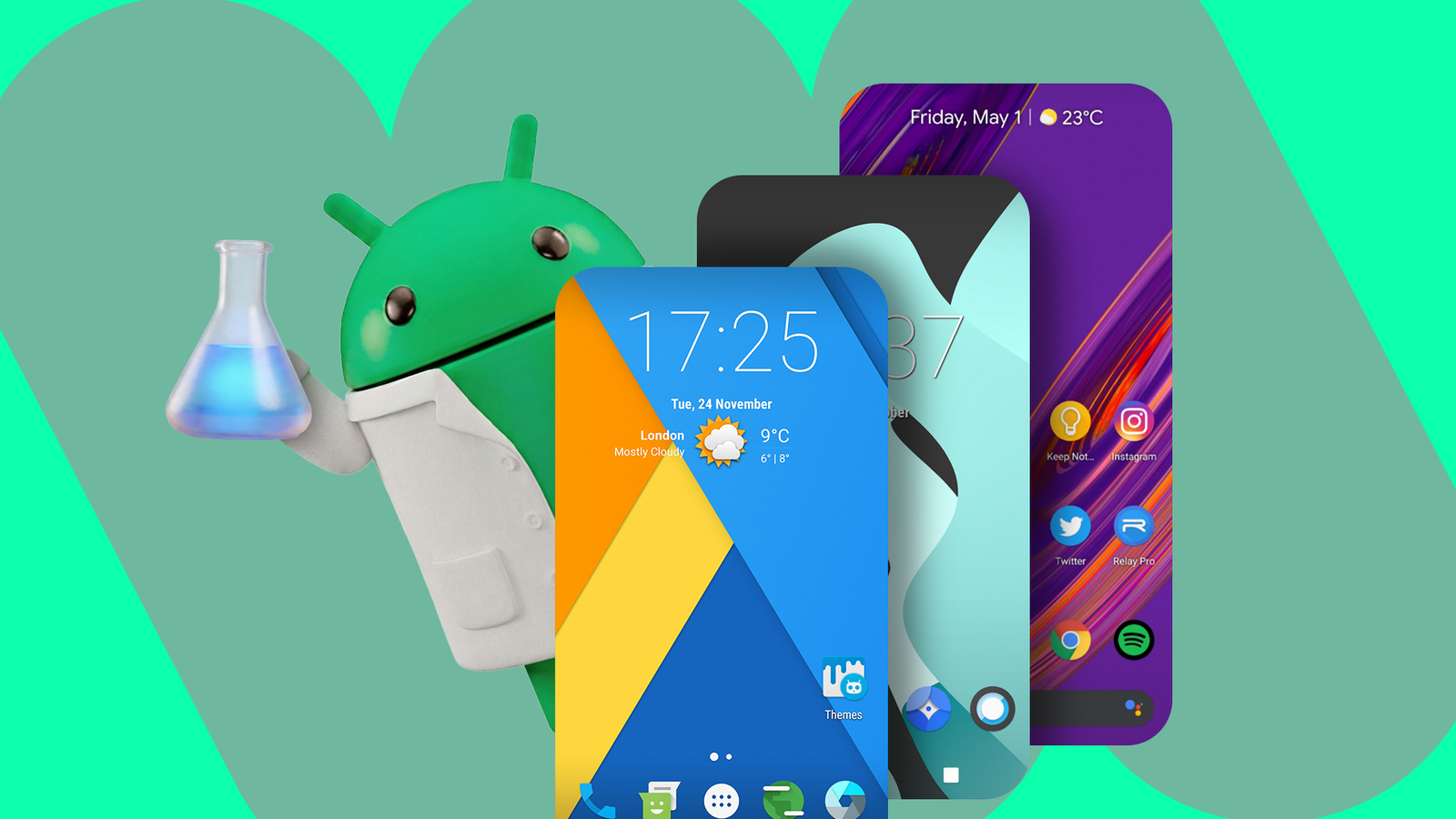
There was a time when the Android community was obsessed with modding and customizing their devices. A seemingly endless stream of custom ROMs allowed you to replace your phone’s default OS. For an Android enthusiast, it was like walking into a candy shop. Sadly, those golden days of Android are in the past, but I like reminiscing about their charm.
CyanogenMod
One of the big OGs
CyanogenMod was the first Android ROM I ever tried, and I used it daily for the better part of a year. I had a Samsung Galaxy Europa in middle school, which stopped receiving official updates. Around the same time, Android 4.0 Jellybean came out, and I really wanted to try it. The phone was stuck on Android 2.2 Froyo (remember when Google used to give Android fun dessert names?)
At least until I rooted it, installed a custom recovery, and flashed it with CyanogenMod. To this day, one of my fondest tech memories is watching that CyanogenMod boot animation light up my phone.

It was based on Android 4.1 Jellybean. The open-source community rescued my phone after the manufacturer abandoned it.
If there’s one word that can describe CyanogenMod for me, it would be “freedom.” First, it had no bloatware, which was great for the tiny, underpowered, short-on-storage Galaxy Europa. You could even overclock the CPU from the settings app.
Second, it had features that normal phones didn’t have (at least, not back then). You could change the system font, icons, quick settings tiles, boot animations, status bar, and navigation bar. Pretty much the entire CyanogenMod UI was customizable. You could place app shortcuts on the lock screen. There was a system-wide equalizer that made the phone’s low-end speakers almost bearable.
CyanogenMod was eventually abandoned about a decade ago, but a fork called LineageOS still exists. Currently, it’s the biggest custom ROM project around.
Paranoid Android
Ahead of it’s time
Being able to interact with notification items without leaving the app on the screen and opening text messages in floating windows is something we take for granted now. However, back then, it wasn’t a thing in regular Android. Paranoid Android had a feature called “hover” that made those hovering windows possible way before official Android got them. There was even a “notification peek” feature that displayed notifications on the lock screen if you picked up the phone and had received a notification within the last few seconds.

With newer versions of Material You, Google made the status bar adapt to the color of the app on the screen. Paranoid had this feature a decade ago. You could switch to the tablet UI, meaning your phone’s interface would look and behave as if it were a tablet. You could set your apps to launch in tablet mode, too. You could get desktop-like browser tabs on your phone. It was pretty exciting for a young geek.
There was a theme engine in the settings for customizing pretty much every aspect of the user interface. You could get system-wide icons, fonts, and skins with just one tap. There were preset themes in its library, too, if memory serves.
CrDroid
A modern ROM
I recently got a chance to try this ROM on a friend’s phone. I noticed that his phone booted with this weird “Eye of Horus” logo, so it caught my interest. Turns out he’s running a custom ROM called CrDroid. I asked him if he could show me what it does. The latest CrDroid is based on LineageOS Android 16, and he was running it on a 7-year-old Galaxy S10. Apparently, it gets regular updates too.
The first thing I noticed was just how buttery smooth the interface feels. The animations and the frame rate were surprisingly responsive. It made me realize just how unoptimized some OEM skins tend to be.
There’s a “CrDroid Settings” menu that lets you personalize the UI in ways that regular Android doesn’t. You can set a custom image on the notification shade. Decide if you want the notification shade sliders and icons rounded or sharp. It lets you set system-wide fonts and icons. You can replace individual status bar icons with custom ones. For example, you could set a custom icon for cellular signals or Wi-Fi.
It had been a while since I saw a custom ROM out in the wild, and I was glad to see there are still modern ROMs that focus so much on customization.
Resurrection Remix
The customization king
Resurrection Remix was one of the more popular ROMs in the community, mostly for its customization features. Out of the box, it looked pretty unremarkable, but that was just the base you were supposed to build on. It had “Resurrection Tools” in the settings app, where you could customize and personalize all kinds of things.
You could decide the size of the notification shade and disable the titles of the icon tiles to make things cleaner. It also lets you add app shortcuts to your lock screen. That way, you can launch apps directly from the Always-on-Display.

You could replace the Recents menu with a mini version that sticks to the edge of your display instead of taking you to a new screen. It’s such a logical design, and I wish official Android had it.
It had a toggle for adding an equalizer to the navigation bar. There was a whole list of animation styles that work system-wide.
The Android ROM landscape isn’t thriving like it was a decade ago. It might never be revived, but you cannot deny how charming and fun those old ROMs were. That’s doubly true now, because all OEM skins look just about the same.
