

A new graphics card is usually the most impactful upgrade you can make to a gaming PC. Jumping to a GPU several generations removed from your existing one can elevate your gaming experience to new heights. For me, however, GPU upgrades have not been as revolutionary as they could have been. Whether it was due to my buying decisions, a 60Hz monitor that I used for years, or gaming at 1080p for ages, my GPU upgrades always felt par for the course. I switched from the GTX 1050 Ti to the GTX 1660 Ti, then to the RTX 3080, but even that last leap didn’t feel as groundbreaking as the other upgrades on this list. Perhaps going from a hard drive to an SSD and using an OLED monitor for the first time are that much more game-changing than an FPS jump, or maybe it’s just about the right upgrade at the right time.

4 PC upgrades I made in 2025 that actually mattered
These upgrades were some of the most impactful ones I’ve ever made
Switching from an HDD to a SATA SSD
An unparalleled upgrade
You can probably understand why this one made the list. Before the age of SSDs, hard drives didn’t feel outdated or slow, since we didn’t have anything to compare them to. The long boot times and loading times were things people were used to. I used HDDs in my PCs for over 17 years, going from an Intel Pentium III PC to a Ryzen 5 1600 build during that time. Only a year after I built that Ryzen PC did I buy a 250GB Samsung 860 EVO SATA SSD. It wasn’t cheap in 2018 — I would have paid over $55 in today’s dollar terms for that tiny SSD. I didn’t want to wait any longer for prices to fall, so I bought a drive just big enough to accommodate Windows 10 and a few games. Everything else I still stored on my reliable Seagate hard drive.
Needless to say, the impact of using my first-ever SSD was nothing short of magical. And it went beyond game loading times and Windows boot times. Everything on the PC felt uber-responsive. The explorer launched in a snap, applications ran way faster, and navigating Windows felt like it was on steroids. The tiny drive filled with flash storage finally made me realize what I was missing out on. I had built my PC without an SSD due to the higher prices, but upgrading to one a year later made me think I should have spent a bit more and gotten it earlier. The jump from that SATA SSD to a Gen3 NVMe SSD, and then to a Gen4 drive, didn’t come close to replicating the HDD to SSD switch I experienced back in 2018.

5 reasons you don’t need to upgrade your SATA SSD yet
SATA SSDs feel outdated, but there are enough reasons an upgrade might not be worth it
Upgrading to 16GB RAM on my budget PC
It allows me the freedom I never had before
The Ryzen build I mentioned in the previous section? — I started with a single 8GB stick of DDR4-3000 RAM. RAM prices weren’t close to the lows they dropped to a few years later, and I was on a budget, so I decided I would add another 8GB stick later. And 8GB of RAM was more than enough during the two years I stayed on it. Gaming was good enough despite single-channel memory, and my system could handle Chrome just fine. Perhaps that’s why I was able to delay an upgrade for nearly two years. I was also waiting for RAM prices to come down, so when I saw an opening, I bought an identical DIMM in 2019.
Going from 8GB to 16GB of RAM, I expected big improvements due to dual-channel benefits. Looking back, I was able to run newer games that might have struggled on 8GB of memory, but the biggest change I felt was the freedom to multitask. Earlier, I had to be judicious while managing games, Chrome, and other programs simultaneously. 16GB of RAM allowed me to be more relaxed. I wasn’t brutally terminating applications anymore, and felt the system was becoming more accommodating to my needs. I should have started with 16GB of RAM in the first place, but it was my first build after I started earning, so I managed with the budget I had.

5 RAM speed myths that cause you to spend more than you need
Fast memory isn’t everything.
Moving to an 8-core CPU
For the first time
Until 2022, I had only used CPUs with 6 or fewer cores. It was always about maximizing performance per dollar, and the CPU got the short end of the stick every time. Gaming never needed more than 6 cores, so the performance didn’t really suffer. When it was time to pick the components of my current build, I was a bit more generous since my money wasn’t involved. I won this rig in a PC building competition organized by WD and Nvidia, so I decided to splurge a little and pair the Ryzen 7 5700X with the RTX 3080. The price difference was large enough that I could have invested in other components, but I simply wanted to use an 8-core CPU for once.
And I’m glad I picked it. Although the gaming performance of the Ryzen 7 5700X isn’t that different from that of, say, the Ryzen 5 5600X, I enjoyed the extra cores in other ways. Multitasking became much smoother as I could have a game running in the background while downloading a game on Steam and working on dozens of Chrome tabs in parallel. I had also started a PC building business at the time, so the productivity chops of an octa-core CPU came in handy while editing product videos. And while I don’t have a 6-core Zen 3 CPU for comparison, the Ryzen 7 5700X would surely have improved the 1% lows in gaming.

4 reasons I’m going back to a 6-core CPU for my next build
Modern 6-core CPUs have everything I’ll ever need from my PC
Buying my first OLED monitor
A long time coming
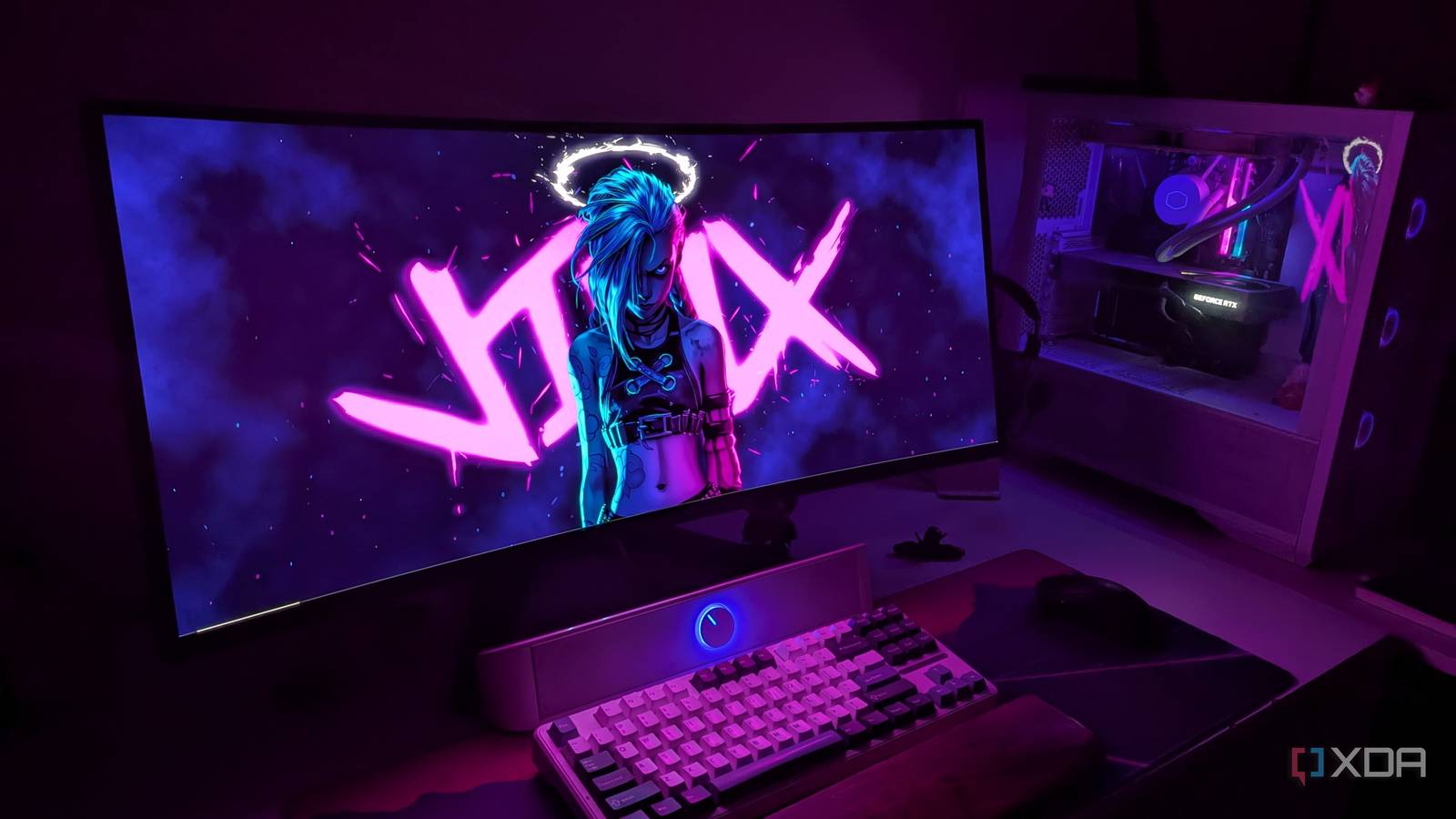
After using a 1080p 60Hz IPS monitor for around four years on my budget PC, I switched to a 1440p 144Hz IPS display. It was a huge upgrade in terms of image quality and motion clarity, and my GTX 1660 Ti at the time was just powerful enough to drive it in most games. I never felt like upgrading to a new gaming monitor for another four years, since OLED displays were still too expensive. However, I spotted a deal on the Alienware AW3423DWF late last year, and thanks to a friend’s employee discount, I was able to buy it for just over $600. That was way cheaper than any other 1440p ultrawide OLED on the market, and a full $200 less than its successor, the AW3425DW.
The visual difference between the IPS and OLED panels was stark, to say the least. The horrible backlight bleed was gone, and I could see true blacks and bright highlights for the first time on a monitor. This is what HDR is supposed to feel like. I was playing Control and Alan Wake 2 at the time, and both of them looked richer and more “alive” on the OLED display compared to my older IPS monitor. Even Cyberpunk 2077’s reflections looked way more true to life than ever. My CPU or GPU hadn’t changed, but gaming felt like it had just gotten a shot in the arm. Thanks to the OLED monitor, I found myself returning to gaming more than before, enjoying new and old games alike on the high-end screen.

6 things no one told me about living with an ultrawide OLED monitor
OLED & ultrawide is a deadly, not perfect, combination
The right upgrade at the right time makes all the difference
Upgrading from the GTX 1660 Ti to the RTX 3080 is no small upgrade, but it never felt as game-changing as moving from an HDD to an SSD or switching from an IPS to an OLED monitor. The former transformed the responsiveness of my PC, and the latter elevated the gaming experience to another level. Even the upgrade to 16GB RAM or an 8-core CPU was in many ways more impactful than a new GPU, since they allowed me the flexibility to use my system in newer ways.
